Article: 10 Reasons Your Golf Simulator Impact Screen Isn't Lasting (And How to Fix It)

10 Reasons Your Golf Simulator Impact Screen Isn't Lasting (And How to Fix It)
You’ve finally done it. You’ve invested in one of the best indoor golf simulators, cleared out the garage or the spare room, and dialed in your swing. But after a few months of heavy use, you notice it: a slight fraying in the center, a stubborn yellow stain, or worse: a small tear that’s starting to grow.
The golf simulator impact screen is the literal "face" of your setup. It takes the brunt of every 160-mph ball speed drive and every high-spin wedge shot. While these screens are engineered for durability, they aren't invincible. If you find yourself replacing your screen more often than your golf glove, something is wrong with your maintenance or setup.
At Elevated Golf Simulators, we want your investment to last for years, not months. Here are the 10 most common reasons your screen is wearing out prematurely and exactly how you can fix them today.
1. Dirty Golf Balls (The "Grime" Factor)
It sounds simple, but dirty golf balls are the number one killer of pristine white screens. When a ball carries grass, dirt, or sand from the outdoor range into your indoor setup, that debris doesn't just fall off. The incredible force of the impact grinds that dirt deep into the polyester fibers of the screen.
The Result: Permanent brown or grey staining that can’t be washed out, which eventually weakens the fabric structure.
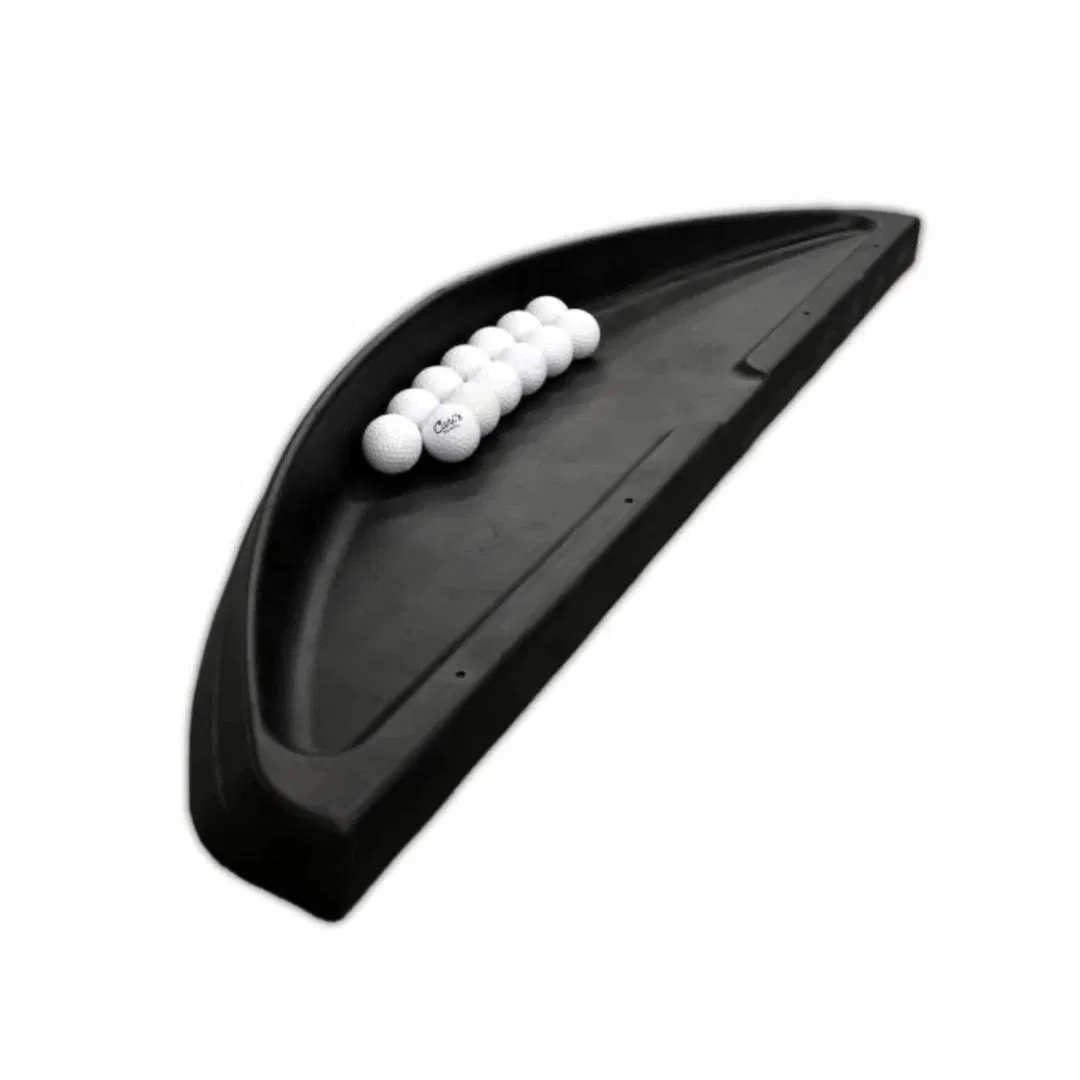
The Fix: Clean your balls or buy a dedicated indoor set. Never use balls that have seen the light of day on a real golf course. Keep a fresh bucket of balls strictly for your simulator and store them in a durable plastic golf ball tray to keep them off the floor.
2. Scuffed or Cut Golf Balls (The "Sandpaper" Effect)
If you’re hitting balls with "smiles," scuffs, or rough covers, you are essentially firing a piece of high-velocity sandpaper at your screen. A scuffed ball creates friction that shears away the top layer of the screen material, leading to "pilling" and eventually a hole.
The Result: Rapid fraying and thinning of the impact zone.
The Fix: Use brand new, indoor-only balls. Check your balls frequently. The moment you see a scuff or a crack in the cover, toss it. It is much cheaper to replace a $4 golf ball than a $500 golf simulator impact screen.
3. Ink and Sharpie Marks
Many golfers use permanent markers to draw alignment lines or identify their balls. On an outdoor course, this is fine. In a simulator, it’s a disaster. Upon impact, the heat generated by the friction causes the ink to transfer directly onto the screen.
The Result: Permanent black or red streaks across your beautiful 4K projection.
The Fix: Switch to unmarked balls. If you need an alignment aid, look for balls with "built-in" printed lines from the manufacturer (like TP5 pix or Truvis), as these are typically cured differently and are less likely to transfer. Better yet, use plain white balls.
4. Excessive Tension (The "Guitar String" Problem)
It’s tempting to pull your screen as tight as possible to get a perfectly flat, wrinkle-free image. However, if the screen has no "give," it cannot absorb the energy of the ball. Instead of the fabric stretching slightly to dissipate the force, the fibers are forced to snap.
The Result: Horizontal tears near the grommets and high bounce-back (which is also a safety hazard).
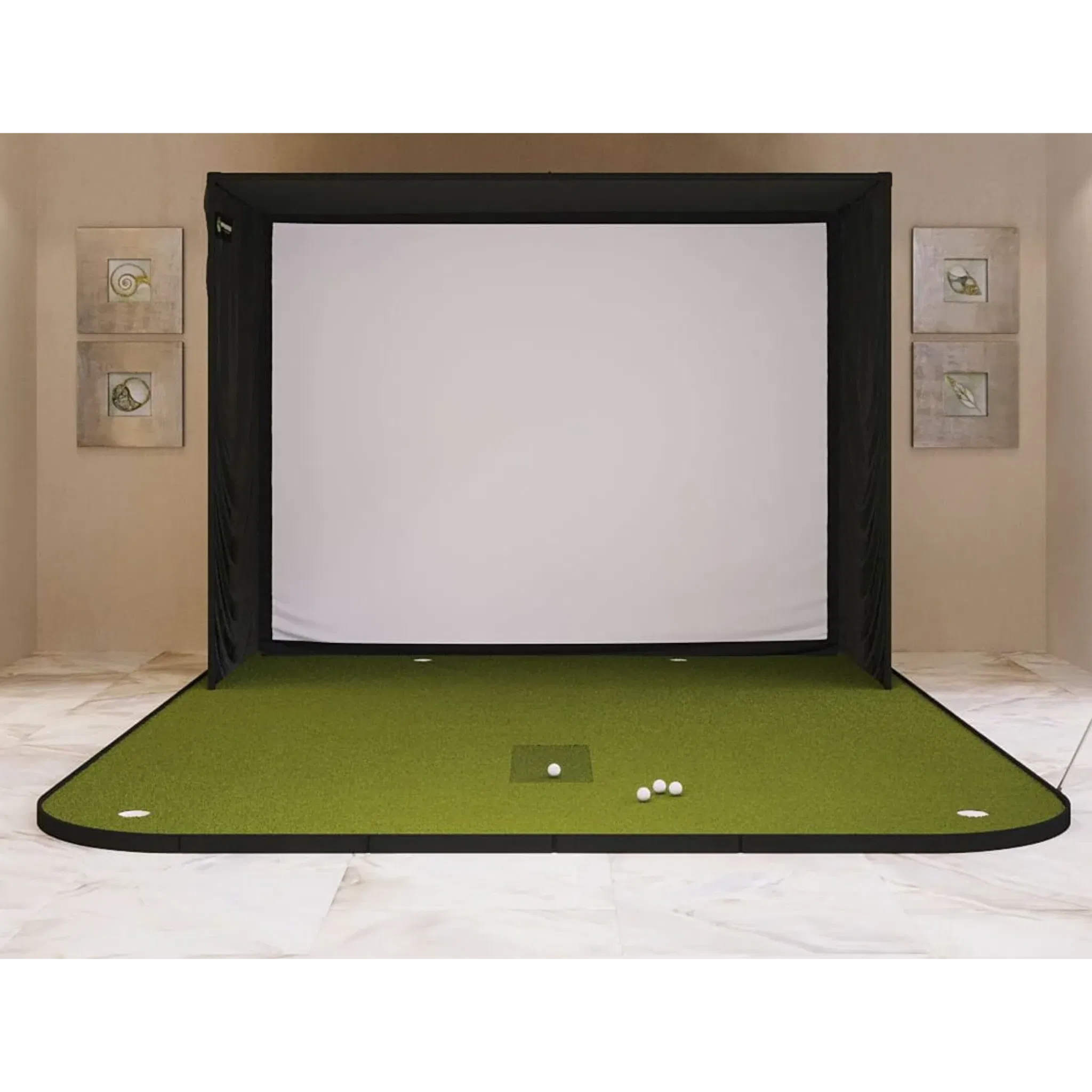
The Fix: Adjust your bungee tension. You want the screen to be flat enough for a good picture, but it should still have a bit of "wave" or "give" when hit. If you are using a SIG10 Golf Simulator Enclosure, ensure the side bungees are firm but not over-tightened.
5. Too Little Tension / Bottoming Out
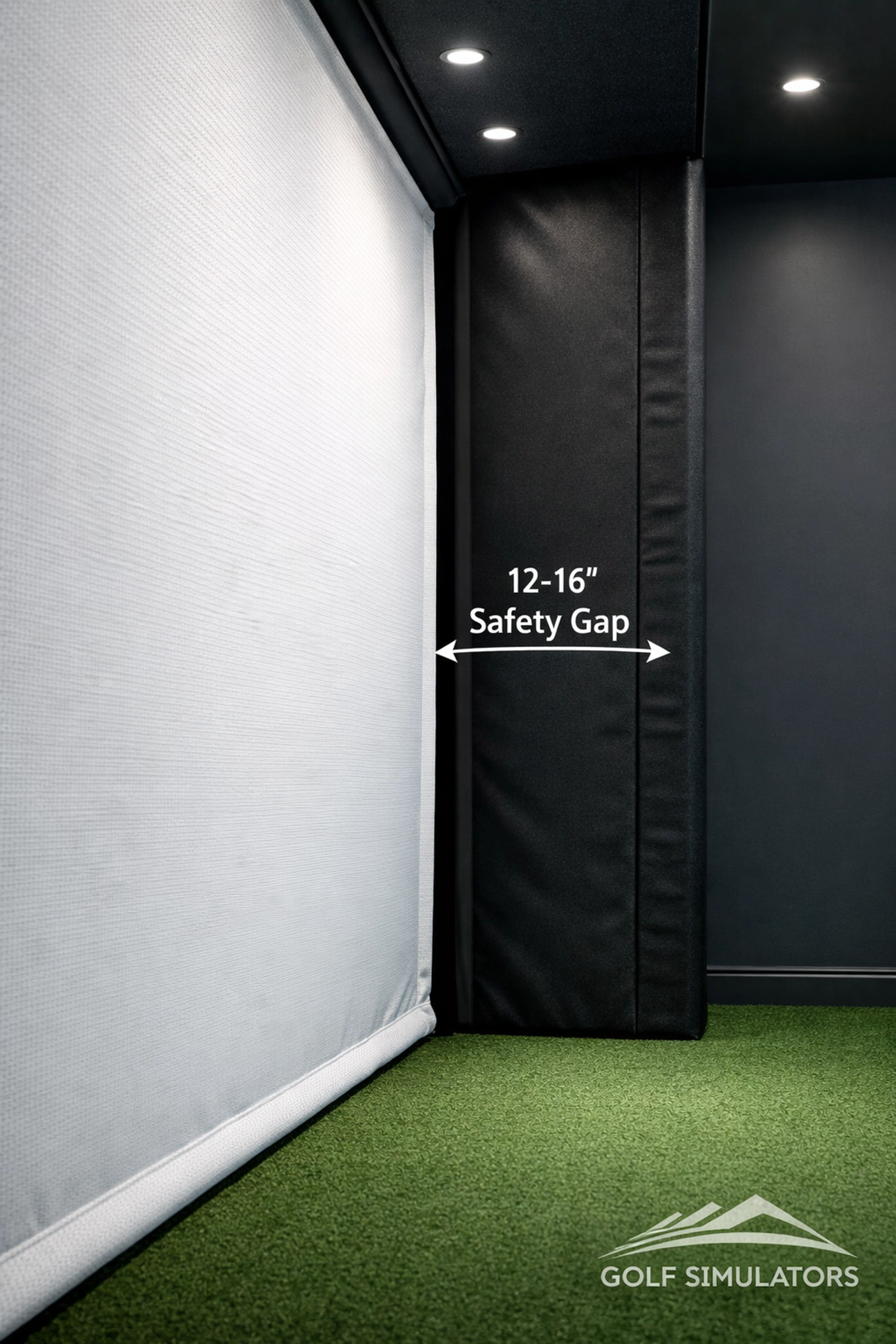
The opposite of the "guitar string" is the "curtain." If your screen is too loose, or if it is placed too close to a hard surface like a drywall or a metal frame, the ball will push the fabric into that hard surface.
The Result: The screen gets pinched between the ball and the wall, leading to immediate "burn" holes or structural failure.
The Fix: Leave 12-16 inches of space behind the screen. This allows the screen to travel backward and decelerate the ball naturally. If space is tight, ensure you are using a high-quality enclosure like the SIG12 Golf Simulator Enclosure which is designed to manage this depth perfectly.
6. High-Spin "Burn" Marks
When a high-lofted wedge hits the screen at 10,000+ RPM, it creates a massive amount of friction heat. This heat can literally melt the synthetic fibers of lower-quality screens, leaving behind small, melted brown spots.
The Result: Brittle spots on the screen that eventually crack and turn into holes.
The Fix: Upgrade to multi-layer premium screens. A screen like the Carl's Place Premium Golf Impact Screen features multiple layers of heavy-duty fabric that dissipate heat and impact much more effectively than a single-layer mesh.
7. Dirty Club Grooves
If your clubface is caked in dried mud or sand from your last Saturday round, that debris is transferred to the ball the moment you strike it. The ball then carries that abrasive material straight to the screen.
The Result: Similar to Reason #1, this grinds "grit" into the screen, acting like a localized abrasive.
The Fix: Keep a bucket and brush in your simulator room. Make it a habit to clean your clubs before every session. Not only will your screen last longer, but your launch monitor: like the Uneekor EYE MINI: will give you much more accurate spin data with clean grooves.
8. Low-Quality Screen Material
Not all screens are created equal. Many "budget" screens found on general marketplaces are actually archery netting or thin polyester mesh not rated for golf ball speeds exceeding 100 mph.
The Result: The screen sags almost immediately and develops a "belly" that ruins the projection quality.
The Fix: Invest in a screen rated for golf. If you are a casual golfer, the Carl's Place Standard Golf Impact Screen is a great entry point. However, if you have a high swing speed, you should look at the Carl's Place Preferred Golf Impact Screen for a better balance of durability and image quality.
9. UV Exposure
Is your simulator in a garage with the door open? Or in a room with a large, sunny window? Polyester and nylon: the primary materials in golf simulator enclosures: are sensitive to ultraviolet (UV) light.
The Result: The fibers become "sun-bleached" and brittle. Once the fibers are brittle, they lose their elasticity and snap upon impact.
The Fix: Keep it in the dark. Use blackout curtains or keep the garage door closed during the day. This also has the added benefit of making your projector image look significantly brighter and more vivid.
10. No Backing Net or Buffer
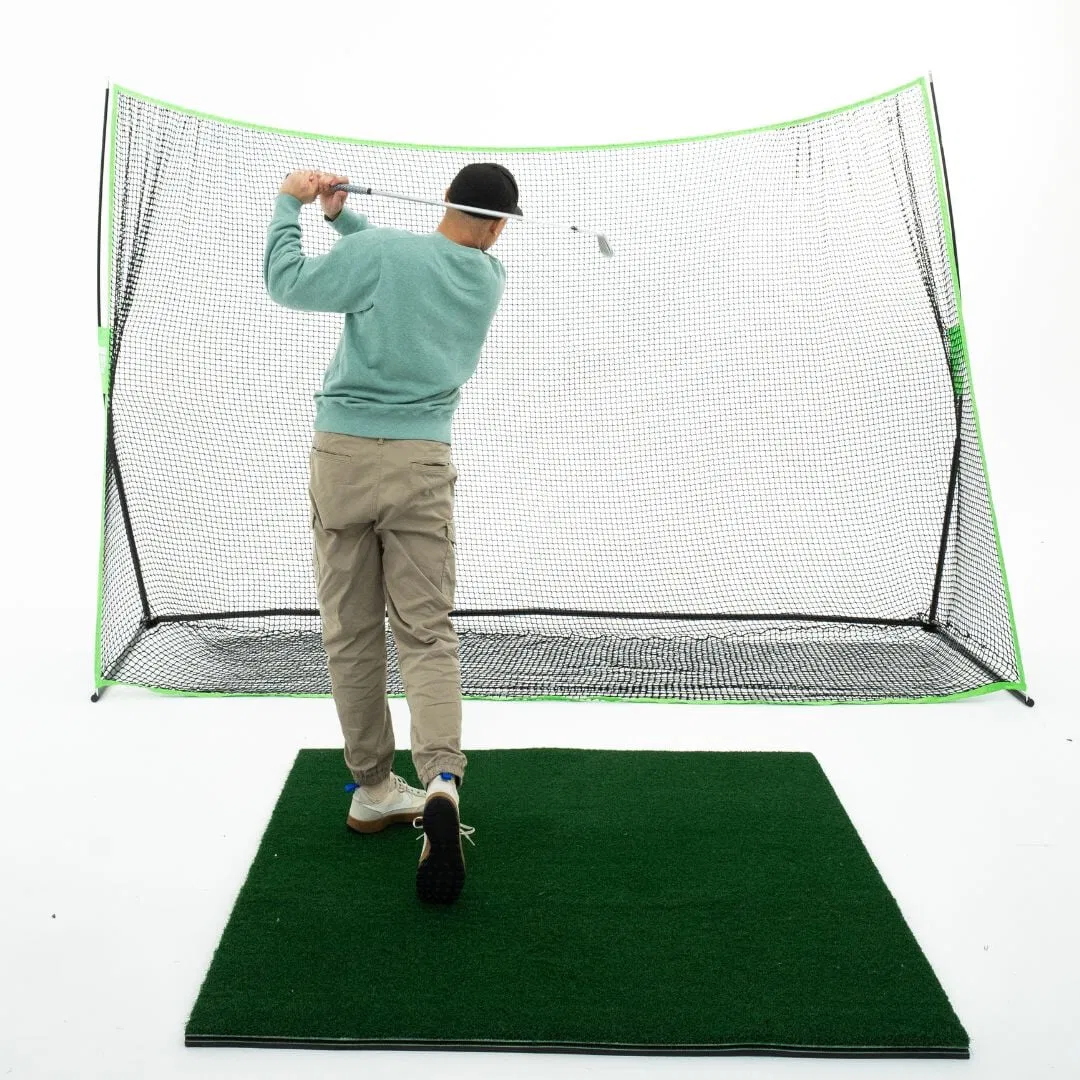
Many users expect a single sheet of fabric to do all the work. While a high-end screen can handle the force, adding a secondary layer of protection can double or triple the lifespan of your primary screen.
The Result: The primary screen takes 100% of the kinetic energy, leading to faster fatigue of the fabric.
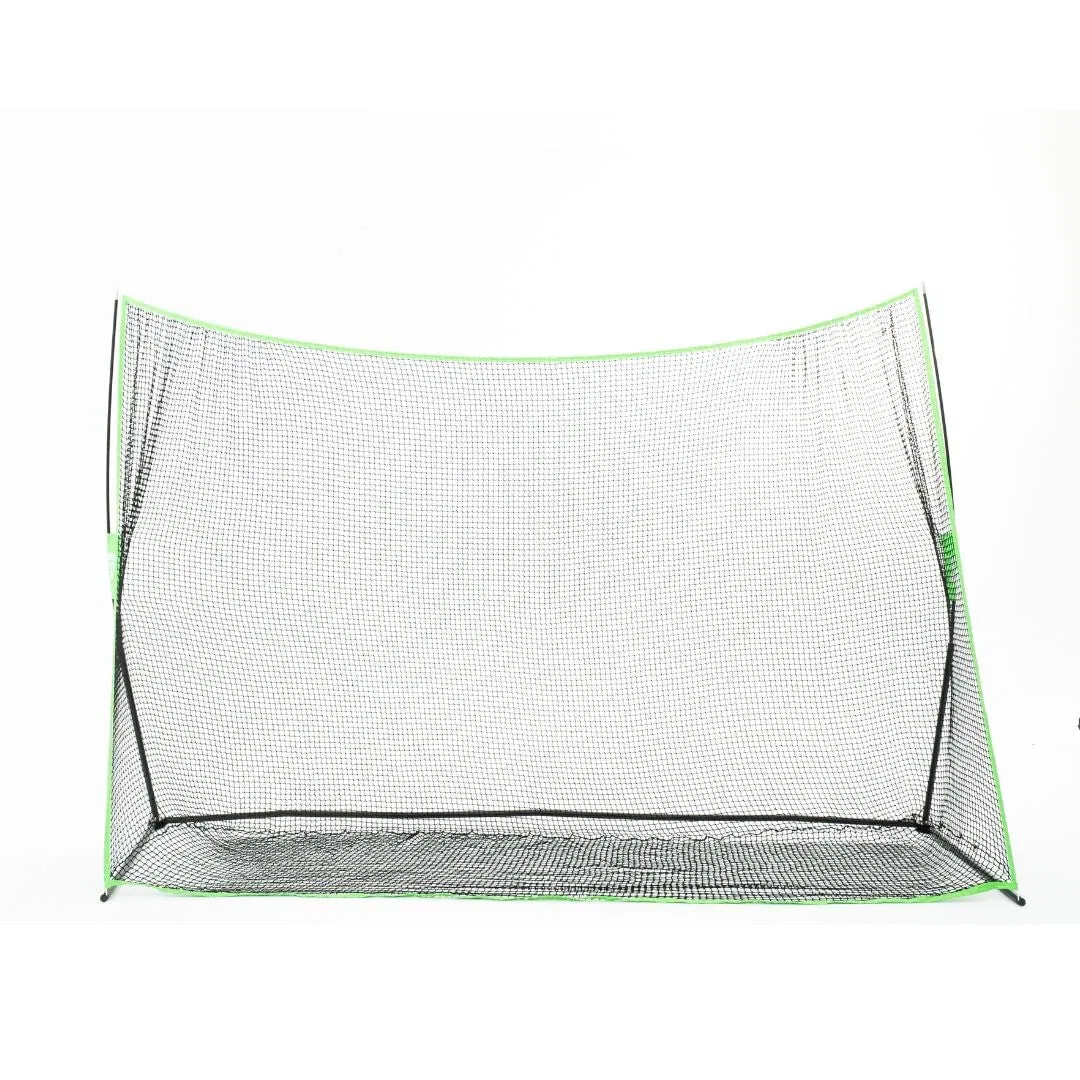
The Fix: Add a backing net. Installing a high-impact net: like a KEVL practice golf net: directly behind the impact screen acts as a "safety net" that helps absorb the initial shock. This reduces the strain on the screen's grommets and central fibers.
Comparison: Which Screen is Right for You?
| Feature | Standard | Preferred | Premium |
|---|---|---|---|
| Material | Single-layer Polyester | Heavy-duty Multi-layer | Triple-layer Spacer Fabric |
| Durability | Moderate | High | Maximum |
| Image Quality | Good | Great | Excellent (HD/4K) |
| Noise Level | Loudest | Quiet | Quietest |
| Recommended For | Beginners / Budget Builds | Regular Golfers | Pro-Level / High Ball Speeds |
| Link | View Standard | View Preferred | View Premium |
Final Verdict: Protect Your Investment
Your golf simulator impact screen is a consumable item: it will eventually wear out: but there is no reason it shouldn't last you thousands of rounds. By simply cleaning your clubs, using fresh indoor balls, and ensuring your SIG8 Golf Simulator Enclosure has the proper depth and tension, you can save yourself hundreds of dollars in replacement costs.
If your current screen is already showing signs of significant wear (like large tears or thinning), don't risk a ball flying through the fabric and damaging your wall or your launch monitor.
Ready to upgrade your view? Shop our full collection of Golf Impact Screens and find the perfect fit for your home setup. If you need a custom size to fit a unique space, don't hesitate to fill out our Custom Size-to-Fit Form and our team will get you squared away!