

Article: The Ultimate Guide to Golf Simulator Projectors for Beginners

The Ultimate Guide to Golf Simulator Projectors for Beginners
Golf enthusiasts are continually seeking ways to enhance their skills, but often face constraints like weather and location. Enter golf simulators: a revolutionary way to practice and perfect your game in the comfort of your own space. A key component to achieving an immersive and effective experience is choosing the right golf simulator projector. This guide aims to unravel the avenues for selecting the ideal projector to suit your needs, as well as exploring other essential tools like putting greens and launch monitors, including brands like Rapsodo.
Visit Elevated Golf Simulators
Understanding Golf Simulator Projectors
When diving into the world of golf simulators, projectors can make or break your experience. They're essential for projecting the virtual course onto your screen, thereby simulating a realistic environment. The key factors to consider when choosing a projector include resolution, brightness, throw distance, and aspect ratio.
- Resolution: Look for a high-resolution projector to ensure crisp imagery. Full HD (1080p) is usually sufficient, but for the best experience, a 4K projector can be a worthy investment.
- Brightness: Measured in lumens, brighter projectors handle ambient light better, which is crucial if your simulator setup is in a room that can’t be completely dark.
- Throw Distance: This is the distance between the projector and the screen. Short-throw projectors are popular in golf simulators because they can project large images from a short distance.
- Aspect Ratio: This determines the shape of the image. For a golf simulation experience, 16:9 or 4:3 aspect ratios are preferred for a widescreen viewing experience.
Essential Golf Simulator Packages
- SIG8 Golf Simulator Studio: Ideal for those seeking a compact yet comprehensive setup. It includes high-quality components that cater to beginners and pros alike.
- SIG12 Golf Simulator Studio: Perfect for spaces with more room, offering an expansive view for a fully immersive golfing experience.
- The SportScreen Parlour Series Golf Enclosure: This enclosure turns any room into a professional simulation area, allowing seamless projector integration.
- Uneekor EYE XO2 SimSpace Golf Simulator Package: Equipped with advanced technology that works well alongside any projector, it’s perfect for those looking to elevate their game with precision launch monitors.
The Role of Putting Greens and Launch Monitors
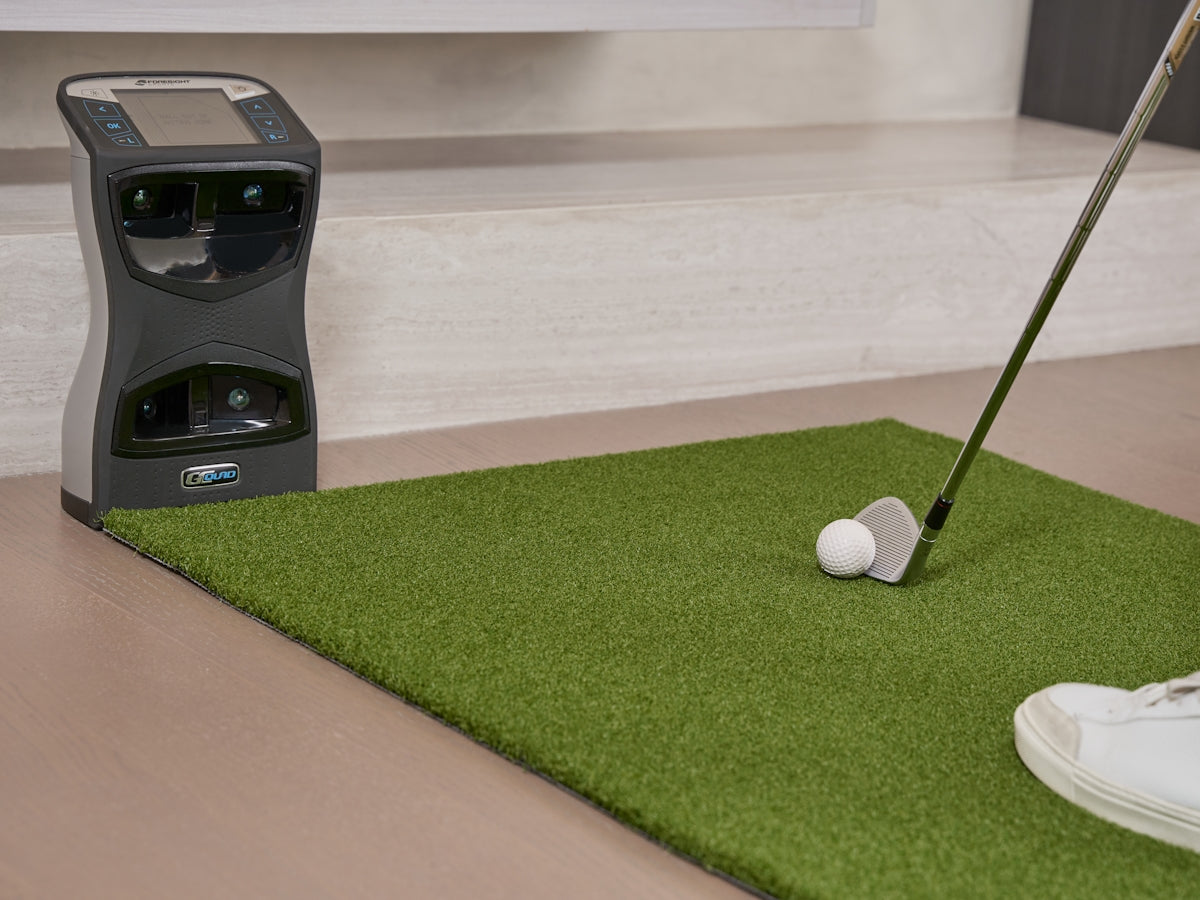
A high-quality putting green can complement your simulator, allowing you to practice critical short game strokes. Pairing this with a reliable launch monitor can provide you with real-time data to analyze your swings and improve your technique. Products like Rapsodo's launch monitors offer detailed statistics that are invaluable to refining your skills.
Conclusion
Investing in a golf simulator setup doesn't just mean enjoying a game; it's about creating a scalable solution that grows with your abilities. With the proper projector and essential equipment, novice golfers can experience a realistic and enjoyable game environment at home or in a personal studio space. To explore a variety of top-notch simulator options, Elevated Golf Simulators offers a range of products tailored to fit your exact expectations and needs.
Embrace the future of golf training by choosing the right equipment to accompany you on your journey to becoming a pro.