


Uneekor Launch Monitor Guide: EYE Mini vs. EYE XO vs. EYE XO2 (And Everything In Between) (Final Version)
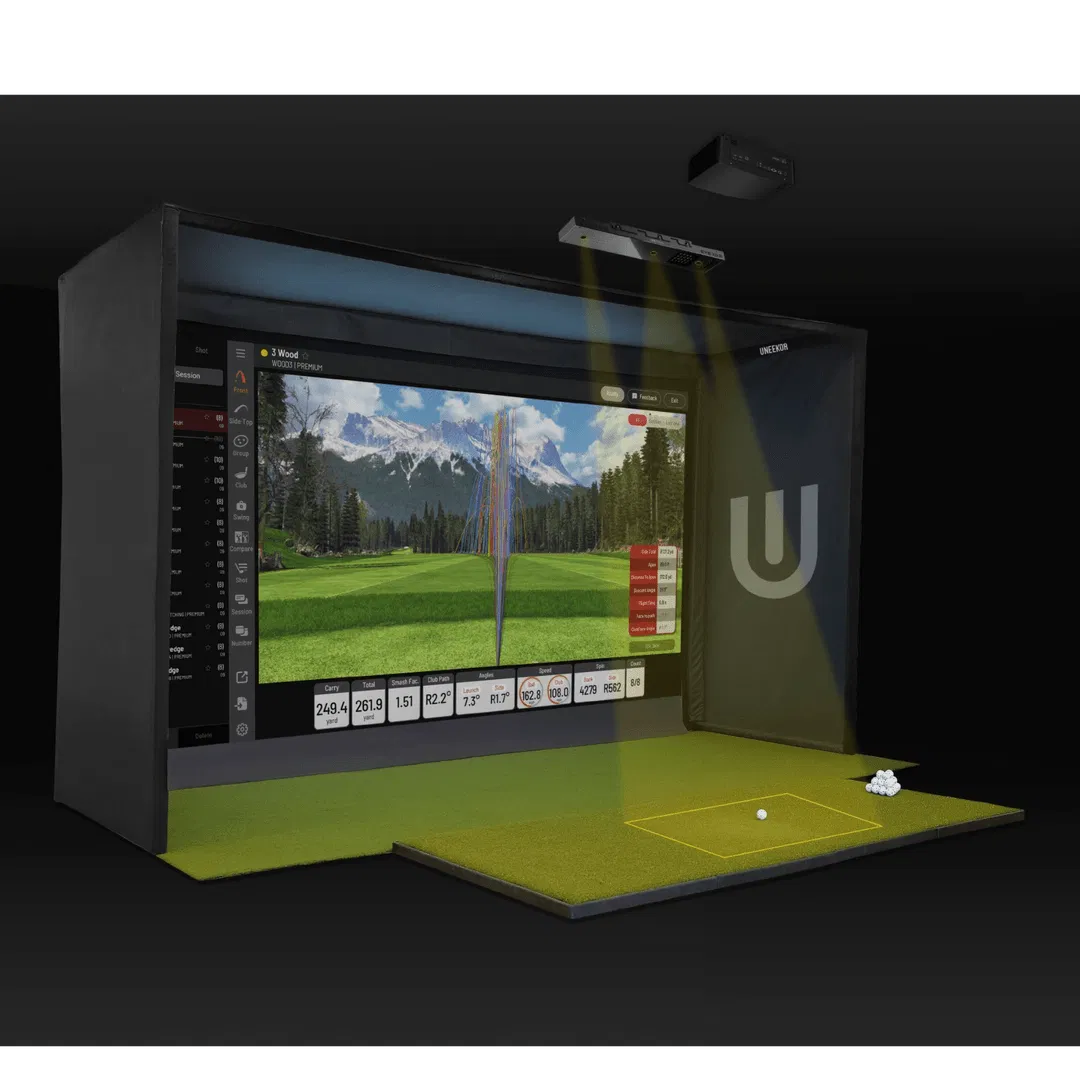
Choosing the right launch monitor is the most critical decision you will make when building your home golf simulator. In the world of high-speed photography and infrared tracking, Uneekor has established itself as the gold standard for golfers who demand professional-grade accuracy without the restrictive "closed ecosystem" of some competitors.
As we move through 2026, the Uneekor lineup has expanded significantly. Whether you are looking for a portable unit to take to the range or a permanent overhead fixture for a dedicated simulator room, there is a Uneekor model designed for your specific needs. In this guide, we break down the differences between the EYE Mini Lite, EYE Mini, EYE XR, EYE XO, and the flagship EYE XO2 to help you decide which piece of tech belongs in your setup.
The Portable Entry: Uneekor EYE Mini Lite
The Uneekor EYE Mini Lite is the newest entry-point into the Uneekor ecosystem. It was designed specifically for the golfer who wants the power of the EYE Mini but doesn’t need to take the unit to the outdoor grass range.
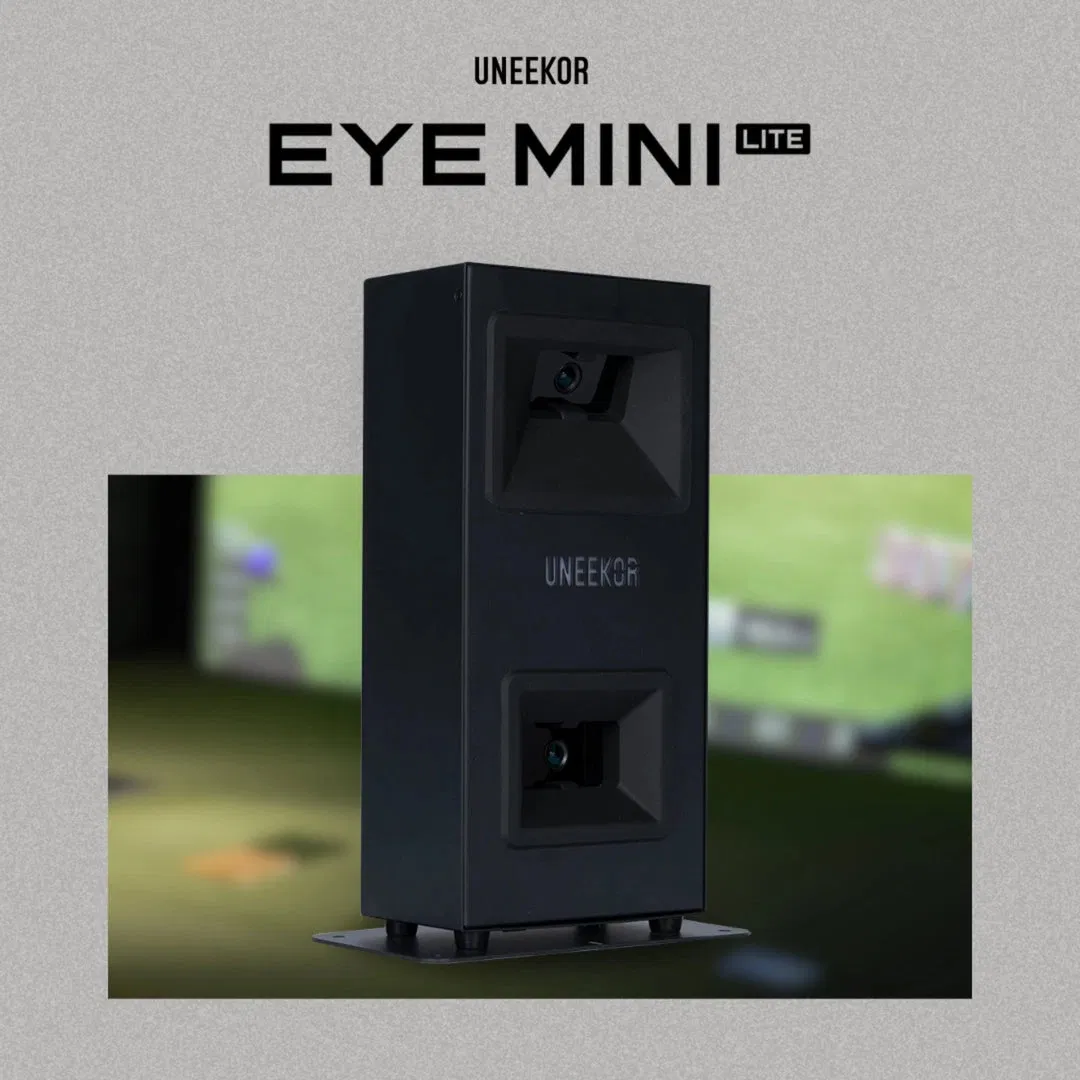
By removing the battery and the built-in display found on its bigger brother, Uneekor created a more affordable, compact powerhouse. The EYE Mini Lite must be plugged into a PC and a power source at all times, making it the perfect "permanent" floor-based unit for smaller indoor spaces.
Key Features of the EYE Mini Lite:
- Club and Ball Data: Provides comprehensive metrics including ball speed, launch angle, back spin, side spin, club speed, and attack angle.
- Dimple Tracking: Uses high-speed cameras to track the dimples on the ball, meaning you don't need special marked balls.
- Value: It offers the exact same data accuracy as the higher-end models at a fraction of the cost.
Best For: Golfers on a budget who have a dedicated indoor space and a high-powered PC.
The Versatile Choice: Uneekor EYE Mini
The Uneekor EYE Mini changed the game by bringing Uneekor’s renowned overhead technology down to the floor in a portable form factor. Unlike the Lite version, the standard EYE Mini features a built-in E-ink display and an internal battery.
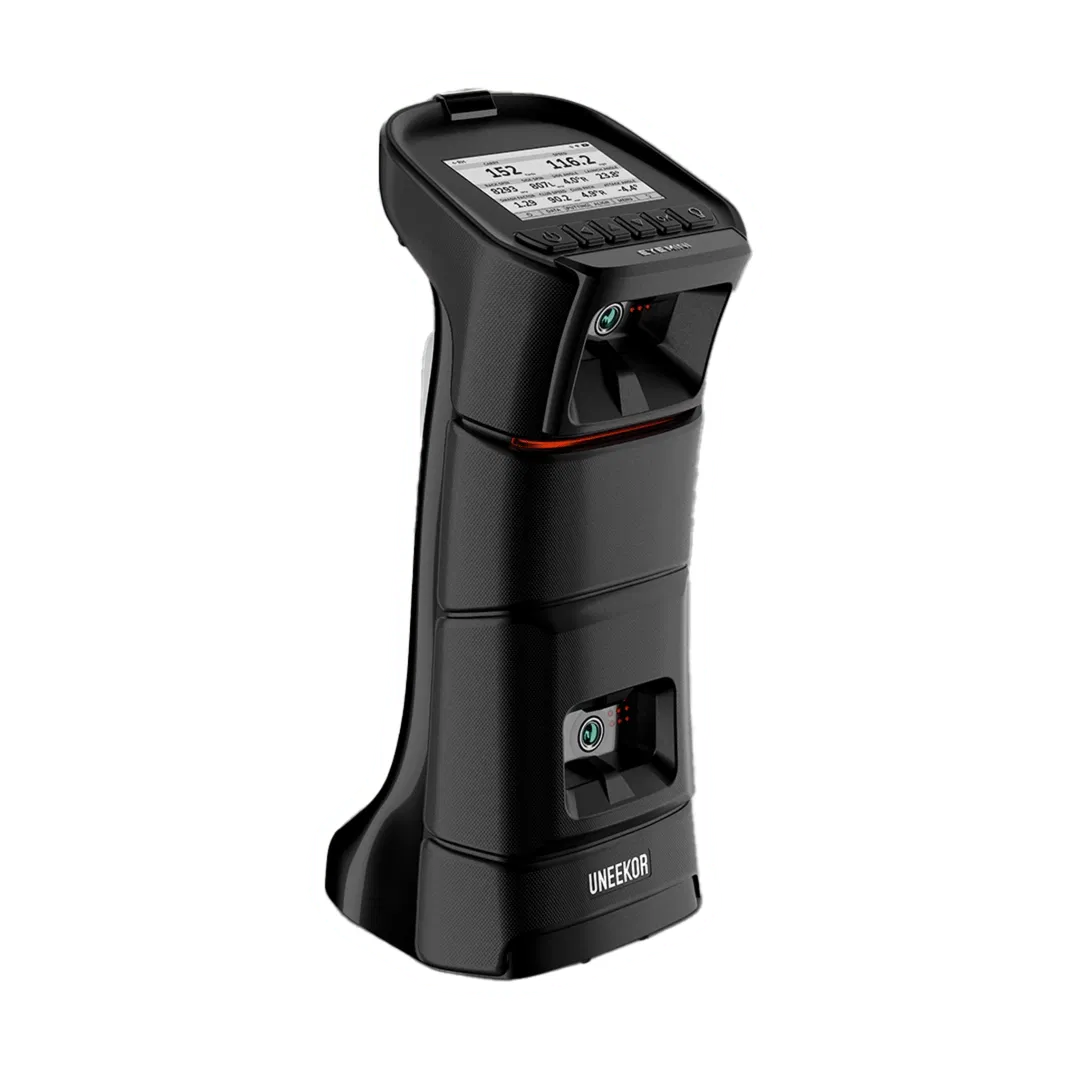
This unit is designed for the golfer who practices at home in the garage but also wants to verify their numbers at the local range. It uses the same dual high-speed camera system to provide instant feedback on every shot.
Why Choose the EYE Mini?
- Portability: Use it indoors with your simulator or outdoors on the range.
- Display: View your data immediately on the unit without needing to look at a laptop screen.
- Integration: Seamlessly integrates with GSPro and Uneekor’s own View software.
Best For: The serious player who needs data both at home and on the go.
The New Overhead Standard: Uneekor EYE XR
The Uneekor EYE XR represents a shift in overhead mounting. While traditional overhead units sit in front of the golfer, the EYE XR is mounted to the ceiling behind the tee.
This "rear-mount" configuration is a lifesaver for smaller rooms or rooms with lower ceilings where a front-mounted unit might be in the way of a follow-through. It utilizes two high-speed cameras paired with AI tracking technology to deliver 19 different club and ball data points.
EYE XR Highlights:
- Sticker-Free Club Tracking: One of the biggest selling points of the XR is that it provides club data without requiring reflective stickers on your clubfaces.
- Clean Setup: Because it is mounted behind you, the area between the ball and the screen remains completely clear.
- No Paywalls: Like other Uneekor products, the XR offers a "no-subscription" approach to your basic data.
Best For: Mid-sized simulator rooms where space optimization is key and you don't want to mess with club stickers.
The Professional Standard: Uneekor EYE XO
The Uneekor EYE XO is the unit that put Uneekor on the map for high-end home installations. This is a front-mounted overhead unit that uses dual high-speed cameras to capture high-resolution imagery of the club impacting the ball.
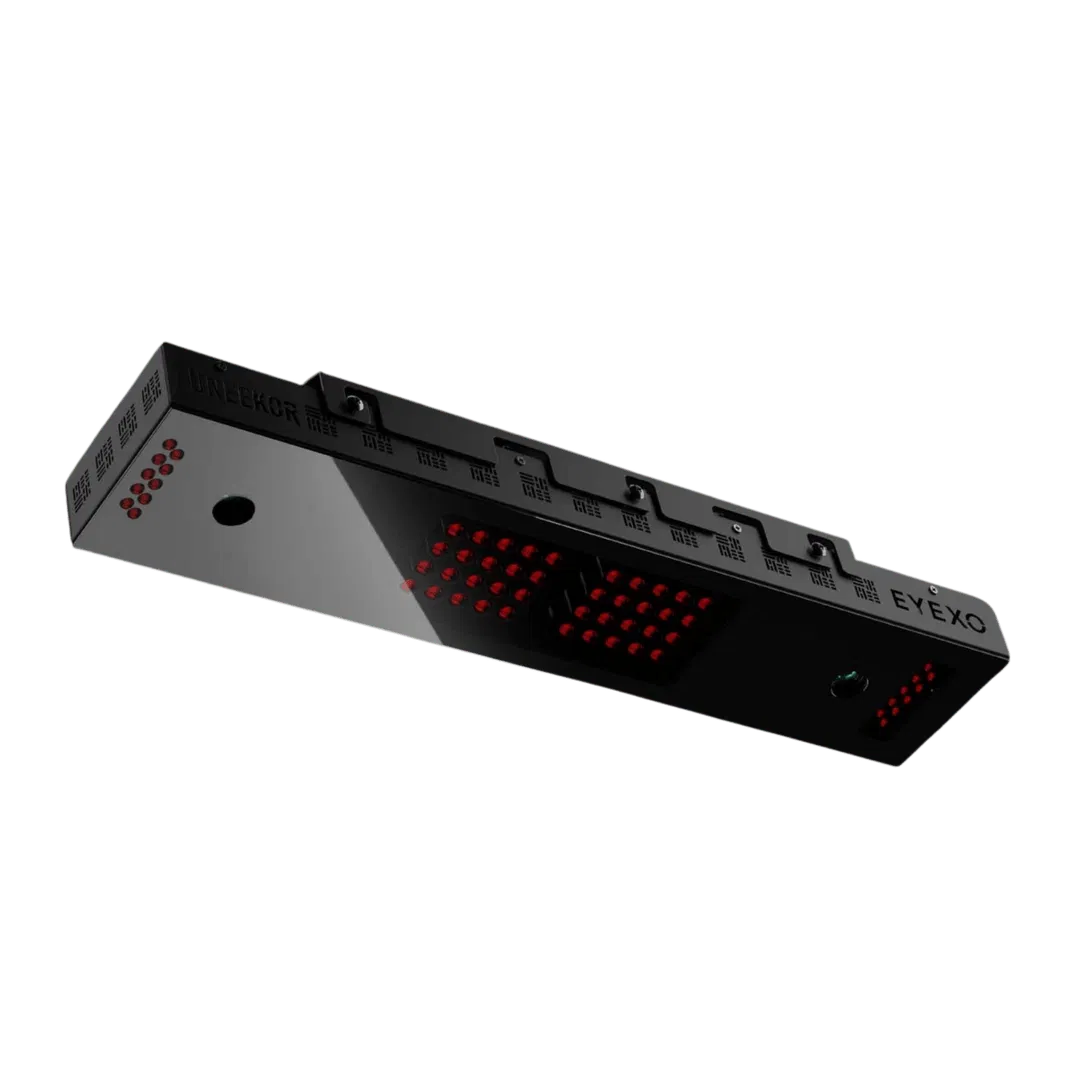
The EYE XO is famous for its "non-sensing" technology, allowing you to use any ball you want: no special markings required. For club data, it does require small reflective stickers, but in exchange, you get some of the most precise "measured" (not estimated) data in the industry.
Why the EYE XO Remains a Top Pick:
- Proven Reliability: It is widely considered one of the most stable and accurate overhead units ever made.
- Instant Replay: The View software provides a slow-motion video of your club hitting the ball, which is an invaluable tool for swing analysis.
- Wide Compatibility: Perfectly compatible with the SIG10 and SIG12 enclosures.
Best For: Dedicated home theater/simulator rooms where accuracy and "cool factor" are the top priorities.
The Ultimate Experience: Uneekor EYE XO2
If you want the absolute best that money can buy, the Uneekor EYE XO2 is the answer. The EYE XO2 takes everything great about the original XO and adds a third high-speed camera, significantly expanding the hitting zone.
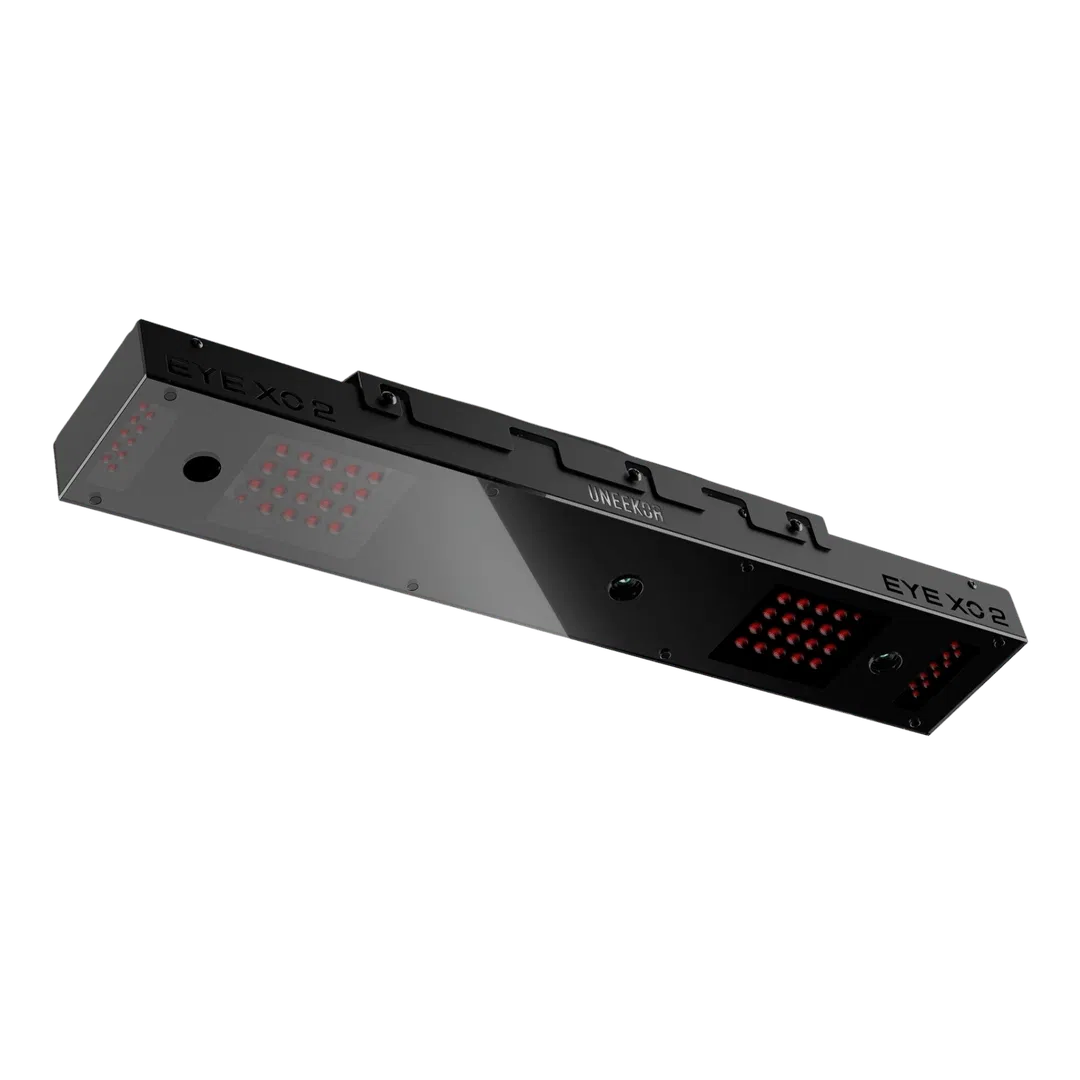
The larger hitting zone (28" W x 21" D) is the biggest draw here. In a multi-user environment, this allows both left-handed and right-handed golfers to play together without moving the launch monitor or shifting the hitting mat. It also allows for more variety in "trouble" lies if you are using specialized hitting mats.
EYE XO2 Advantages:
- Three Cameras: Enhanced precision and a massive hitting area.
- 25 Data Points: Provides the most comprehensive data set in the Uneekor family.
- Multi-Player Friendly: The best choice for commercial facilities or homes with both righty and lefty golfers.
Best For: Commercial setups, high-end luxury home builds, and families with mixed-handedness golfers.
Uneekor Model Comparison Table
| Feature | EYE Mini Lite | EYE Mini | EYE XR | EYE XO | EYE XO2 |
|---|---|---|---|---|---|
| Mounting | Floor | Floor / Portable | Rear Overhead | Front Overhead | Front Overhead |
| Cameras | 2 | 2 | 2 + AI | 2 | 3 |
| Hitting Zone | 13.7" x 11.8" | 13.7" x 11.8" | 13.7" x 11.8" | 12" x 15" | 28" x 21" |
| Club Stickers | Not Required | Not Required | Not Required | Required | Required |
| Best For | Budget Indoor | Portability | Small Rooms | Pro Accuracy | Left/Right Play |
Understanding the Data: Why Uneekor Wins
One of the reasons we recommend Uneekor at Elevated Golf Simulators is the transparency of the data. Many launch monitors use "algorithms" to estimate what the ball or club is doing. Uneekor uses Photometric technology (high-speed cameras) to actually see the movement.
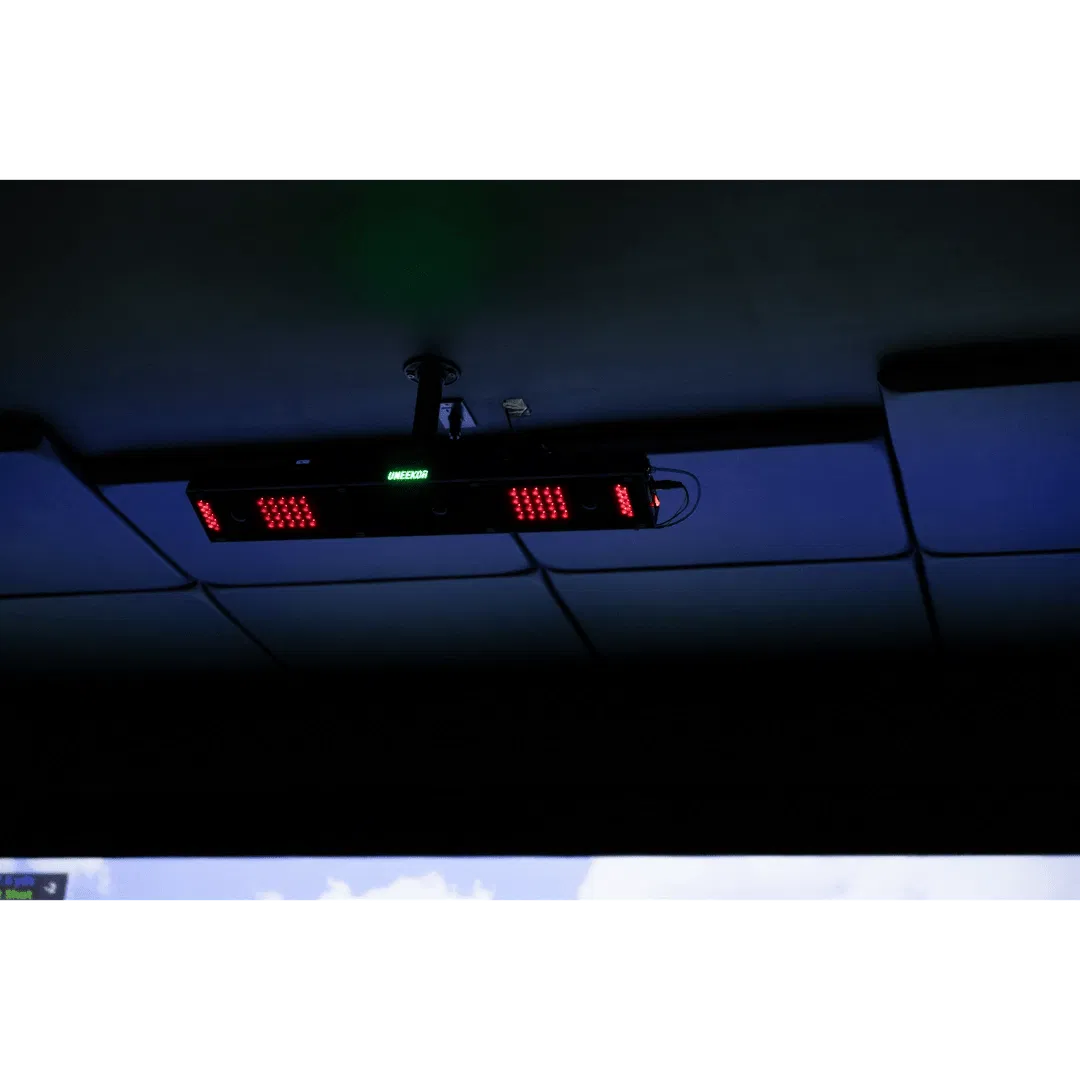
When you see your "Side Spin" or "Launch Angle" on a Uneekor system, you aren't looking at a guess; you are looking at measured data. This is crucial for understanding how your practice impacts your real-world game.
Key Metrics Tracked:
- Ball Data: Speed, Back Spin, Side Spin, Total Spin, Spin Axis, Launch Angle, Side Angle, Apex, Carry, and Total Distance.
- Club Data: Club Speed, Attack Angle, Smash Factor, Club Path, Face Angle, and Face to Path.
Space Requirements and Installation
Before you pull the trigger on an overhead launch monitor, you need to measure your space.
- Ceiling Height: Most overhead units require at least 9 feet of clearance, though 10 feet is ideal to ensure you can swing a driver comfortably.
- Room Depth: You generally need at least 10–12 feet of depth to allow for the flight of the ball into the impact screen.
- PC Power: Uneekor software is graphically intensive. Ensure your PC meets the recommended specs, especially if you plan on running 4K graphics in GSPro or E6 Connect.
If you are unsure if a unit will fit, you can use our custom size-to-fit form for expert advice.
The Final Verdict: Which Uneekor is Right for You?
Choose the EYE Mini Lite if: You want the best value for an indoor-only setup and don't mind staying tethered to a PC.
Choose the EYE Mini if: You need the flexibility to practice at home and take your data to the driving range.
Choose the EYE XR if: You want an overhead system that stays out of the way, requires no club stickers, and fits well in smaller rooms.
Choose the EYE XO if: You want the industry-standard for professional home simulator accuracy and high-speed impact video.
Choose the EYE XO2 if: You have a wide simulator room, play with both left and right-handed golfers, or simply want the most advanced tracking zone available today.
At Elevated Golf Simulators, we believe that Uneekor offers the most versatile and reliable technology on the market. If you have questions about which model is best for your specific room dimensions or budget, feel free to visit our About Us page or Contact Us directly for a personalized consultation. Let’s get your game to the next level.


