

Article: Looking For the Best Indoor Golf Simulators? Here Are 10 Things You Should Know

Looking For the Best Indoor Golf Simulators? Here Are 10 Things You Should Know
The dream of playing Pebble Beach from your garage or working on your swing at midnight is more attainable than ever. As we move through 2026, the technology behind indoor golf has reached a point where the "virtual" experience is nearly indistinguishable from the real thing. However, building the perfect setup requires more than just buying a net and a mat.
At Elevated Golf Simulators, we help golfers navigate the technical landscape of high-end home systems. Whether you are a scratch golfer looking for data or a weekend warrior wanting a social hub, here are the 10 essential things you need to know before investing in an indoor golf simulator.
1. The Three Core Components Are Non-Negotiable
To build a functional system, you need to understand that a "simulator" is actually a combination of three distinct technologies working in harmony. If one is lacking, the entire experience suffers.
- The Launch Monitor: This is the brain of your operation. It tracks the ball and club data.
- The Simulator Software: This translates that data into a visual representation of a golf course.
- The PC or Integrated System: This powers the visuals and connects everything together.
Without a robust launch monitor, your data won’t be accurate. Without high-end simulation software, you’re just hitting into a net. To understand how these components work together to mimic real-world conditions, check out our guide on how golf simulators compare to live course play.
2. Space Requirements: Measure Twice, Buy Once
One of the most common mistakes is underestimating the space required for a safe, comfortable swing. You don't just need room for the equipment; you need "swing room."
The Golden Rule for Dimensions:
- Height: Minimum 8 feet, but 9 to 10 feet is the "sweet spot" for using a driver without fear of hitting the ceiling.
- Width: At least 9 feet, though 12 to 15 feet is preferred for centered hitting.
- Depth: You need about 16 feet total (8 feet from the ball to the screen and 8 feet of backswing room).
If you are planning a conversion, see our ultimate guide to building a golf simulator in your garage for specific layout tips.
3. Technology Type: Camera vs. Radar
Not all tracking technology is created equal. Most home setups use either Photometric (Camera-based) or Doppler (Radar-based) systems.
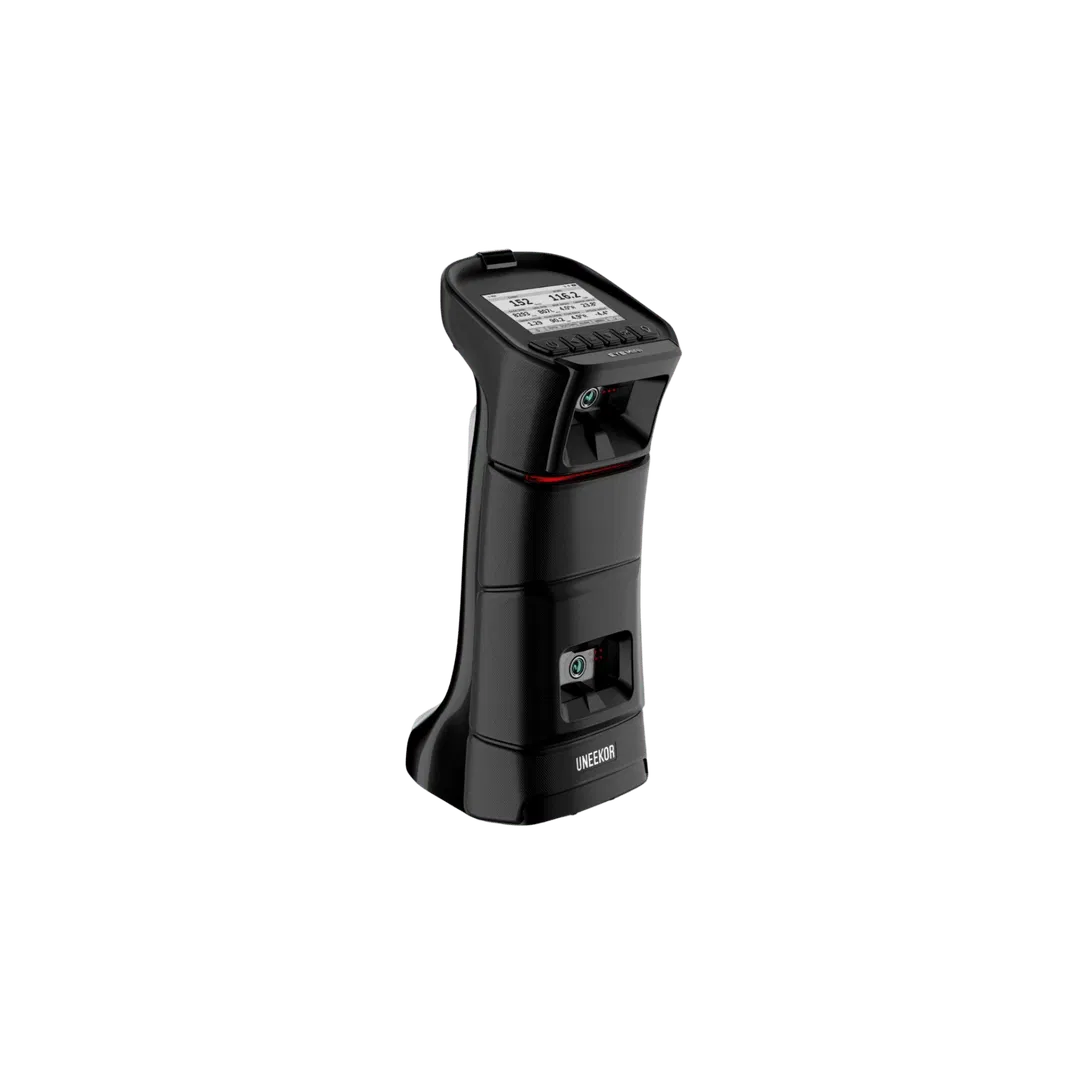
- Photometric: Systems like the Uneekor EYE XO or the Uneekor EYE Mini Lite use high-speed cameras to take thousands of photos of the ball at impact. These are superior for indoor use because they require very little space between the ball and the screen.
- Radar: These systems track the ball in flight. While excellent outdoors, they often require more "room depth" indoors to accurately read spin and launch.
4. Accuracy and Professional-Grade Standards
If you are serious about game improvement, accuracy is the only metric that matters. High-end overhead systems like the Uneekor EYE XO2 utilize tri-tracking technology to provide professional-grade ball and club metrics.
When comparing systems, look for "measured" vs "calculated" data. Budget-friendly units often calculate side spin based on other factors, whereas premium units like the EYE XO2 measure it directly. For a deeper dive into choosing based on performance, read our guide on how to choose the right golf launch monitor for your game.
5. Visual Immersiveness Requires a High-Quality Projector
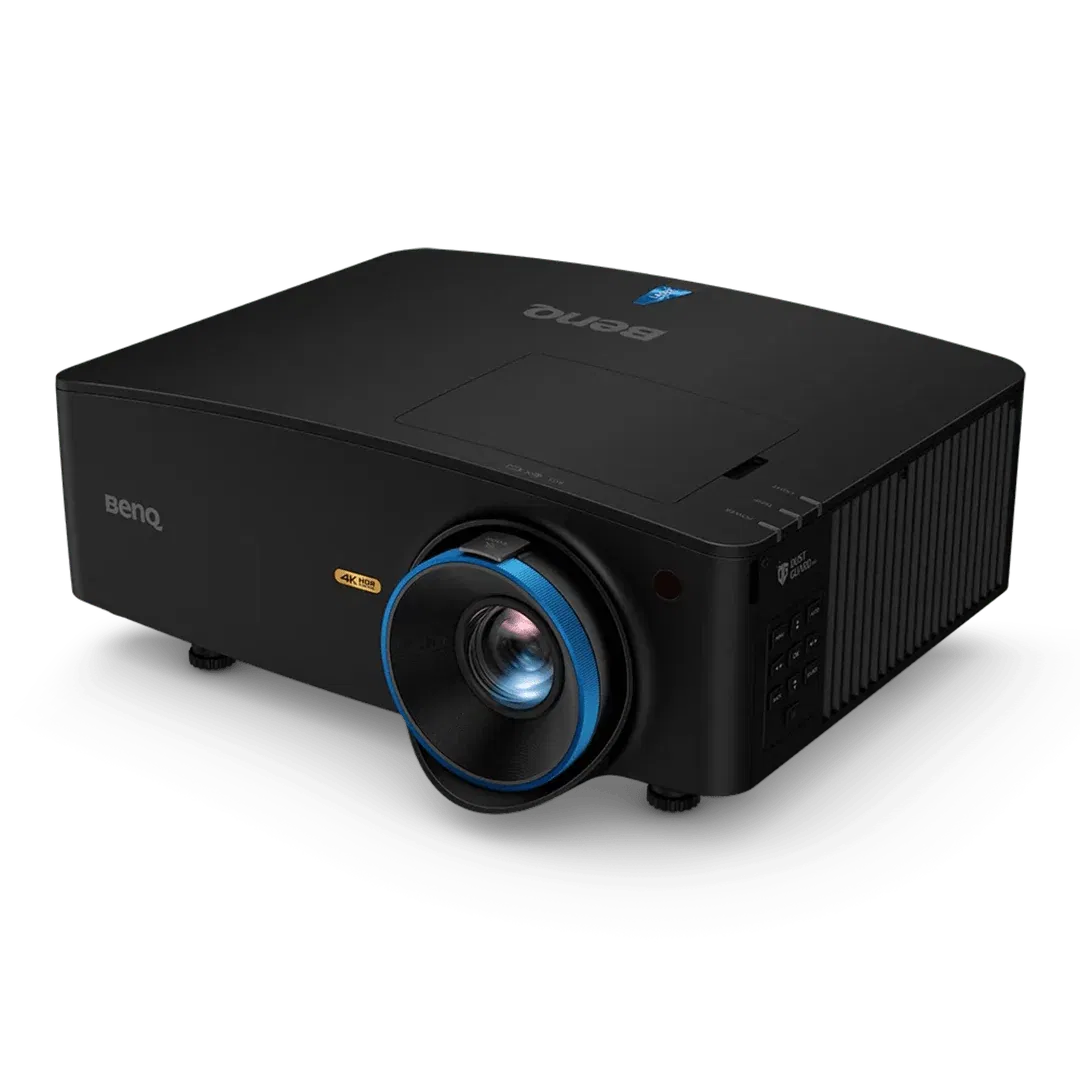
The difference between a "home project" and a "professional simulator" is often the projector. You want a projector with a short-throw ratio, allowing it to be mounted close to the screen without the golfer casting a shadow.
We highly recommend the BenQ LK936ST 4K Laser Projector. It offers 4K resolution specifically optimized for golf simulation, ensuring the grass looks green and the fairways look sharp.
6. The Hidden Cost: The Simulation PC
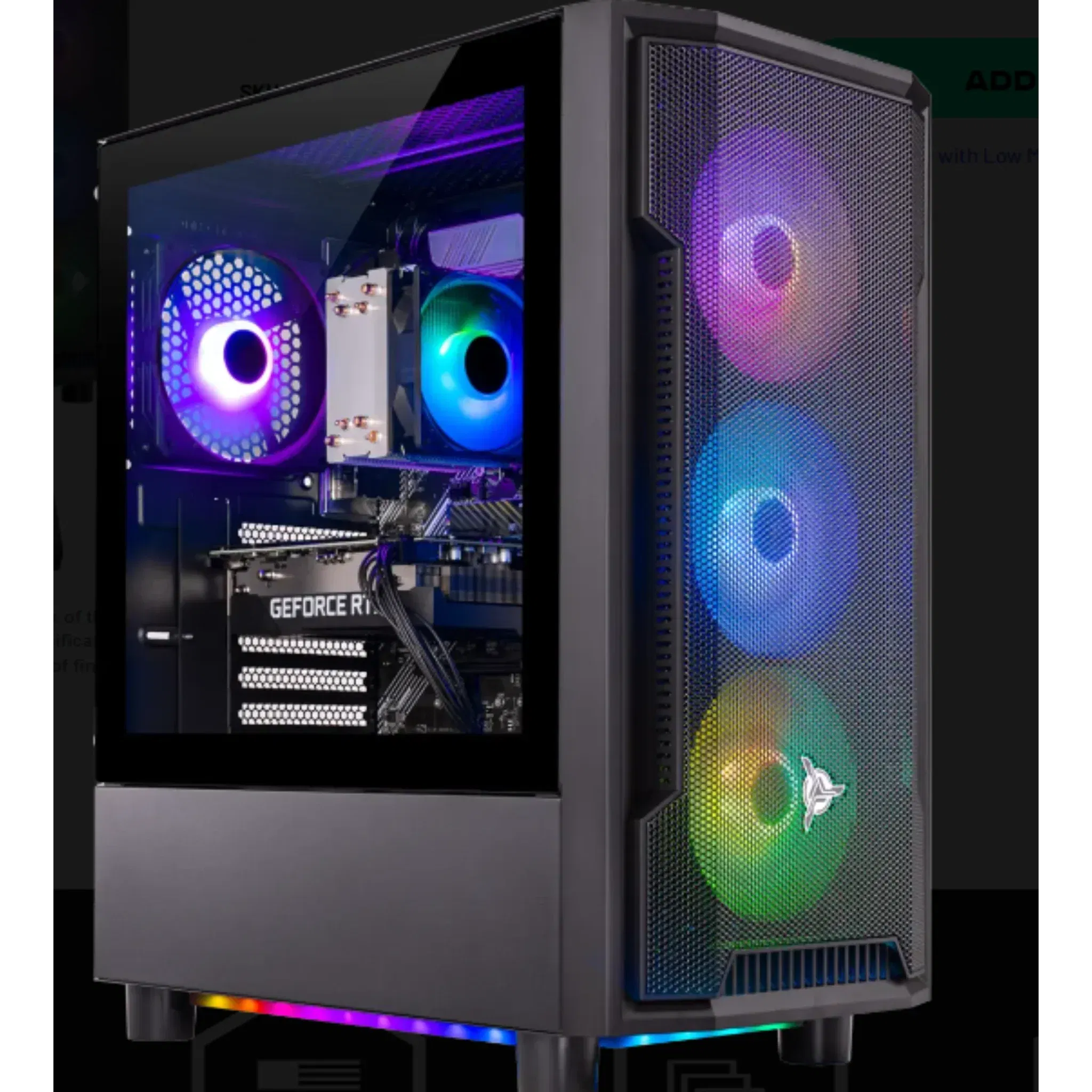
Many first-time buyers forget that the software requires a powerful computer. Running high-definition software like GSPro or Uneekor View at 4K resolution requires a robust graphics card.
A standard office laptop will not suffice. You generally need a PC with a dedicated GeForce RTX 3060 (or higher) to avoid lag. To ensure your system runs smoothly, review our best and minimum PC requirements for a golf simulator.
7. Don’t Skimp on the Impact Screen and Enclosure
The impact screen is arguably the most abused part of your setup. It needs to withstand balls traveling at 150+ mph while providing a flat, crisp surface for projection. High-quality screens help with noise reduction and prevent the "trampoline effect" where the ball bounces back at the golfer.
For those who need a multi-purpose room, consider the SportScreen Vanish Series, which allows for a retractable setup. You can learn more about choosing the right material in our article on how to choose the right impact screen for your golf simulator.
8. Hitting Mats and Joint Health
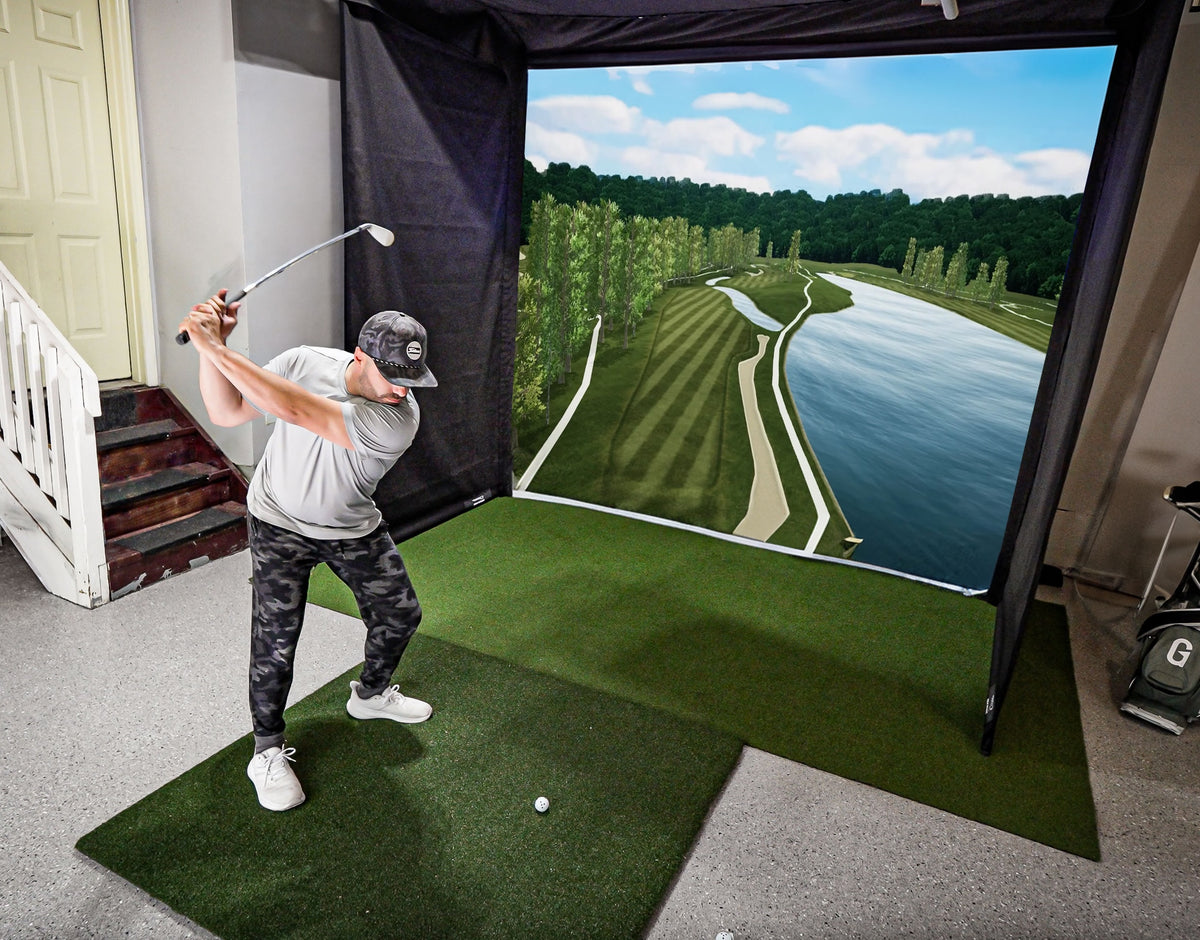
Hitting off a poor-quality mat can lead to "golfer’s elbow" or wrist injuries. Cheap mats are often too thin, causing your club to bounce off the floor beneath. A premium mat should mimic the feel of taking a divot on real turf. This is why it’s essential to invest in quality products for your setup. For a breakdown of what to look for, see our advice on choosing the right hitting mat.
9. DIY vs. Turnkey Packages
You have two paths when building a simulator:
- DIY: Buying the launch monitor, screen, net, and mat separately. This is often more cost-effective but requires significant research and setup time.
- Turnkey Packages: These are pre-configured sets where everything is guaranteed to work together.
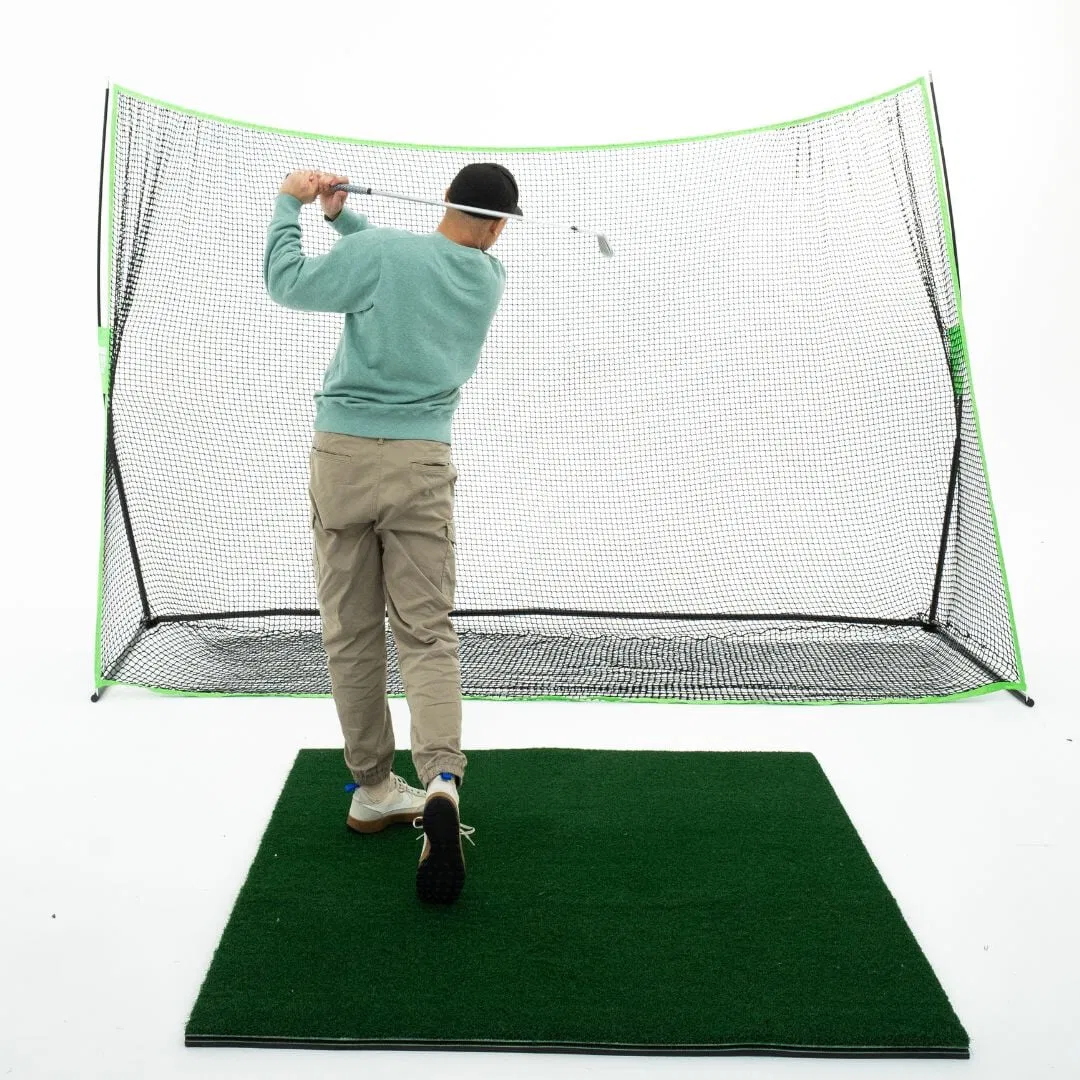
If you are going the DIY route, a high-quality freestanding net is a great starting point for those not ready for a full enclosure.
10. Understanding Total Cost of Ownership
The initial purchase price isn't the only cost. You should factor in:
- Software Subscriptions: Many launch monitors require an annual fee for premium courses or advanced data.
- Wear and Tear: You will eventually need to replace your impact screen and hitting mat surface.
- Projector Bulb/Laser Life: Laser projectors (like the BenQ models) last much longer than traditional bulb projectors but represent a higher upfront cost.
To get a realistic view of the financials, read our breakdown of how much a golf simulator actually costs.
Final Verdict: Which Path Should You Choose?
Building an indoor golf simulator is an investment in your game and your home entertainment. The "best" system depends entirely on your goals:
- Choose the Uneekor EYE XO2 if... you want a permanent, high-end overhead setup with zero clutter on the floor and professional-grade accuracy.
- Choose the Rapsodo MLM2 Pro if... you are looking for the best entry-level value that still offers spin measurement and video replay.
- Choose a BenQ 4K Projector if... you want the most lifelike visuals and plan to use the space for movie nights as well.
Indoor golf offers tremendous advantages, from year-round practice to data-driven improvement. By focusing on these 10 areas, you ensure that your investment will provide value for years to come.
Ready to elevate your game? Explore our full collection of premium golf technology and take the first step toward your dream home setup.

