
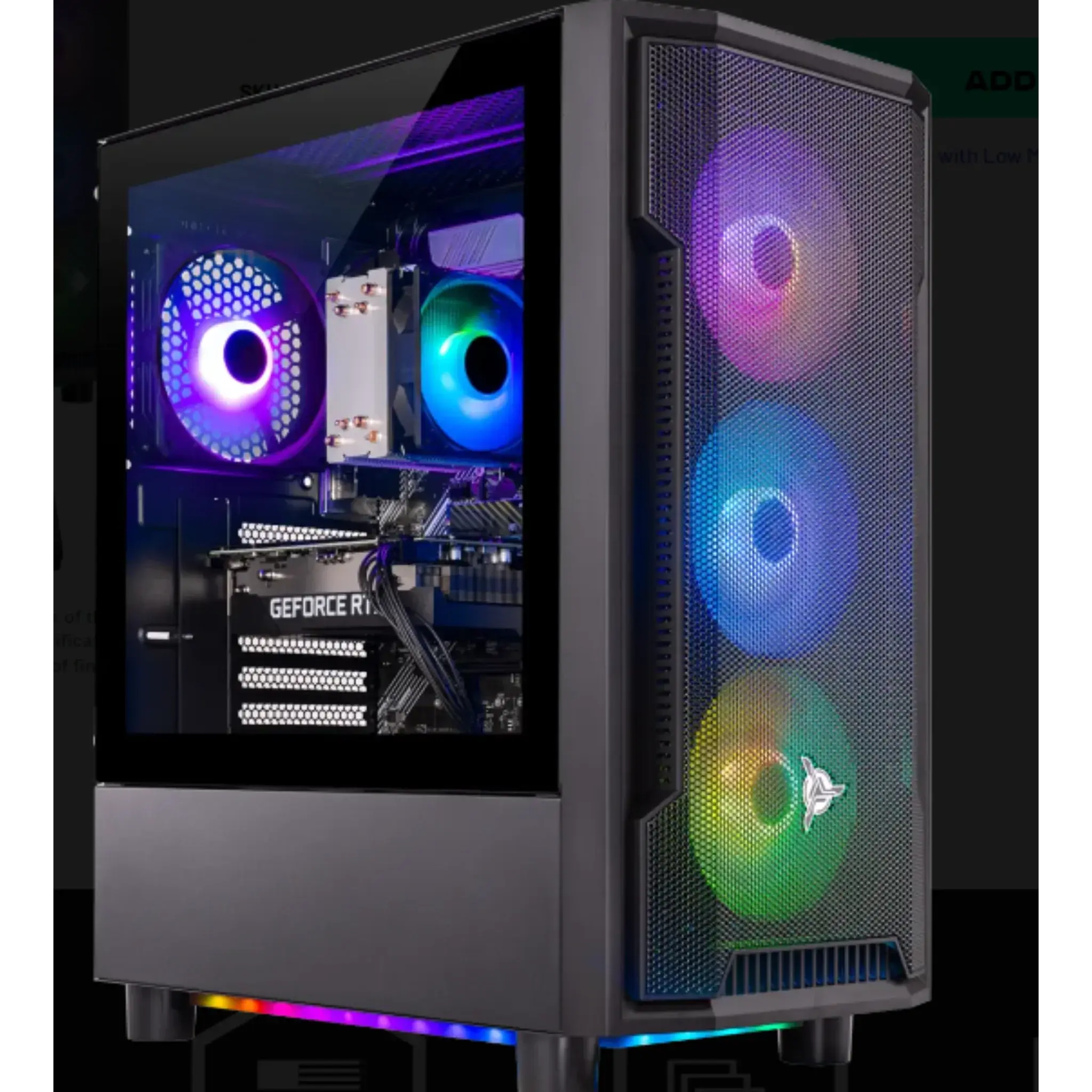
Best & Minimum PC Requirements for a Golf Simulator Setup (2026 Guide)
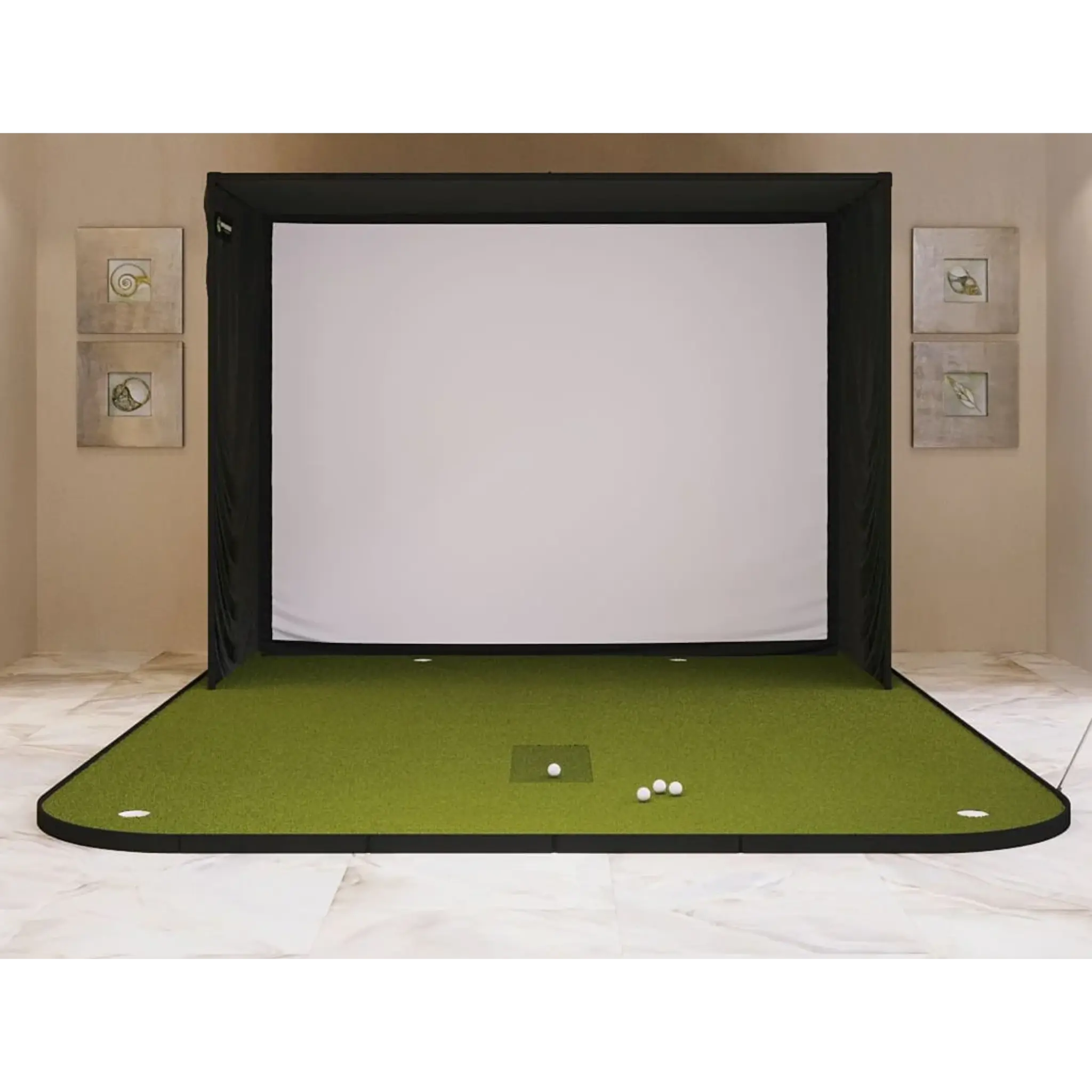
If you’re building a golf simulator, choosing the right PC is just as important as selecting the launch monitor or enclosure. A computer that’s underpowered can lead to lag, crashes, poor graphics, or compatibility issues with simulator software.
This guide breaks down minimum, recommended, and high-performance PC requirements for golf simulators so you can confidently choose the right setup for your space, budget, and goals.
Why PC Requirements Matter for Golf Simulators
Modern golf simulator software relies heavily on:
-
Real-time physics calculations
-
High-resolution 3D graphics
-
Smooth frame rates for accurate ball flight
-
Integration with launch monitors and displays
If your PC isn’t powerful enough, you may experience:
-
Stuttering visuals
-
Delayed shot feedback
-
Software crashes
-
Reduced realism
Choosing the right PC ensures smooth gameplay, accurate data, and a more immersive simulator experience.
Minimum PC Requirements for a Golf Simulator
These specs are suitable for basic simulator setups, entry-level software, or casual use at 1080p resolution.
Minimum Specifications
-
CPU: Intel i5 (8th Gen or newer) or AMD Ryzen 5
-
GPU: NVIDIA GTX 1050 Ti or AMD RX 570
-
RAM: 8 GB
-
Storage: 256 GB SSD (recommended over HDD)
-
Operating System: Windows 10 or newer (64-bit)
-
Video Output: HDMI or DisplayPort
Who This Is For
-
Beginners
-
Budget setups
-
Basic practice environments
-
Lower graphical settings
⚠️ Minimum specs will run the software, but performance may be limited.
Recommended PC Requirements (Best Balance for Most Users)
This is the sweet spot for most home golf simulators. It allows for smoother gameplay, higher frame rates, and better visuals.
Recommended Specifications
-
CPU: Intel i7 (10th Gen or newer) or AMD Ryzen 7
-
GPU: NVIDIA RTX 3060 or AMD RX 6700 XT
-
RAM: 16 GB
-
Storage: 512 GB SSD or larger
-
Operating System: Windows 11 (64-bit recommended)
-
Video Output: DisplayPort or HDMI 2.0+
Who This Is For
-
Serious golfers
-
Home simulator owners
-
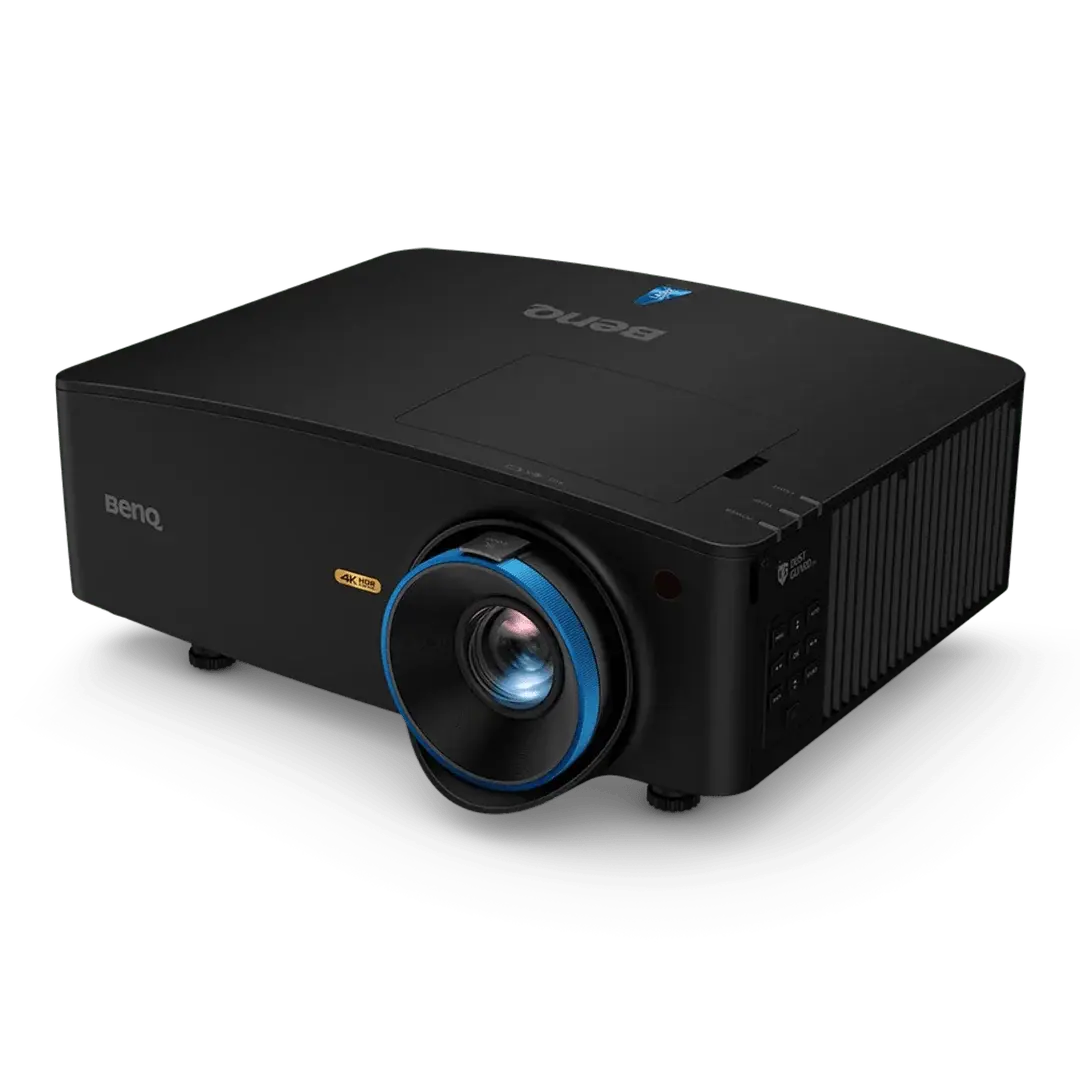
Multi-monitor or projector setups
-
Consistent, lag-free performance
Best / High-Performance PC Requirements (4K & Commercial Use)
If you want maximum realism, ultra-smooth graphics, or plan to run your simulator in 4K resolution, these specs are recommended.
High-Performance Specifications
-
CPU: Intel i9 or AMD Ryzen 9
-
GPU: NVIDIA RTX 4070 / 4080 or higher
-
RAM: 32 GB
-
Storage: 1 TB NVMe SSD
-
Operating System: Windows 11 (64-bit)
Who This Is For
-
4K projector setups
-
Commercial golf simulators
-
Teaching studios and coaches
-
Multi-screen or streaming environments
Minimum vs Recommended vs Best (Quick Comparison)
|
Component |
Minimum |
Recommended |
Best |
|---|---|---|---|
|
CPU |
Intel i5 / Ryzen 5 |
Intel i7 / Ryzen 7 |
Intel i9 / Ryzen 9 |
|
GPU |
GTX 1050 Ti |
RTX 3060 |
RTX 4070+ |
|
RAM |
8 GB |
16 GB |
32 GB |
|
Storage |
256 GB SSD |
512 GB SSD |
1 TB NVMe SSD |
|
Resolution |
1080p |
1080p–1440p |
4K |
1080p vs 4K Golf Simulator PC Requirements
1080p Setup
-
Lower GPU demand
-
Works well with recommended specs
-
Ideal for most home garages and basements
4K Setup
-
Requires a high-end GPU
-
Higher VRAM usage
-
Much smoother with RTX 4070+
-
Best for premium projector setups
If you’re unsure, start with 1080p — it delivers excellent realism without the cost of a 4K build.
Can You Use a Laptop for a Golf Simulator?
Yes — but only if it meets the requirements.
Laptop Requirements
-
Dedicated GPU (RTX 3060 or better recommended)
-
Strong cooling system
-
Sufficient ports (USB, HDMI/DisplayPort)
⚠️ Most standard laptops and MacBooks are not suitable for simulator software.
Common Golf Simulator PC Mistakes to Avoid
-
❌ Using integrated graphics
-
❌ Choosing HDD instead of SSD
-
❌ Buying minimum specs for long-term use
-
❌ Ignoring GPU requirements
-
❌ Assuming any gaming PC will work
Frequently Asked Questions (FAQs)
What is the minimum PC needed for a golf simulator?
A Windows PC with an Intel i5 or Ryzen 5 processor, GTX 1050 Ti GPU, 8 GB RAM, and an SSD is the minimum.
Do golf simulators require a gaming PC?
Yes. Most simulator software requires a dedicated graphics card, similar to gaming PCs.
Can I use a Mac for a golf simulator?
Most golf simulator software is Windows-only. Macs are generally not recommended.
Is a dedicated GPU really necessary?
Yes. Integrated graphics will not deliver smooth performance or accurate visuals.
How much should I budget for a golf simulator PC?
-
Budget build: $800–$1,000
-
Recommended build: $1,200–$1,600
-
High-end build: $2,000+
Final Thoughts: Choosing the Right PC for Your Simulator
Your golf simulator PC doesn’t need to be extreme — but it does need to be properly matched to your setup.
-
Casual users can start with minimum specs
-
Most home users should aim for the recommended specs
-
4K or commercial setups require high-performance PCs
If you’re unsure which PC configuration is right for your simulator setup, working with a builder that understands golf simulator software can save time and frustration.
Pre-configured systems from Surfthing Computers are designed specifically for simulator use, ensuring the right balance of CPU, GPU, and performance for smooth gameplay.

Leave a comment
This site is protected by hCaptcha and the hCaptcha Privacy Policy and Terms of Service apply.