1. Why "Industrial-Grade" Matters in a Golf Bay
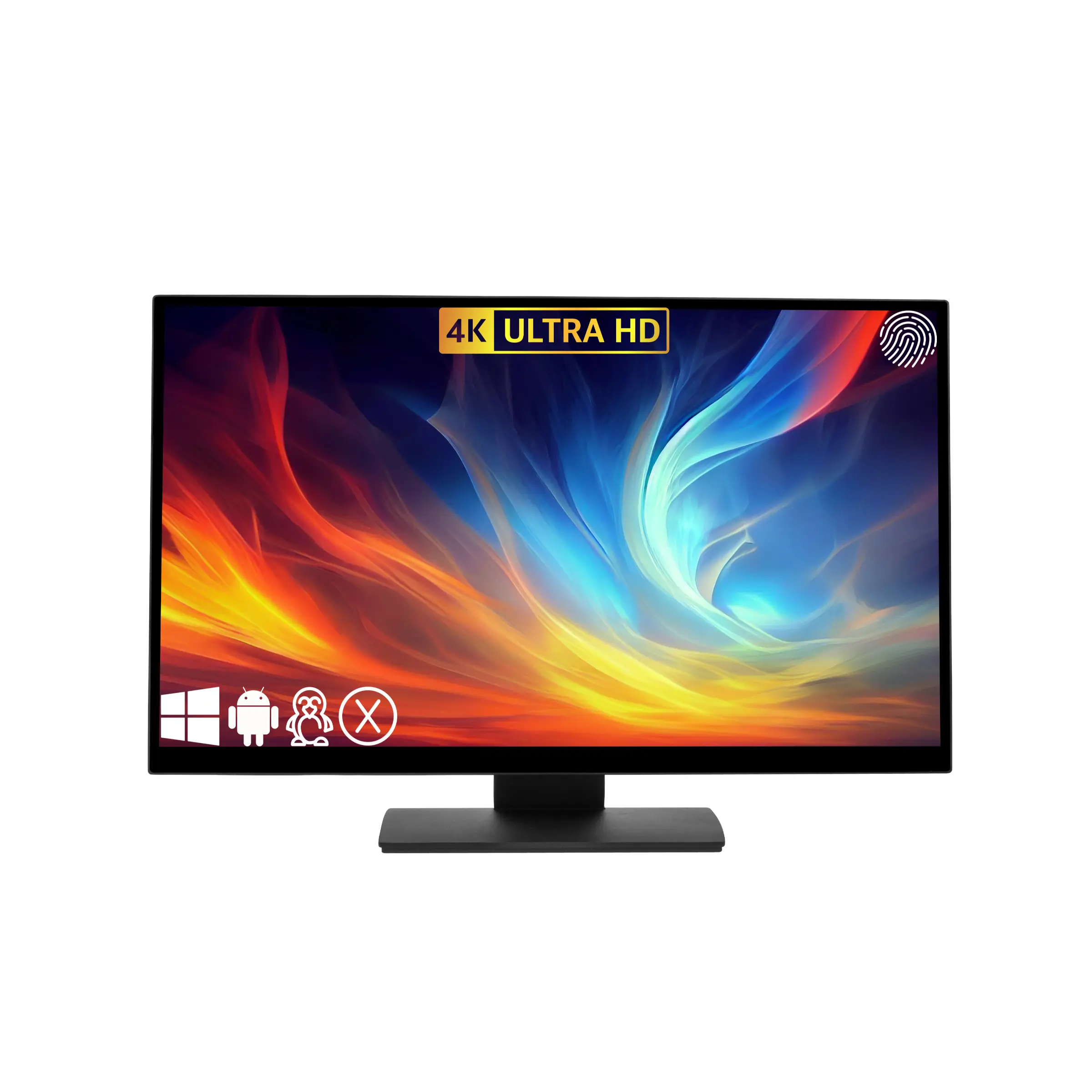
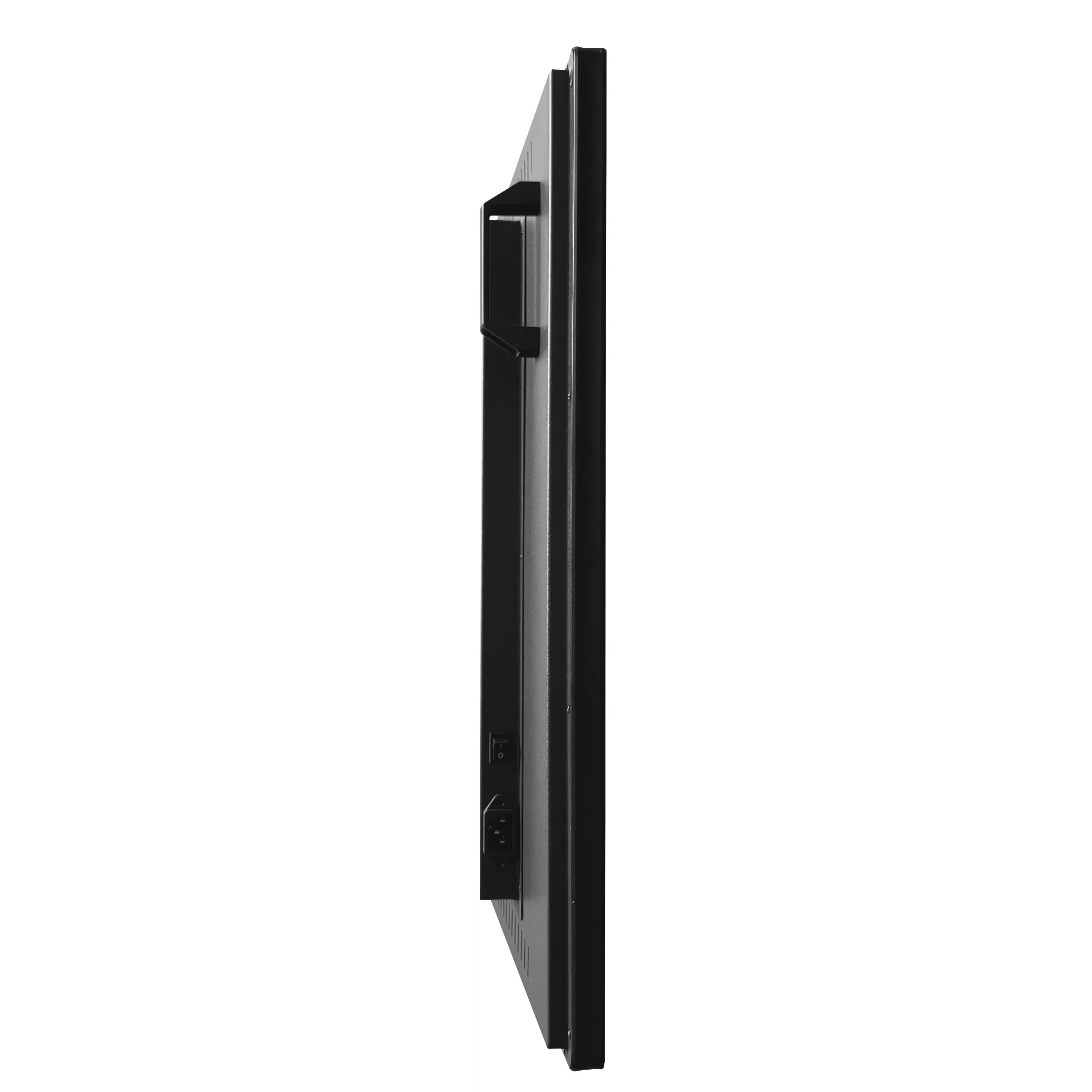
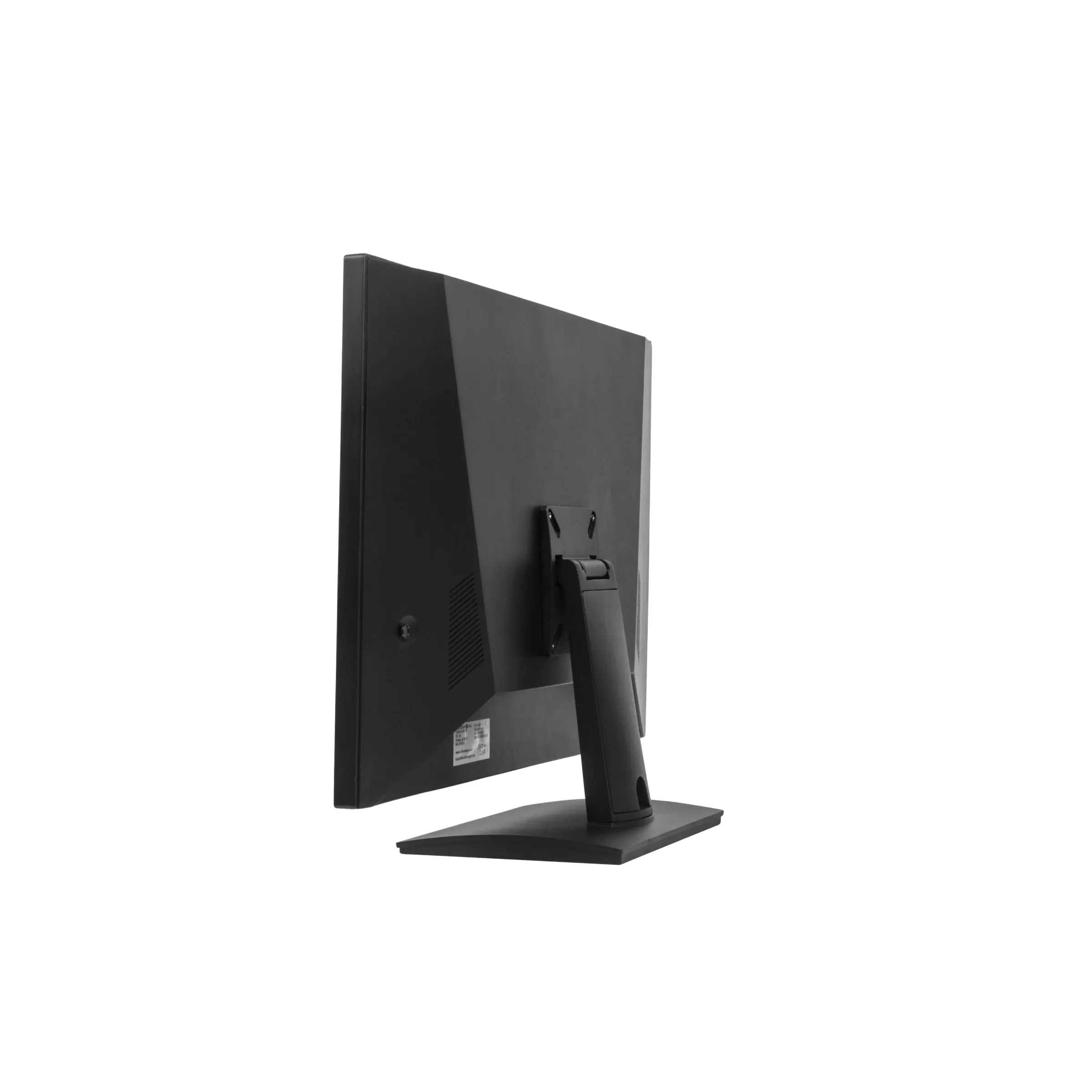
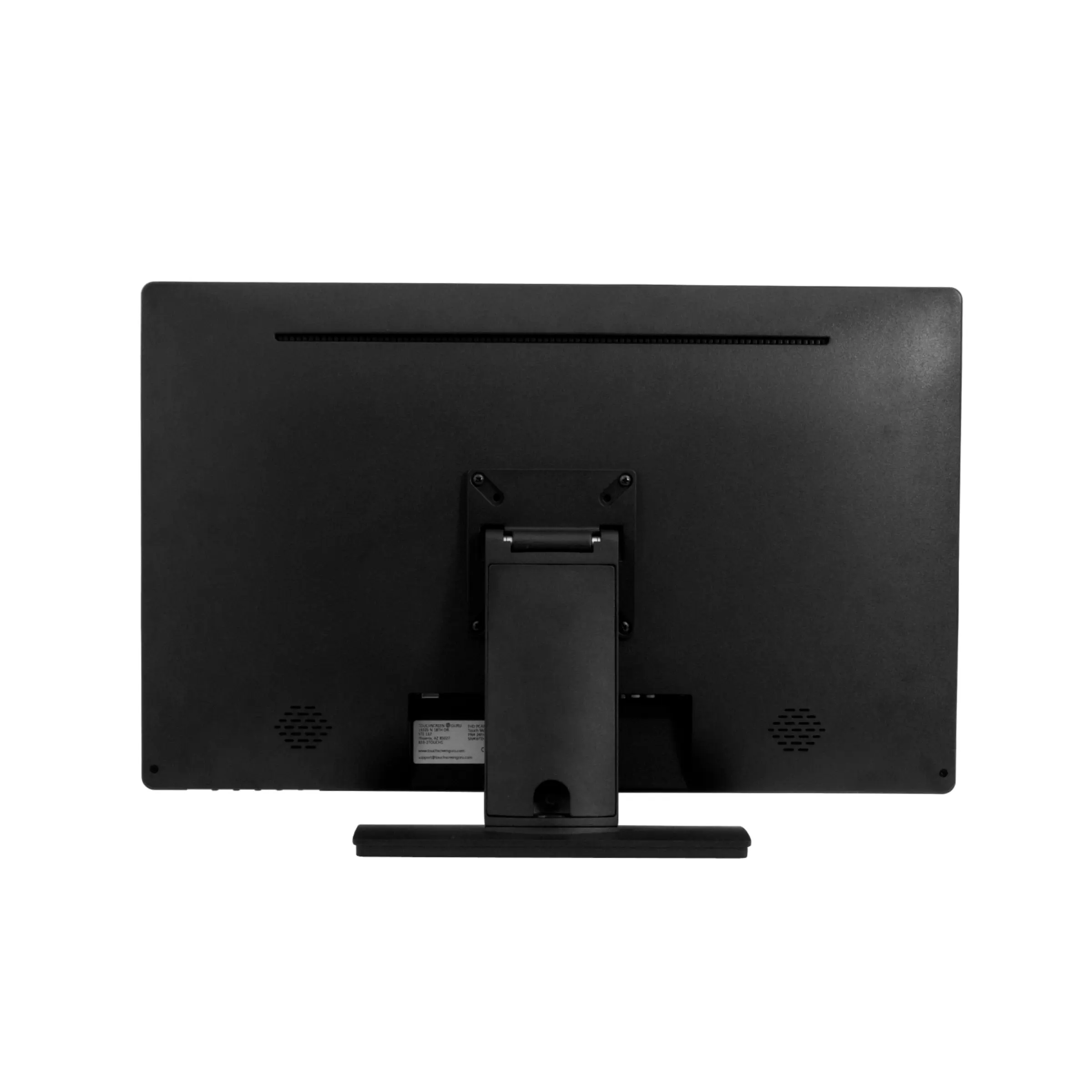
Standard home monitors aren't built for the dust, vibration, and occasional "errant ball" environment of a golf simulator. Our selection of SurfThing and TouchScreen Guru monitors are engineered with IP65-rated sealed fronts and impact-resistant glass. These displays are built for 24/7 reliability and feature anti-glare coatings specifically designed to stay visible under high-lumen projector lighting.
2. SurfThing vs. TouchScreen Guru: Choosing Your Interface
-
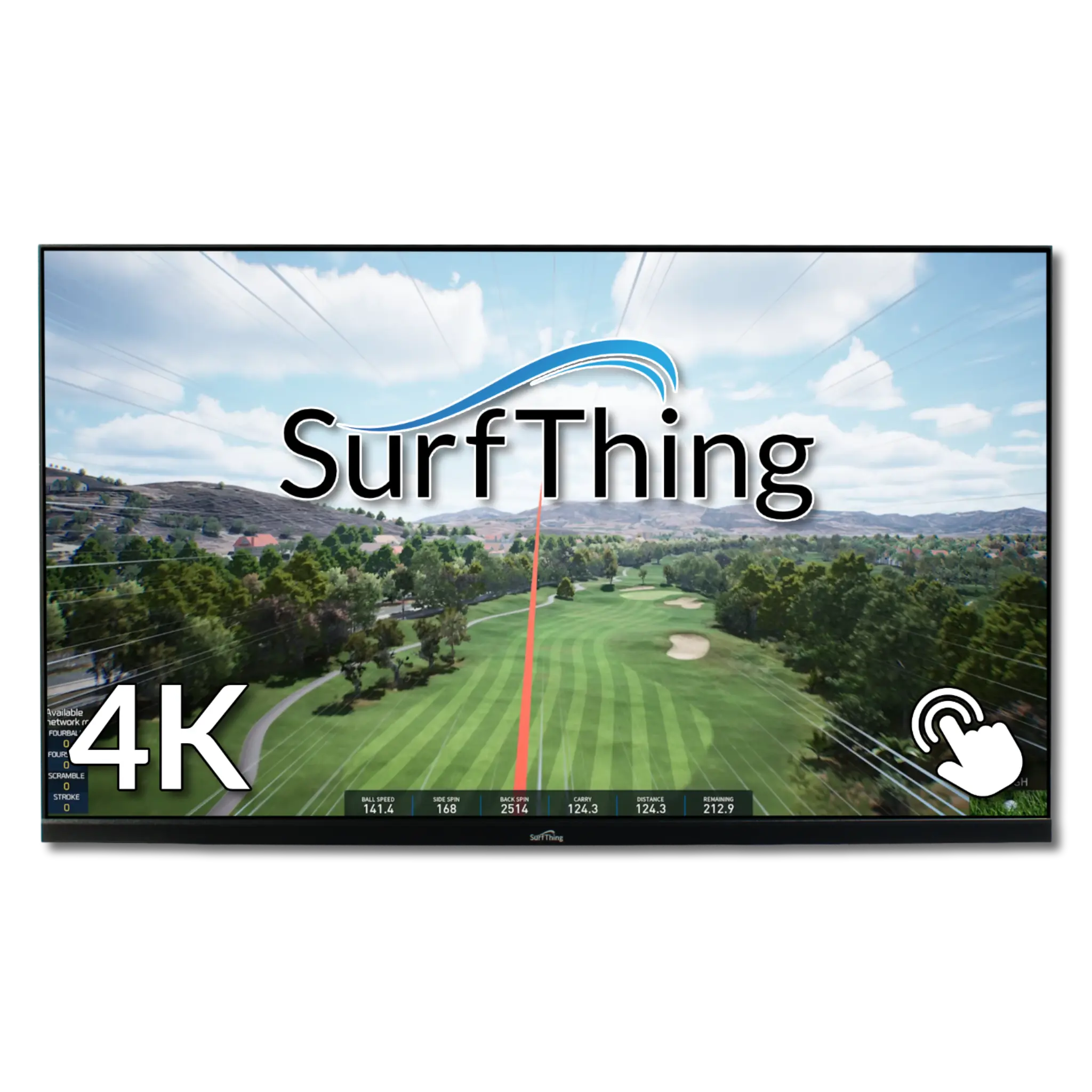
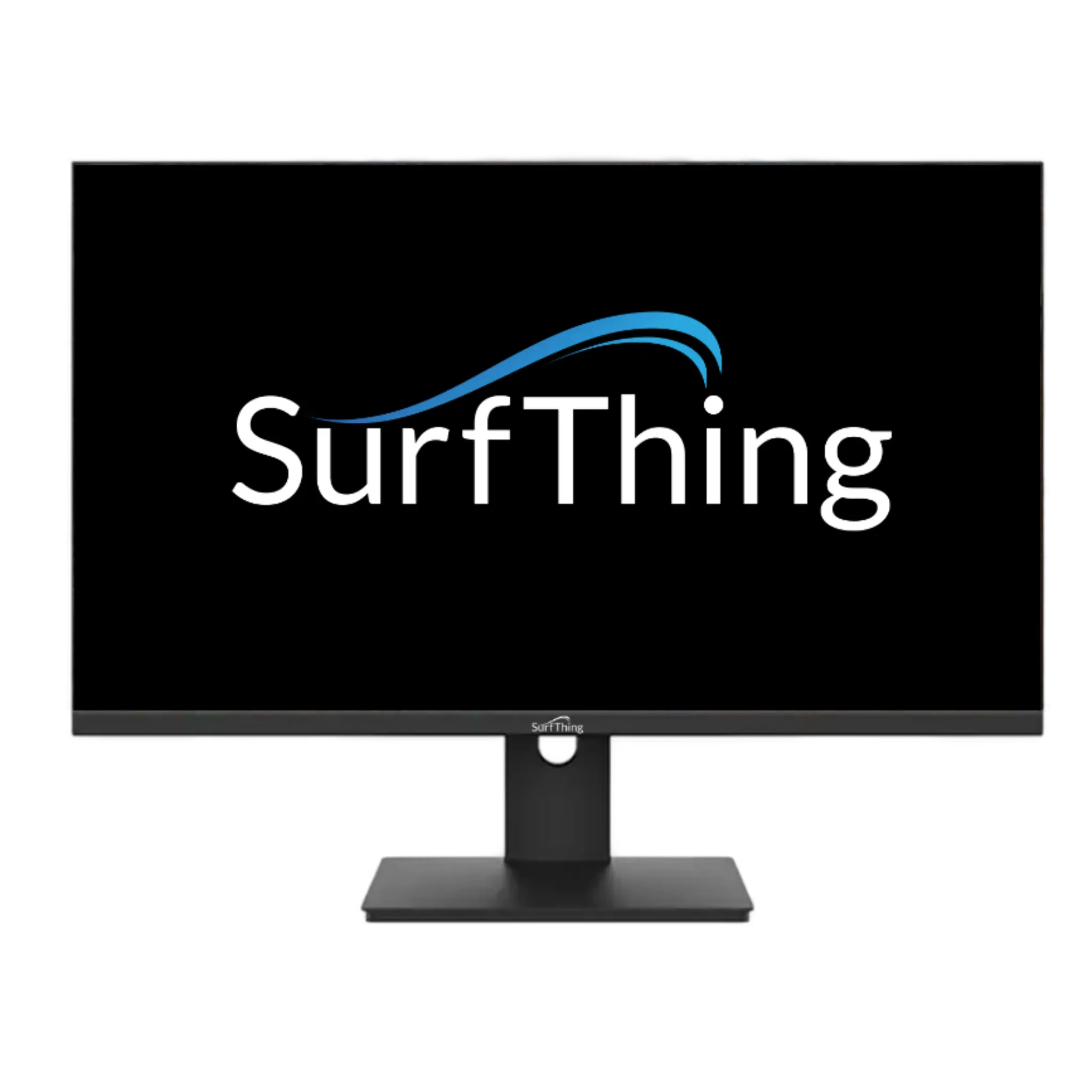
SurfThing Monitors: Known for their ultra-fast refresh rates and "G2" technology, SurfThing displays are optimized for high-speed video playback. They are the preferred choice for golfers who want to review slow-motion swing clips alongside their data.
-
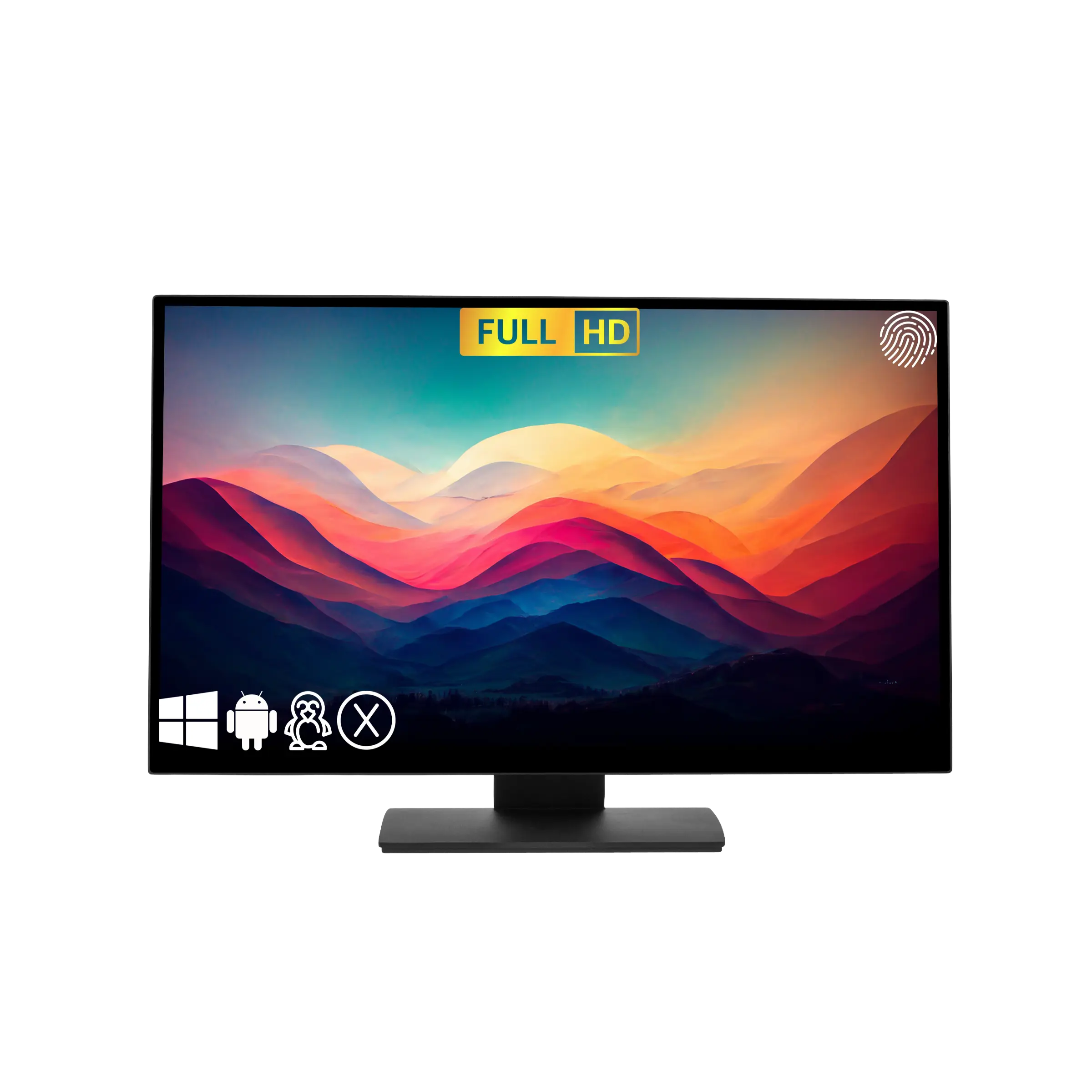
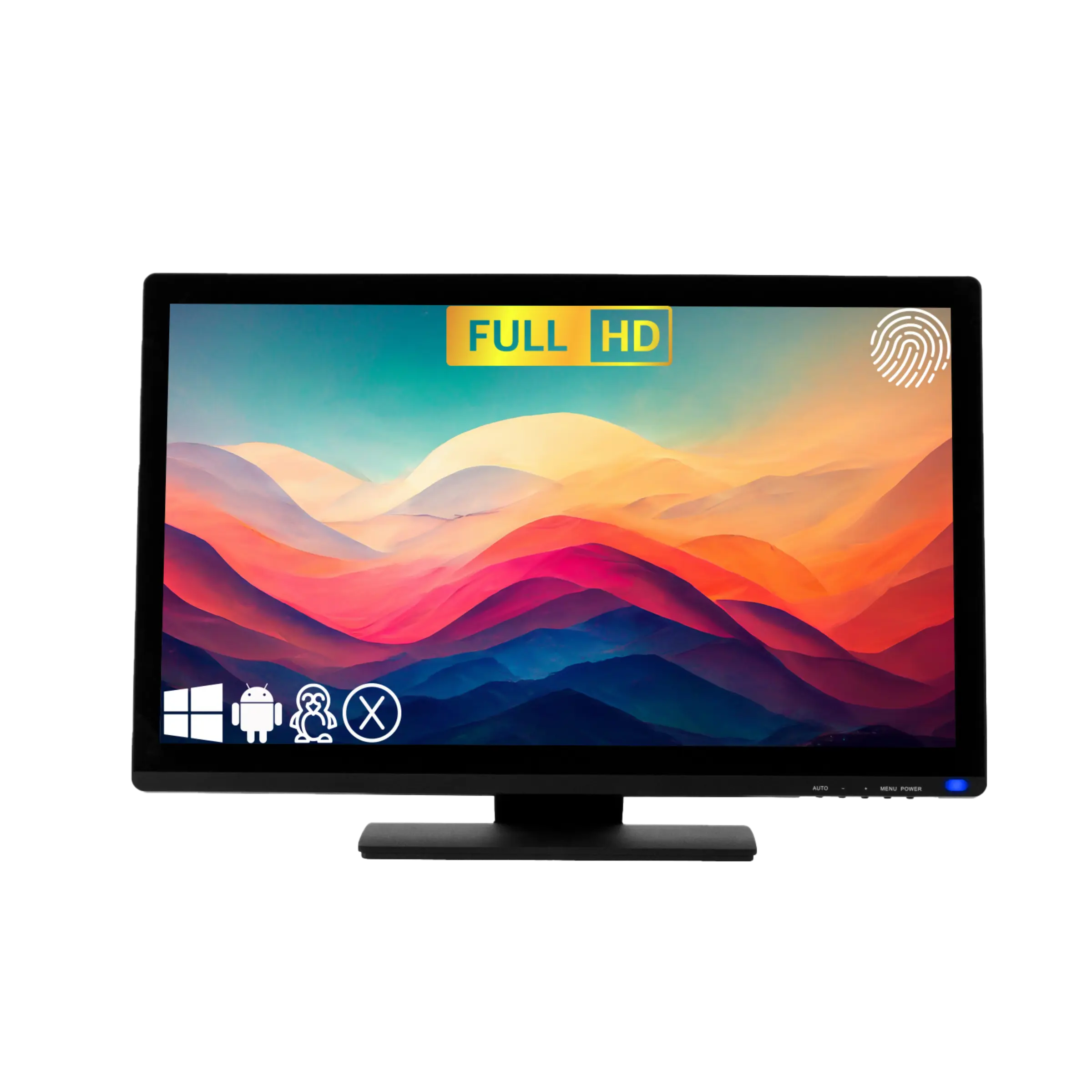
TouchScreen Guru: These units are the gold standard for brightness and durability. With 500+ nits of brightness and specialized "Anti-Fingerprint" coatings, they stay crystal clear even in high-traffic commercial facilities or bright garage builds.
3. Seamless Software Navigation
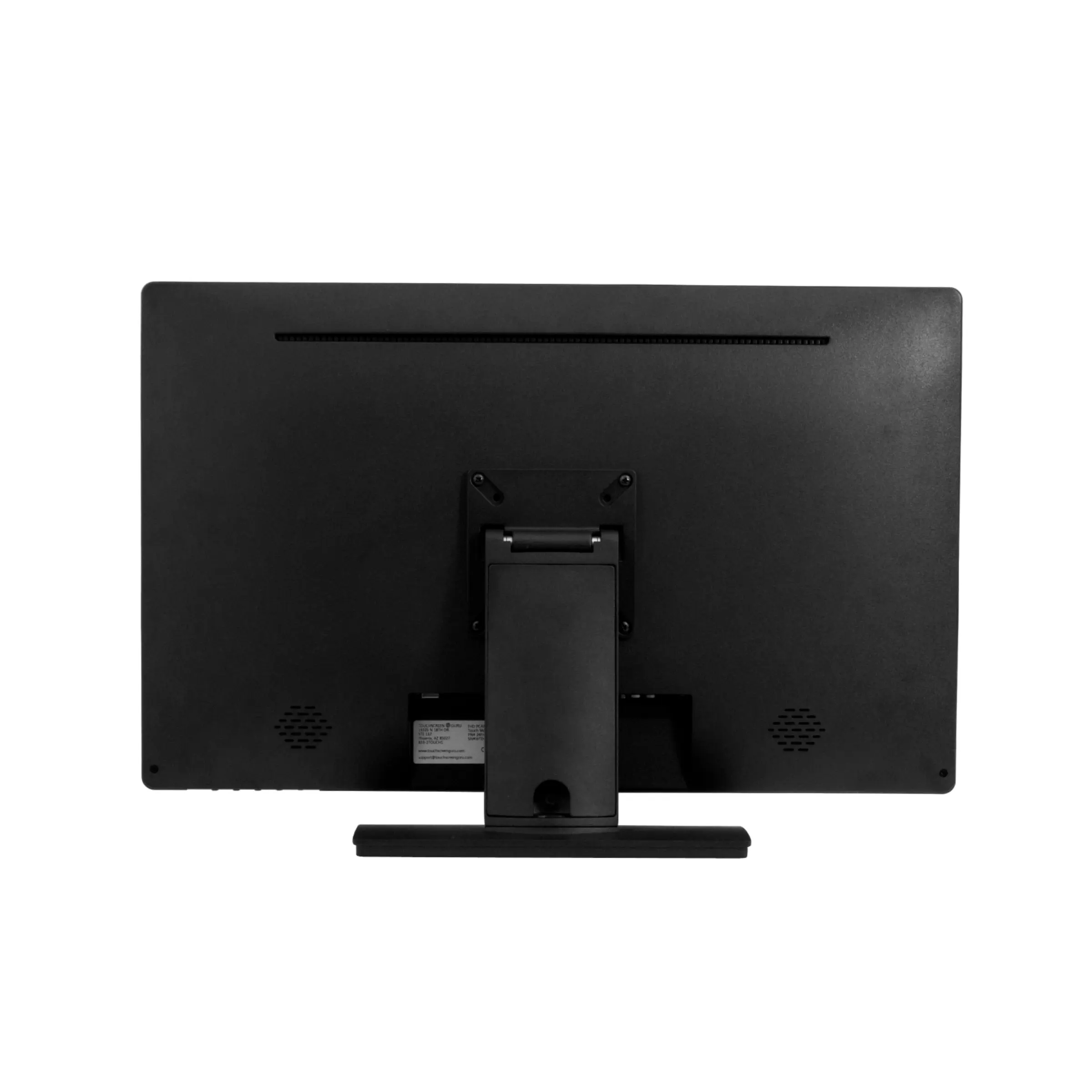
Navigating GSPro, E6 Connect, or Uneekor View is significantly faster with a 10-point multi-touch display. Whether you’re clicking the "mulligan" button or dragging your aiming point on the green, our monitors provide a lag-free, tactile experience that keeps your session moving. Most units feature VESA-mount compatibility, allowing you to mount them on a floor stand, articulating wall arm, or custom simulator console.
Golf Simulator Monitor FAQ
Q: Can I use these touchscreens with any golf PC?
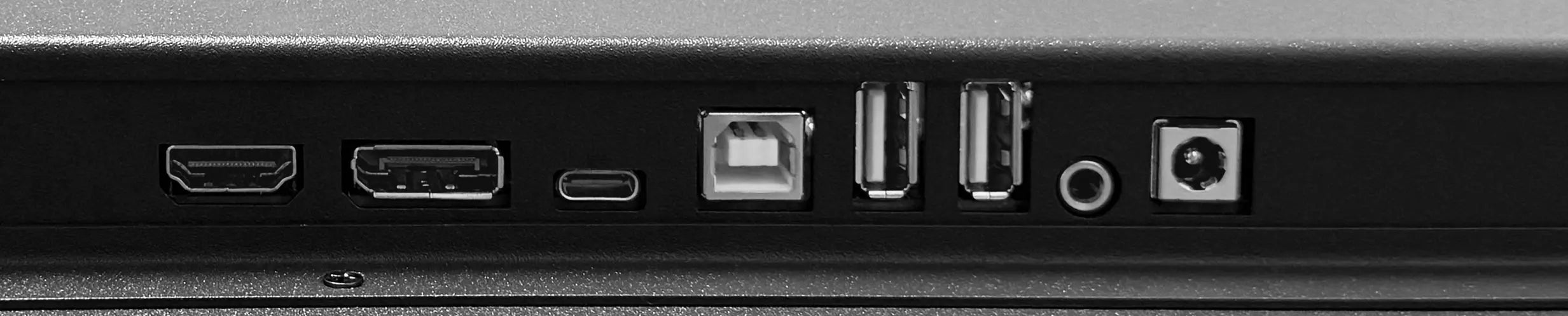
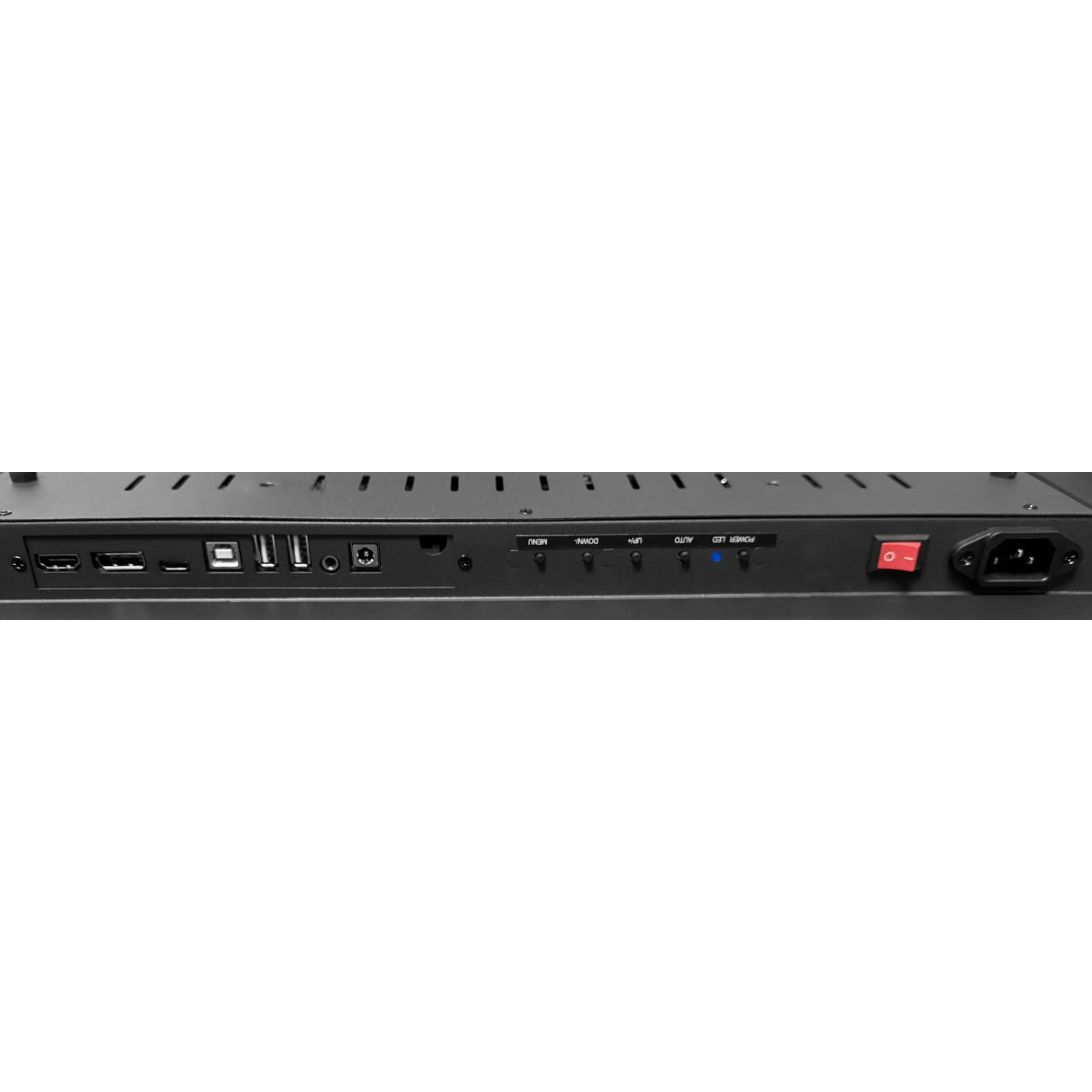
A: Yes. Most SurfThing and TouchScreen Guru models are "Plug-and-Play" via USB and HDMI/DisplayPort. They are fully compatible with Windows-based simulator computers.
Q: Should I choose a 1080p or 4K monitor?
A: We recommend matching your monitor resolution to your projector. If you have a 4K projector, a 4K touchscreen ensures your software doesn't have to downscale, keeping the interface sharp and readable.
Q: Do these monitors include a stand?
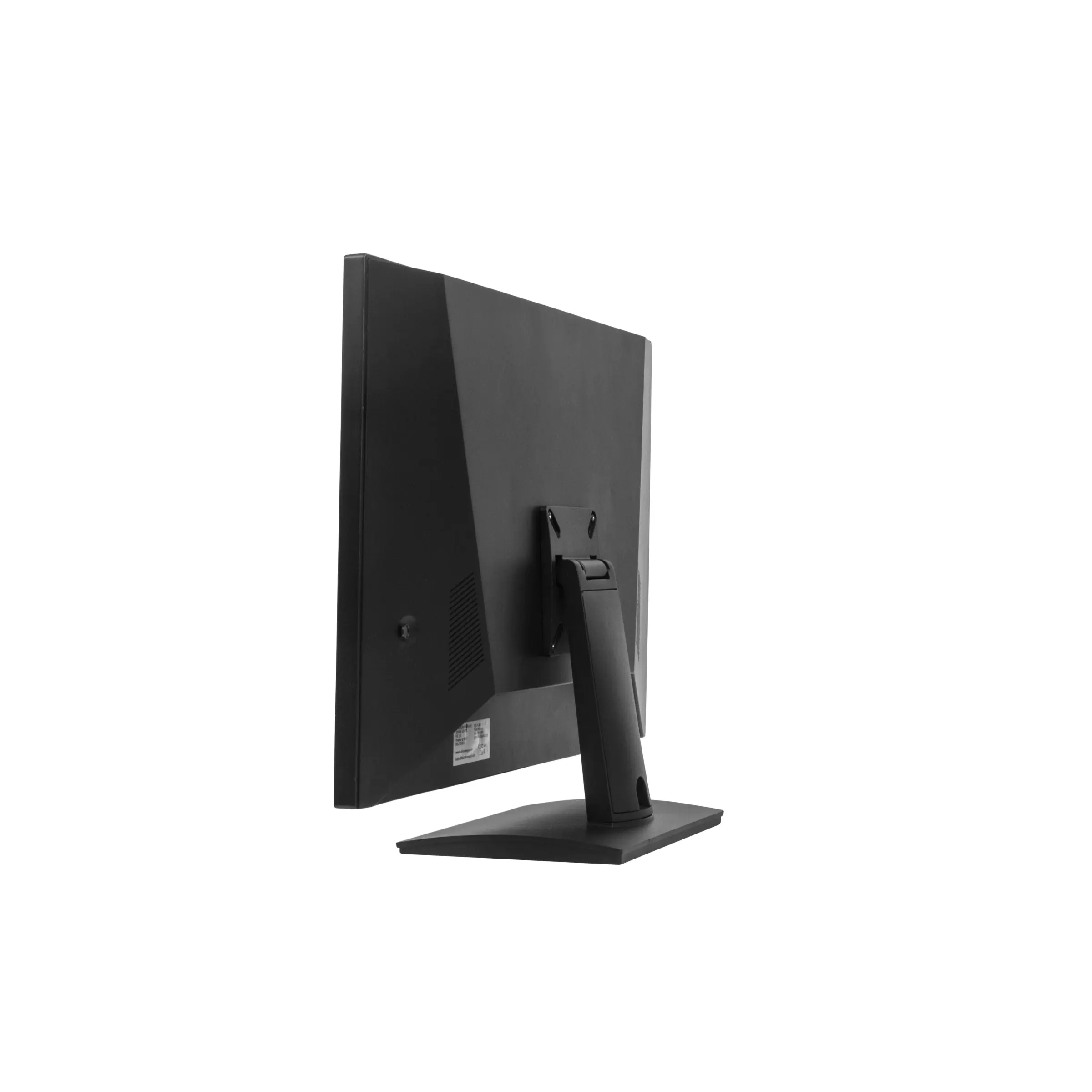
A: Some models include a desktop stand, but many are "VESA-only" to allow for professional mounting in a simulator bay. Check the specific product details for mounting hardware options.
Q: Are they sensitive enough to use with golf gloves?
A: Yes. The projected capacitive (PCAP) touch technology used by both SurfThing and TouchScreen Guru is designed to respond accurately even if you are wearing a golf glove.
Still deciding on your control hub? Message our team for a comparison of the latest Ultra-Series models. Free USA Shipping on all touchscreen monitors.