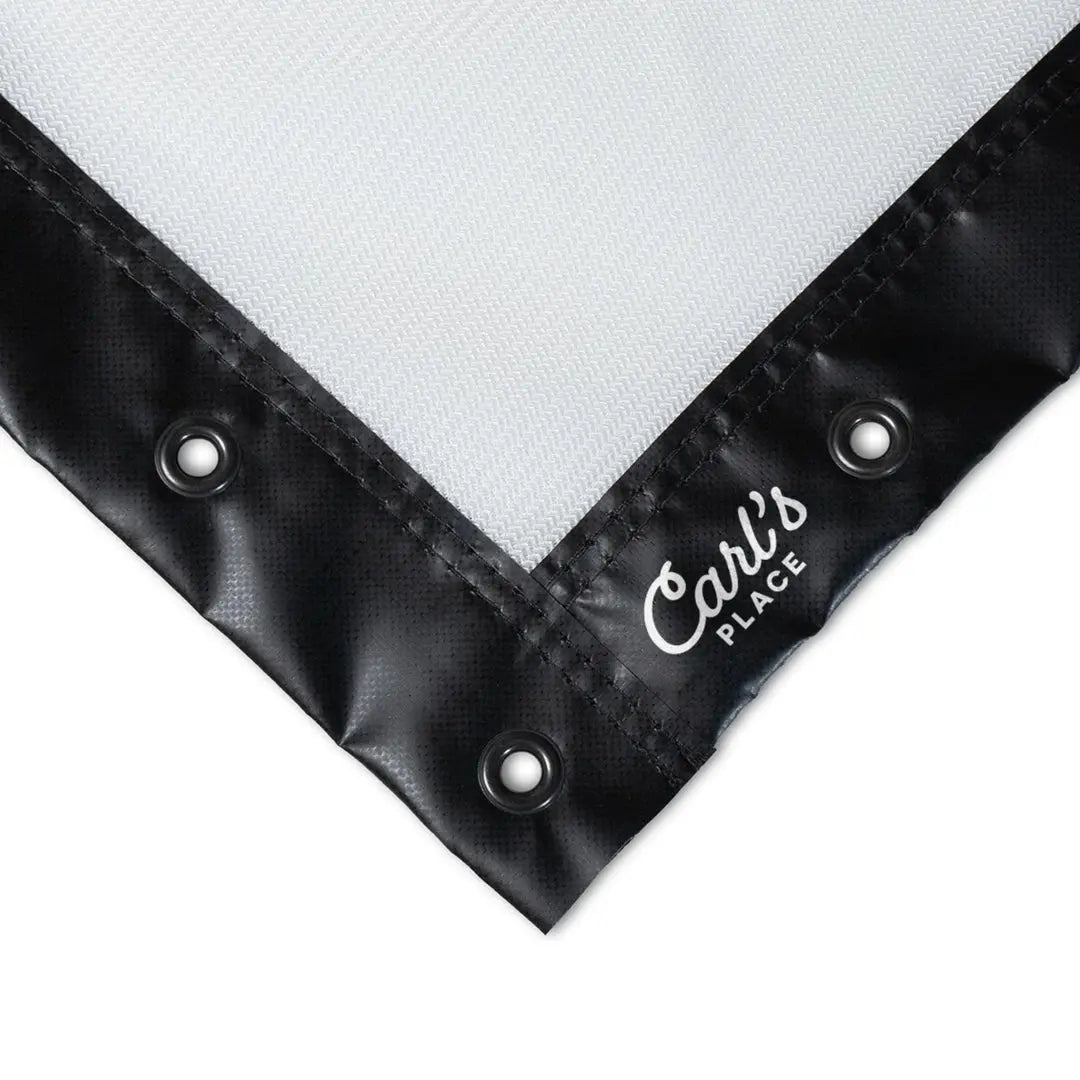
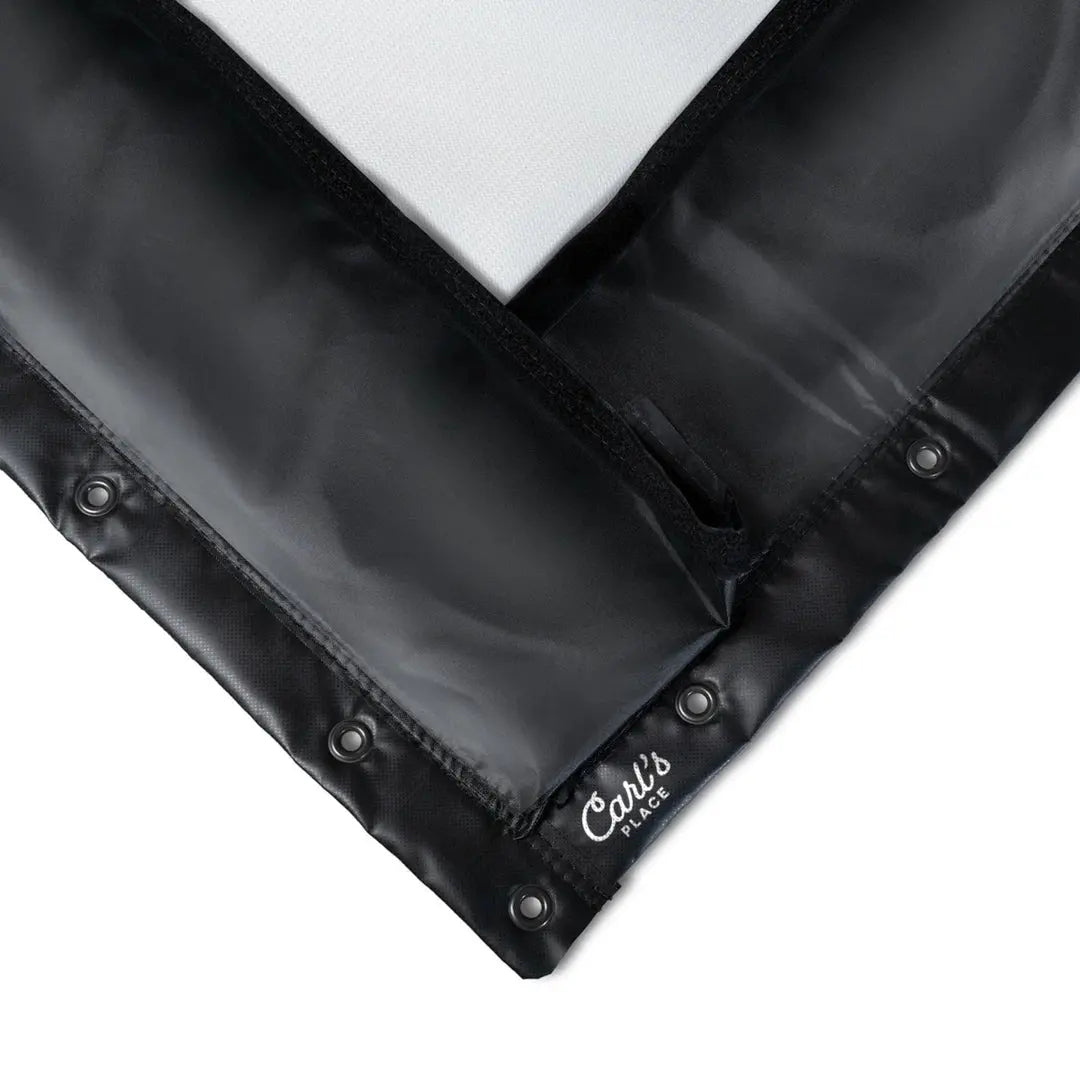
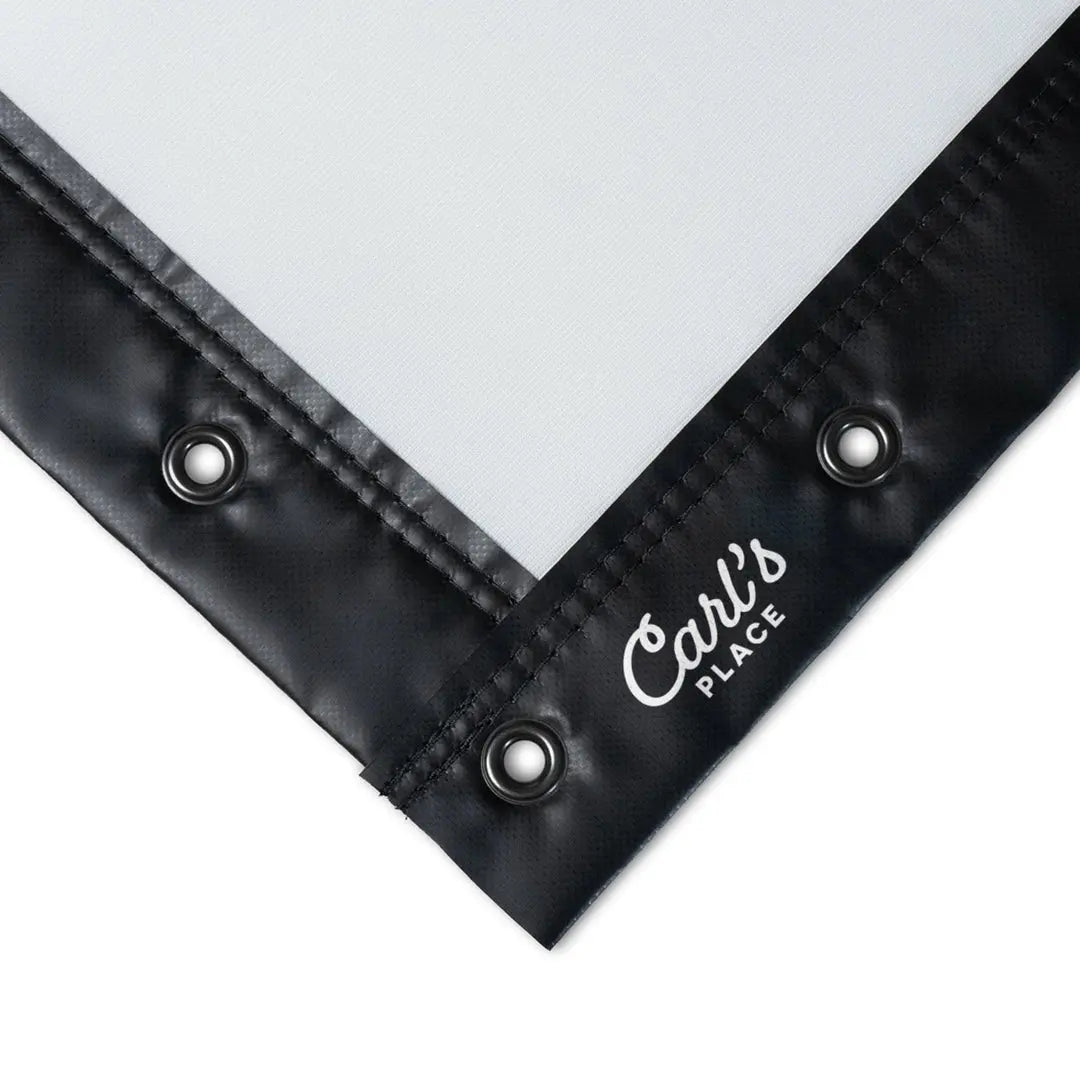
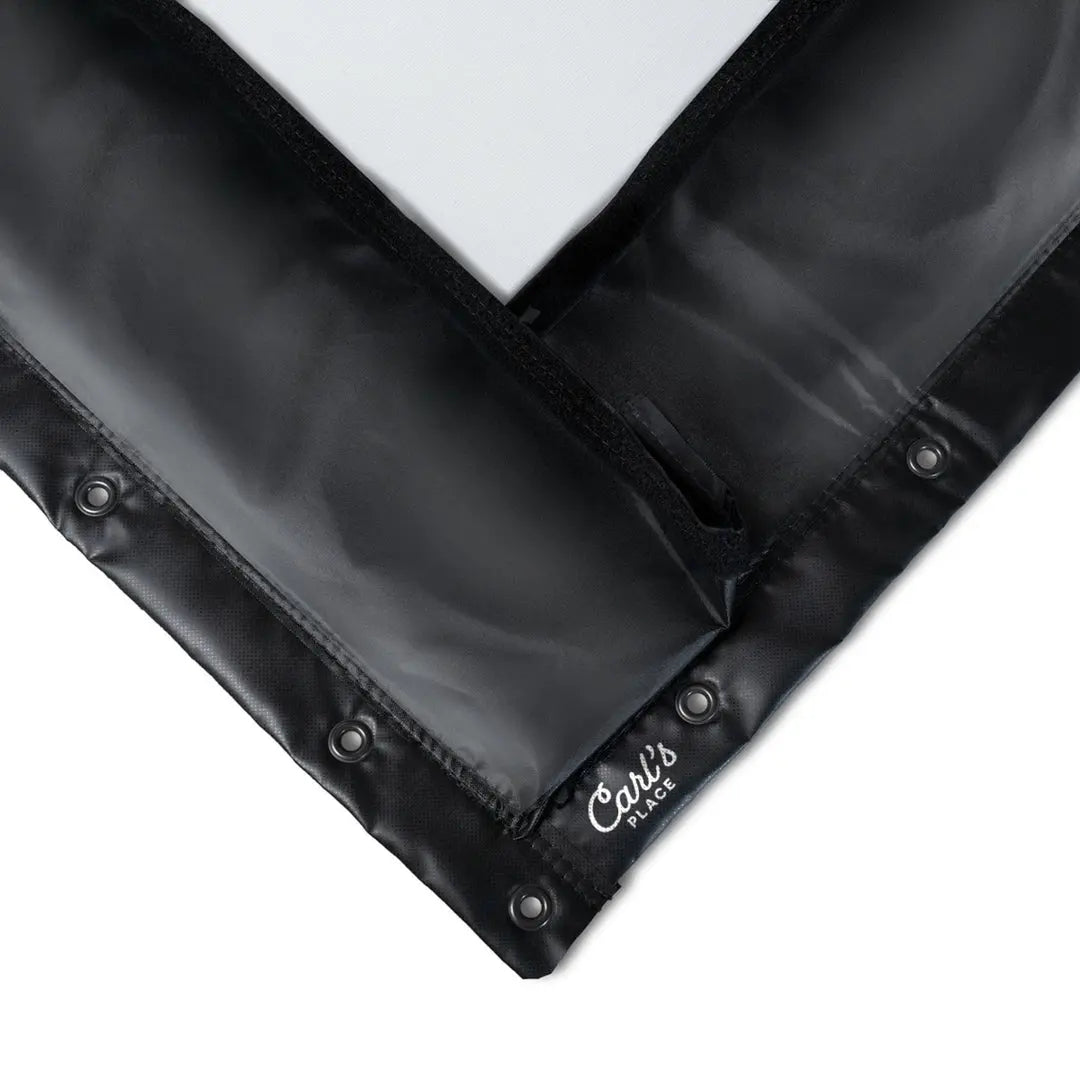
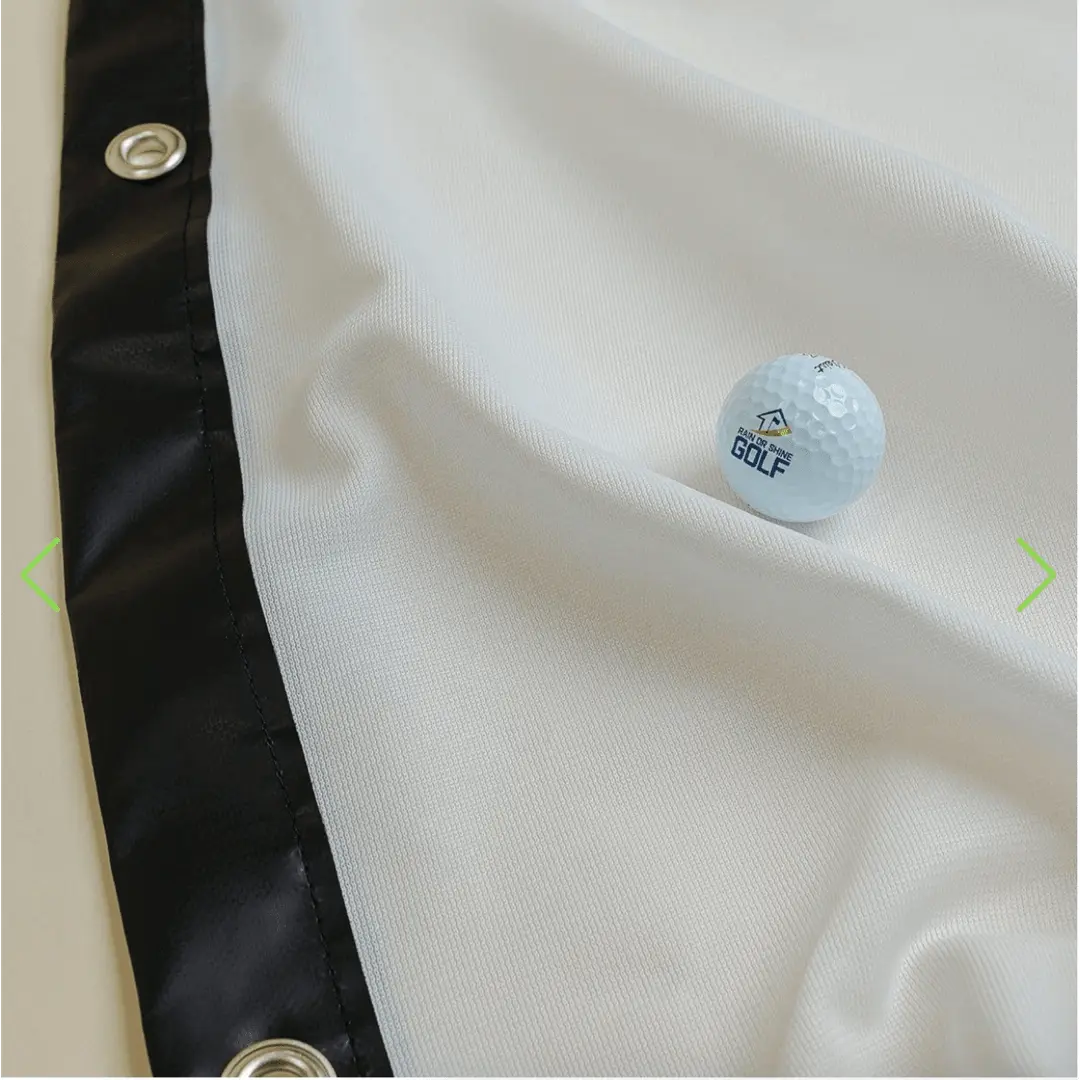
Find the Right Golf Simulator Impact Screen for Your Setup
Your golf simulator impact screen is one of the most important parts of the entire simulator experience. The right screen helps create a sharper image, quieter ball strikes, reduced bounceback, and a more immersive feel every time you step into the bay.
At Elevated Golf Simulators, we help golfers compare golf simulator impact screens based on room size, enclosure dimensions, image quality goals, durability, and overall budget. Whether you need a standard-size screen for a home setup or a more custom solution for a dedicated simulator room, the right impact screen can make a major difference in how your simulator performs.
Choosing the right impact screen also helps you plan the rest of your build more effectively. Once you know your screen size and layout, it becomes easier to pair it with the right golf enclosure, projector, and launch monitor.
Why the Right Golf Impact Screen Matters
A quality golf simulator impact screen does more than catch golf balls. It helps improve projected image clarity, supports a safer hitting environment, and plays a big role in reducing noise, wrinkles, wear, and unwanted bounceback. For many golfers, this is one of the most noticeable upgrades in the entire simulator setup.
Golf simulator impact screens are a strong fit for:
- Dedicated golf simulator rooms
- Garage golf simulator builds
- Basement and bonus room setups
- Commercial teaching studios
- Golfers who want a cleaner and more immersive hitting bay
Some golfers need a straightforward replacement screen, while others want a premium screen designed for better image performance, quieter strikes, and longer-term durability. The best option depends on your room, your simulator goals, and how often you plan to use the space.
How to Choose the Right Golf Simulator Impact Screen
The best golf impact screen depends on your room dimensions, enclosure size, projector quality, and how much importance you place on image sharpness, noise reduction, and screen longevity. Some golfers prioritize durability for heavy use, while others care most about a cleaner projected image and a more polished simulator experience.
When comparing golf simulator impact screens, consider:
- Screen width and height
- Room dimensions and hitting distance
- Image quality and projector resolution
- Bounceback and noise reduction
- Durability and frequency of use
- Budget and long-term value
If you already know your enclosure size or room dimensions, that is often the best place to start. Matching the screen to your available space can help the rest of the simulator build come together much more smoothly.
Built for Better Image Quality and Everyday Use
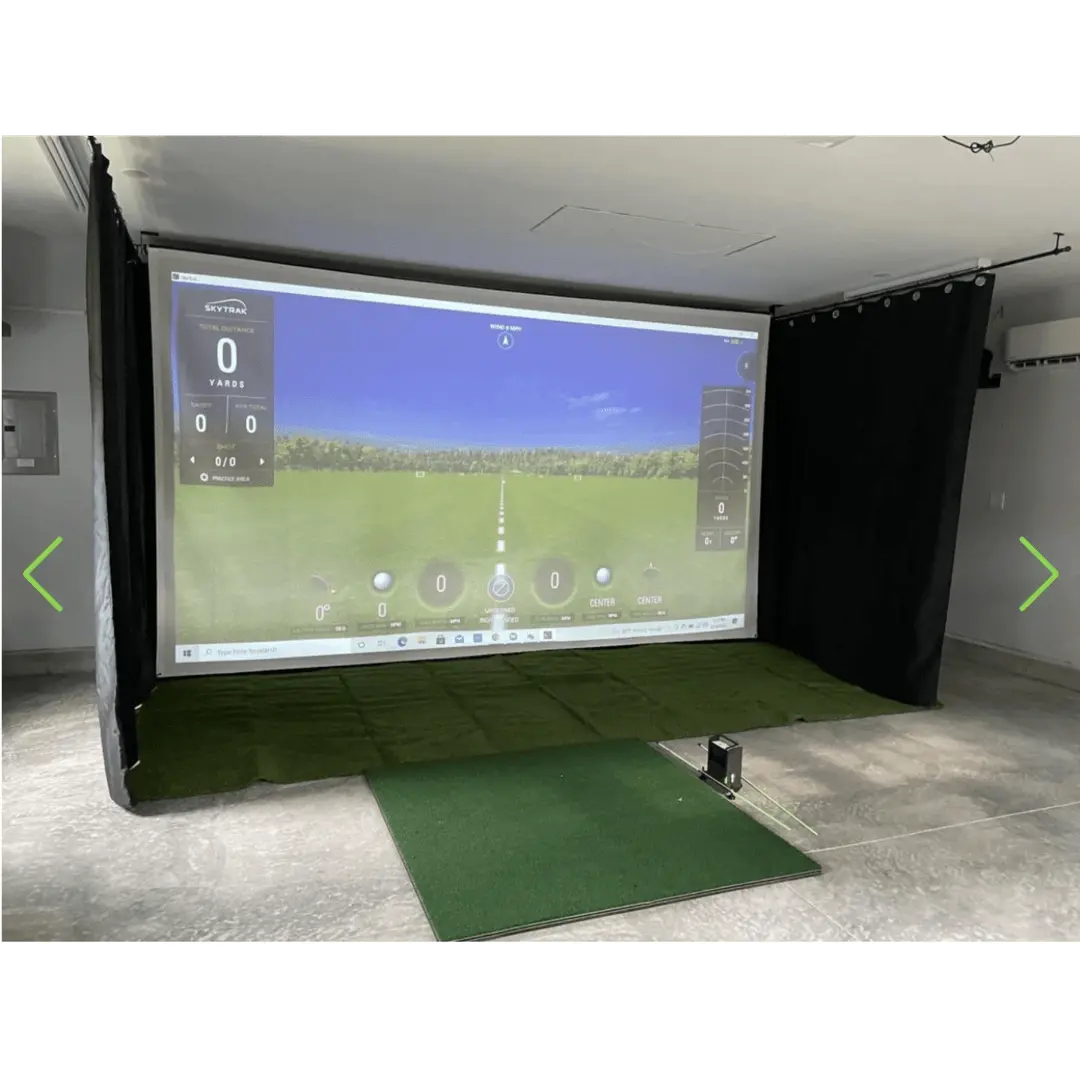
A good golf simulator impact screen helps create a more complete indoor golf experience by combining projection performance with durability and shot containment. The right screen can improve clarity, reduce distractions, and make your simulator feel more refined whether you are practicing, playing courses, or entertaining guests.
Grey vs. White Golf Simulator Impact Screens
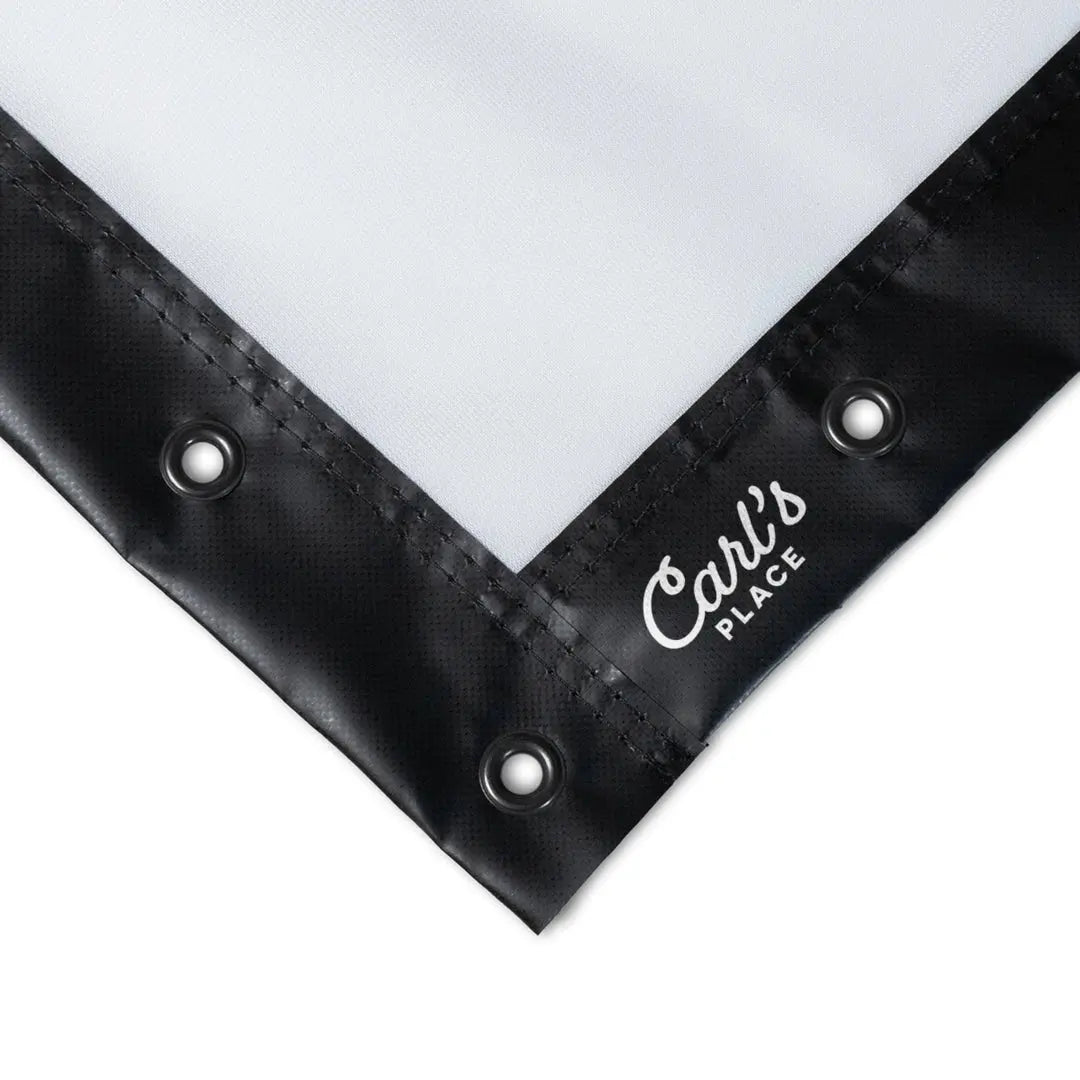
Screen color can affect how your simulator looks and feels. White golf simulator impact screens are the most common choice because they usually deliver a brighter image, cleaner colors, and a classic simulator look. They are a strong fit for golfers who want the most vivid picture possible, especially in darker rooms where brightness is easier to control.
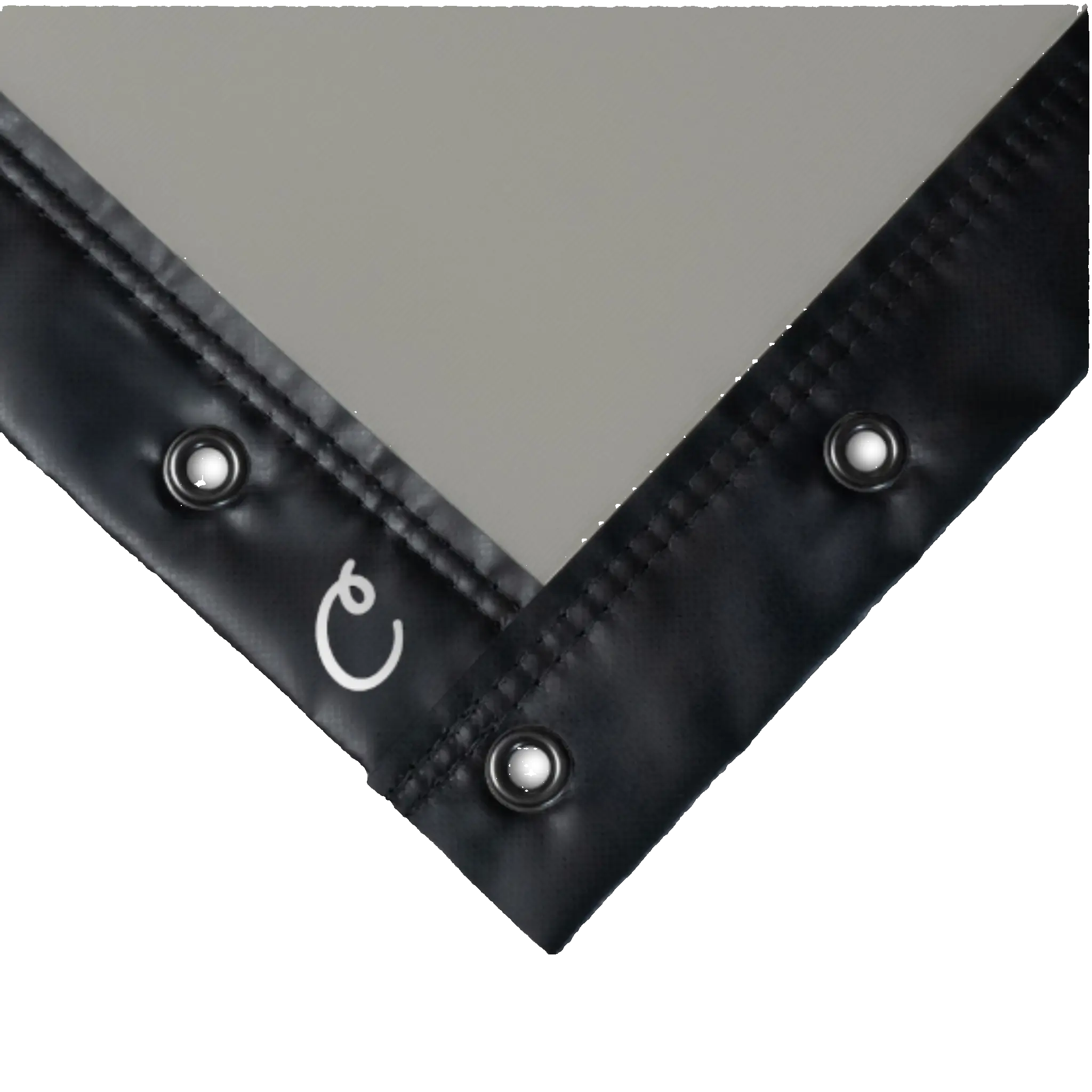
Grey golf simulator impact screens are often chosen for rooms with more ambient light or for golfers who want deeper contrast and a slightly darker image tone. In some setups, a grey screen can help the projected image appear richer, but it may not look as bright as a white screen depending on the projector and room lighting.
The best choice depends on your projector brightness, room lighting, and personal preference. Golfers focused on maximum brightness often prefer white impact screens, while golfers trying to manage ambient light or improve perceived contrast may prefer a grey screen.
Frequently Asked Questions
What size golf simulator impact screen do I need?
The right size depends on your room width, ceiling height, enclosure dimensions, and the type of simulator setup you are building. In many cases, golfers choose the largest screen their space can comfortably accommodate for a more immersive image and hitting experience.
Do golf simulator impact screens reduce bounceback?
Yes. A well-installed impact screen with proper tension can help reduce bounceback, and higher-quality screen materials are often better at absorbing ball strikes than lower-end options.
Can I use a golf simulator impact screen with a 4K projector?
Yes. Many golf simulator impact screens work well with high-definition and 4K projector setups, though image quality will also depend on the projector itself, room lighting, and the screen material you choose.
Why does my golf impact screen have wrinkles when it arrives?
Wrinkling is normal because golf simulator impact screens are usually folded for shipping. In most cases, the wrinkles lessen over time once the screen is installed and held under even tension.
How far should I stand from a golf simulator impact screen?
Hitting distance depends on your setup, but many golfers leave enough space between the hitting area and the screen for safety, ball flight measurement, and screen longevity. Your available room depth and launch monitor setup will also help determine the ideal distance.
Can golf simulator impact screens be used outdoors?
Most golf simulator impact screens are designed primarily for indoor use. Some golfers use them in covered outdoor settings, but protecting the screen from moisture, sun, and harsh weather is important for preserving its lifespan.
How do I clean and care for a golf simulator impact screen?
Light spot cleaning and keeping your golf balls, clubs, and hitting area clean can help extend the life of the screen. Proper installation, even tension, and avoiding unnecessary dirt or moisture also help maintain screen performance over time.