
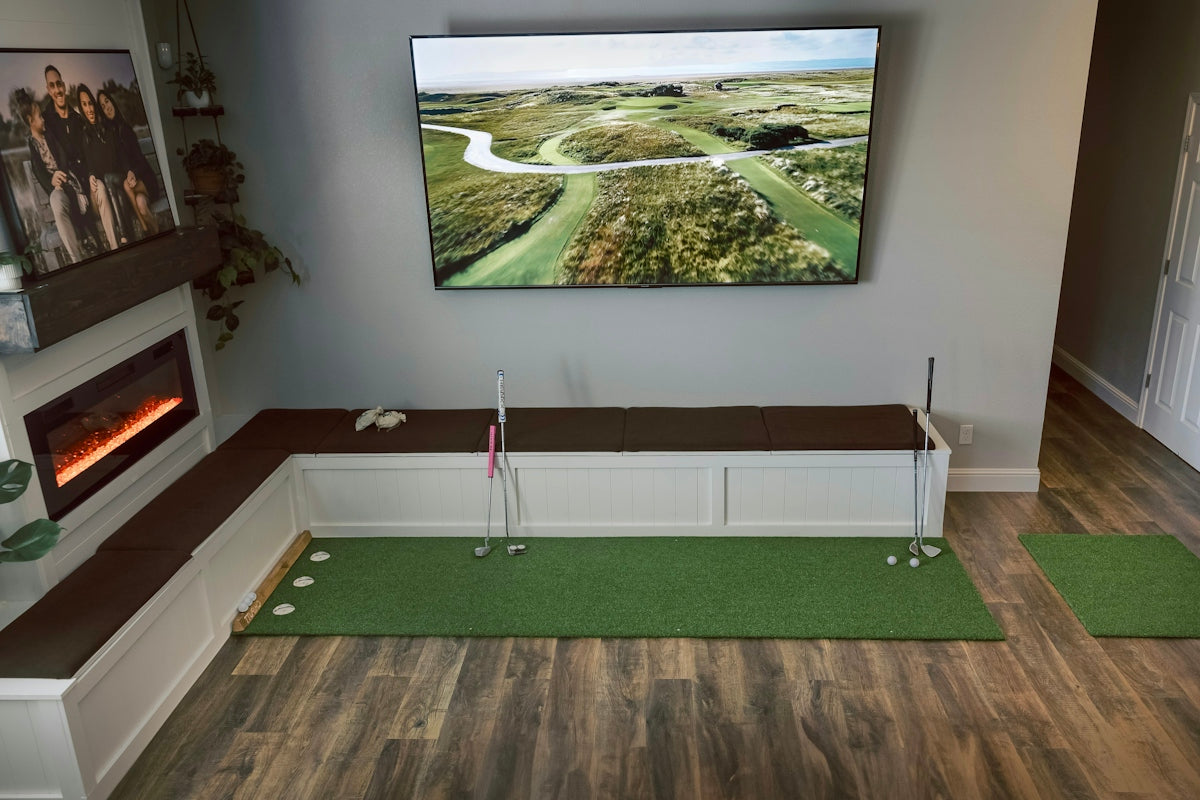
Discover the Ultimate Home Golf Simulator Setup Essentials
In the realm of indoor sports entertainment, a home golf simulator setup stands as a remarkable innovation. Whether you are looking to sharpen your skills during the off-season or enjoy a round of golf from the comfort of your home, creating the ultimate golf simulator setup involves several key components. This guide walks you through the essentials for designing a perfect golf experience right in your living room or basement.
Table of Contents
- Table of Contents
- Understanding the Basics: What is a Home Golf Simulator?
- Selecting the Right Launch Monitor
- Enclosures and Impact Screens
- Tips for Choosing an Enclosure:
- Projector Selection for Crisp, Clear Visuals
- Key Factors in Selecting a Projector:
- High-Quality Hitting Mats
- Considerations for Choosing a Hitting Mat:
- Enhancing Your Setup with Advanced Equipment
- Cameras and Software
- Comprehensive Simulator Packages
- Additional Accessories
- Conclusion
Understanding the Basics: What is a Home Golf Simulator?
A home golf simulator is a technological system that mimics the golf course environment, allowing you to practice your swing, enhance your skills, and enjoy the game anytime, regardless of weather conditions. It comprises various components, including a launch monitor, enclosure, impact screen, projector, and hitting mat. Each part plays a crucial role in delivering an immersive golf experience that can be tailored to your needs.
Selecting the Right Launch Monitor

A launch monitor is the heartbeat of your golf simulator setup. It tracks critical data points such as ball speed, launch angle, and spin rate to analyze your performance. When choosing a launch monitor, consider factors like accuracy, portability, and ease of use.
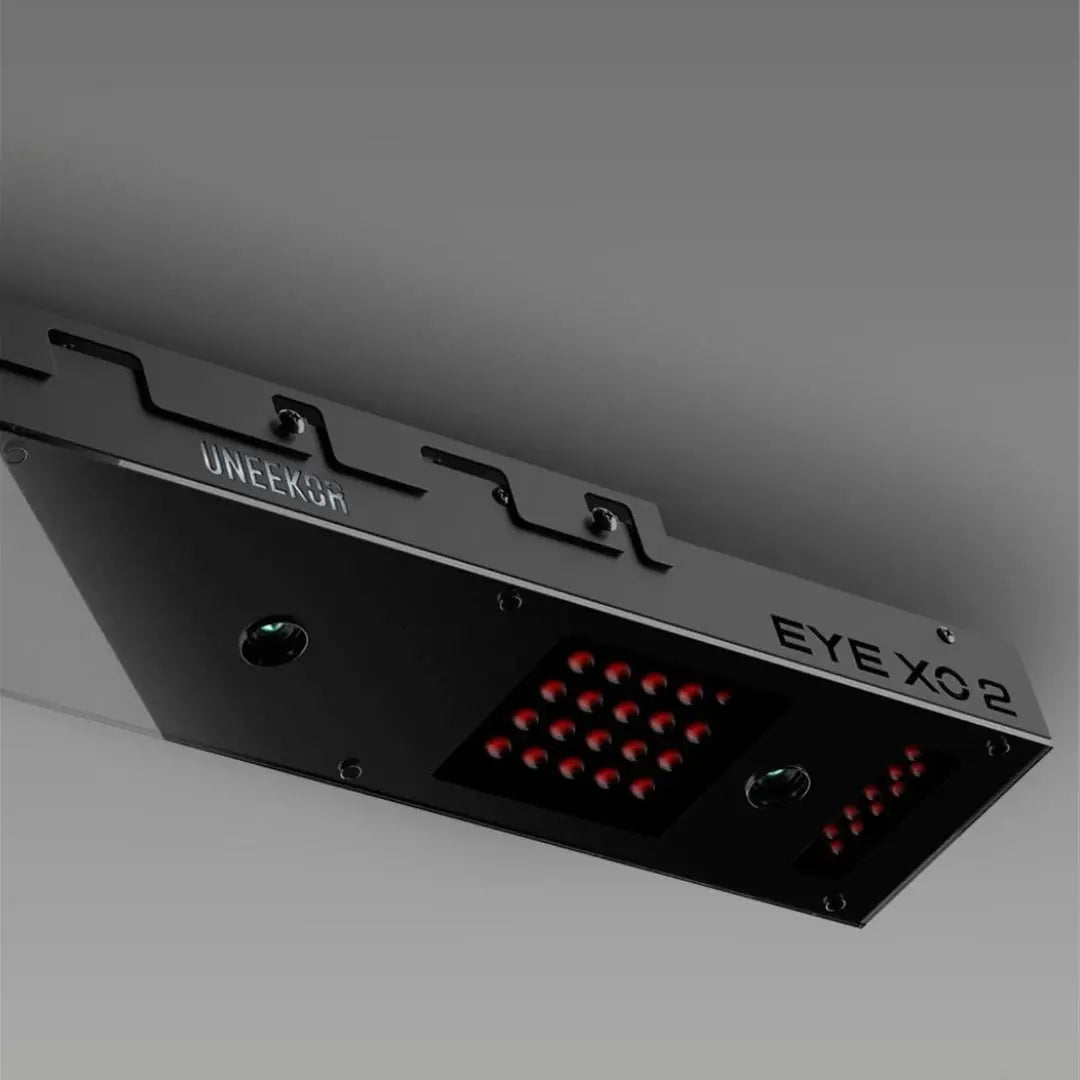
The Apogee Ceiling Mounted Golf Launch Monitor is an excellent choice for enthusiasts who seek precision and seamless integration into their home setup. This ceiling-mounted option provides accurate data without cluttering your space with additional equipment.
Enclosures and Impact Screens
The enclosure and impact screen constitute the skeletal structure of your simulator, creating a virtual environment for gameplay. The impact screen must be durable enough to withstand high-velocity golf balls while providing a clear and vibrant projection of the virtual course.
Tips for Choosing an Enclosure:
- Size and Dimensions: Ensure you have sufficient space in your chosen room to accommodate the simulator without cramping your swing.
- Material Quality: Look for robust materials that manage light effectively and enhance the projected image quality.
- Ease of Assembly: Opt for enclosures designed for straightforward setup and adjustments.
Projector Selection for Crisp, Clear Visuals
The projector is responsible for bringing the on-screen course to vivid life. The ideal projector should offer high resolution and brightness to ensure clear visuals even in a well-lit environment.
Key Factors in Selecting a Projector:
- Resolution: A 1080p or higher resolution is recommended for sharp imagery.
- Brightness: Look for a projector with at least 3000 lumens to combat ambient light.
- Throw Distance: Ensure the projector can cover the screen from an optimal distance without distortion.
High-Quality Hitting Mats

A hitting mat simulates course-like conditions with realistic turf feel and post-shot feedback. The Carl's Place HotShot Golf Mat Base is engineered for durability and performance, providing a stable and realistic surface to practice your swings.
Considerations for Choosing a Hitting Mat:
- Durability: Ensure it withstands repetitive use without significant wear.
- Realism: Seek out a mat that mimics the feel of fairway grass.
- Support: Opt for mats that reduce strain on the wrists and elbows.
Enhancing Your Setup with Advanced Equipment
For those seeking an elevated experience, incorporating advanced technological options can significantly boost your simulator's capabilities.
Cameras and Software

The Uneekor Swing Optix Cameras and Software offer high-speed video capture paired with sophisticated software to provide detailed swing analysis. This system enhances training by allowing you to visually dissect each aspect of your swing.
Comprehensive Simulator Packages

For an all-in-one solution, consider the Uneekor EYE MINI LITE SimSpace Golf Simulator Package, which offers everything you need for a complete simulator experience, minimizing the hassle of purchasing individual components.
Additional Accessories

To maximize your setup, incorporate accessories that maintain organization and accessibility.
- Golf Club Holders: The Carl's Place Classic Golf Club Holder keeps your clubs neatly arranged and within reach, contributing to a clean and professional setup.
- Lighting and Ambiance: Invest in adjustable lighting to enhance visibility and mood during gameplay.
Conclusion
Building the ultimate home golf simulator requires careful selection of each component to ensure that the finished product meets your expectations for realism, precision, and enjoyment. By prioritizing quality equipment like the Apogee Ceiling Mounted Launch Monitor and Uneekor Swing Optix Cameras, you can create a setup that not only caters to recreational needs but also aids serious practice regimens.
Dive deeper and explore these carefully selected products at Elevated Golf Simulators to bring your dream simulator project to life.
Embed the joy of golfing into your everyday life with a home simulator that strikes the right balance between professional-grade features and recreational enjoyment.


Leave a comment
This site is protected by hCaptcha and the hCaptcha Privacy Policy and Terms of Service apply.