
Article: Essential Home Golf Simulator Features: What You Need to Know
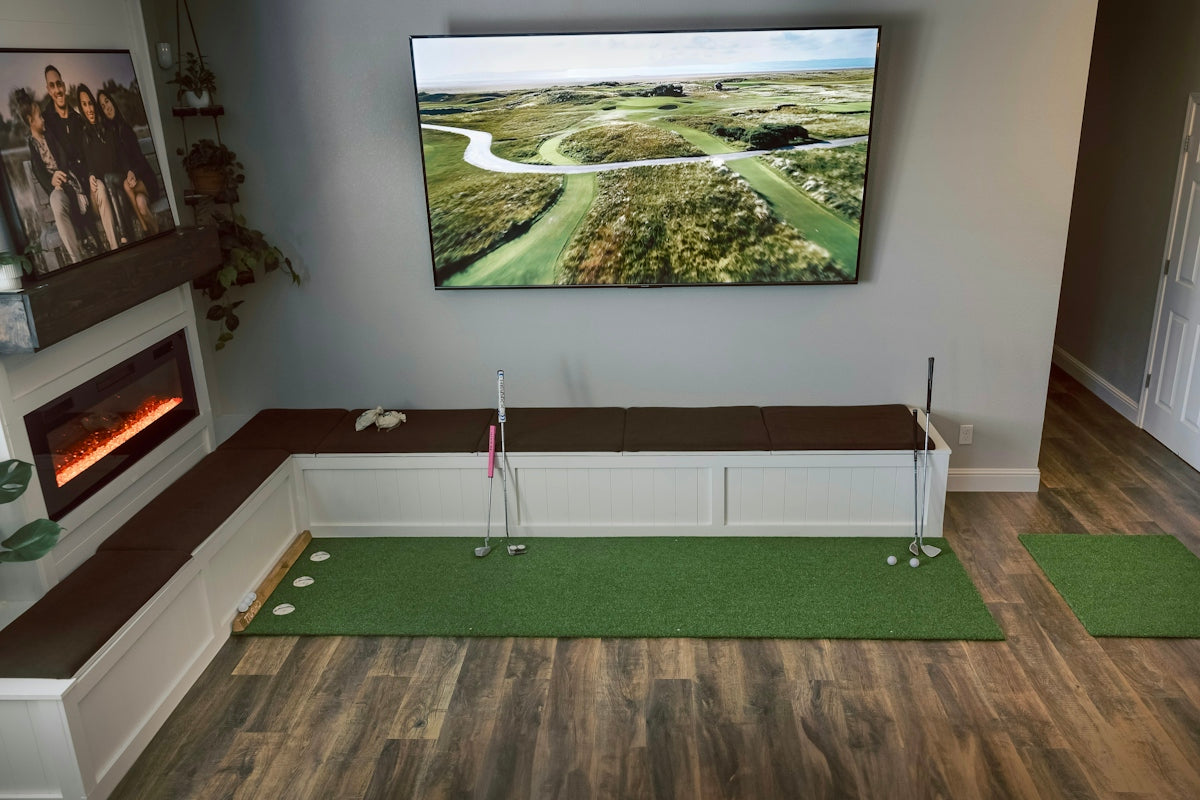
Essential Home Golf Simulator Features: What You Need to Know
In an era where technology continues to redefine the game of golf, the allure of having a home golf simulator has never been more compelling. Whether you’re a serious golfer wanting to practice during the off-season or a casual player looking for entertainment, investing in a home simulator can significantly elevate your golfing experience. This post covers essential home golf simulator features to consider, catering to enthusiasts keen on developing a personal indoor golf setup.
Table of Contents
- Table of Contents
- Understanding Golf Simulators
- Key Components of a Home Golf Simulator
- 1. Launch Monitors
- 2. Projectors and Screens
- 3. Hitting Mats
- 4. Golf Enclosures
- 5. Software
- Enhancing Your Setup
- The Role of Space
- Choosing the Right Equipment
- Advanced Accessories
- Practical Considerations
- Enhancing Your Simulation Experience
Understanding Golf Simulators
At its core, a golf simulator lets you play and practice golf indoors by recreating the conditions of actual golf courses. A simulator requires several key components to work effectively: a launch monitor, impact screen, projector, software, and hitting mat. Let's delve into these components to improve your understanding and guide you in making informed decisions.
Key Components of a Home Golf Simulator
1. Launch Monitors

The heart of any golf simulator, launch monitors provide the data necessary to analyze your swing. They capture critical data points, including ball speed, launch angle, spin rate, and more, enabling precise analysis. Consider investing in a high-quality launch monitor such as the Foresight Sports GCHawk SIG10 Golf Simulator or the Uneekor EYE Mini SIG10 Golf Simulator Package, both of which offer advanced tracking technology and excellent accuracy for your home setup.
2. Projectors and Screens
An immersive visual experience is vital for a realistic golf simulation. Invest in a high-definition projector to display vibrant, crisp images. Pair this with a quality impact screen that can withstand the force of your most powerful drives without compromising clarity.
3. Hitting Mats

A durable and realistic hitting mat is crucial as it mimics a natural fairway feel while protecting your clubs and floors. The SimSpace Standard Turf Golf Hitting Mat offers an authentic surface that ensures a realistic swing experience, making it a desirable option for any home setup. If you want to delve deeper into this topic, read Hitting Mats for Simulators: Features to Look for Before Buying.
4. Golf Enclosures
Protect your surroundings with a sturdy golf enclosure. It not only ensures safety by containing stray balls but also enhances the simulator's aesthetics. Make sure your enclosure is spacious enough to accommodate your swing comfortably.
5. Software
Simulator software determines the courses, play modes, and data analysis available to you. Good software provides numerous courses and practice options and offers comprehensive swing analytics. Select software that is compatible with your monitor and complements your practice needs for a holistic experience.
Enhancing Your Setup
The Role of Space
Before purchasing, decide where you’ll set up your simulator. Ensure you have ample room to accommodate a full swing and comfortably house all equipment. Factor in ceiling height, especially for taller players, to prevent any unexpected mishaps.
Choosing the Right Equipment
Make selections to match your needs, focusing on quality and features that align with your skill level and improvement goals. For an informative guide on selecting the best equipment, visit our article Enhance Indoor Golfing: Selecting the Best Golf Simulator Equipment.
Advanced Accessories

Consider augmenting your simulator experience with advanced accessories. The TouchScreen Guru 43” UHD 4K Touch Screen Monitor allows for a deeper interactive experience, providing incredible detail and ease of access to various simulation features. Additionally, a quality rangefinder like the Bushnell Tour V6 Rangefinder can be an excellent tool for both indoor simulation practice and outdoor play, offering accuracy and convenience at an arm's reach.
Practical Considerations
- Budget: Be realistic about what you’re willing to spend. It’s possible to build a quality simulator within a diverse range of budgets by prioritizing key features.
- Installation: Decide whether you’ll set it up yourself or hire a professional. DIY setups can save money, but professional installations minimize setup errors and often come with maintenance assurances.
- Maintenance and Support: Regular checks and maintenance will prolong the life of your equipment. Invest in products that come with strong support and warranty options.
Enhancing Your Simulation Experience
For a comprehensive understanding of maximizing your indoor golfing experience, our blog post Maximize Your Golf Experience At Home with a Simulator is an essential read. It offers insights and tips to get the most out of your golf simulator setup.
In conclusion, while setting up a home golf simulator requires careful consideration and investment, the rewards it offers in terms of skill development and entertainment are significant. By focusing on key components like launch monitors, screens, excellent software, and supportive accessories, you’re well on your way to having a premium indoor golfing experience. Visit our website to explore a curated range of products tailored to help you build the perfect home setup.

Leave a comment
This site is protected by hCaptcha and the hCaptcha Privacy Policy and Terms of Service apply.