
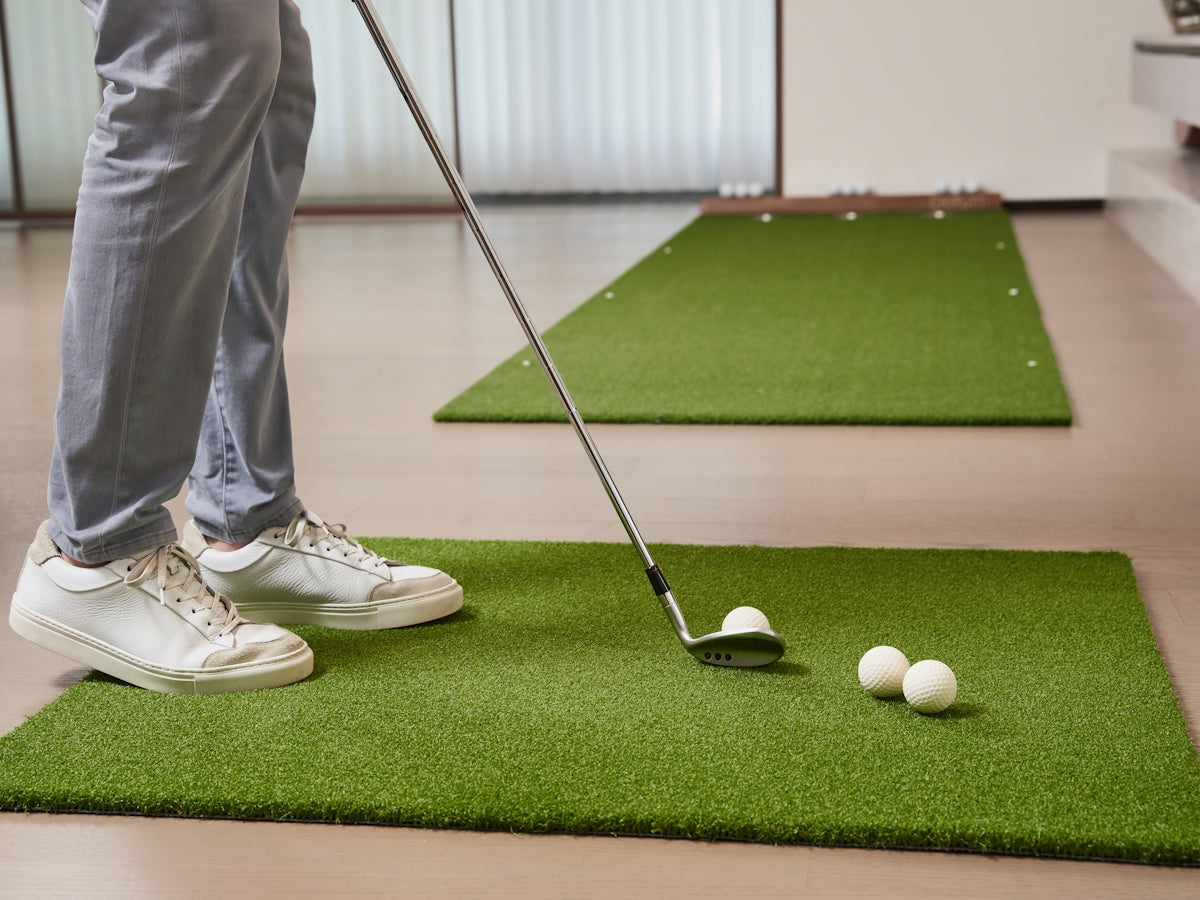
Essential Tips for Integrating Golf Simulators Putting Greens and Launch Monitors Like Rapsodo into Your Indoor Golf Setup
Turning your indoor golf setup into a pro-level experience involves integrating the right equipment cohesively. From golf simulators and launch monitors to putting greens, each element has its part to play in enhancing your practice sessions. Here, we'll discuss some key tips on effectively incorporating these components, including useful products like Big Moss Competitor 312 Pro Putting Green 3 Cups, and improving your indoor golf game.
1. Choose the Right Golf Simulator
Golf simulators are the cornerstone of any high-quality indoor golf setup. They allow you to experience realistic courses and hone your skills no matter what the weather is like outside. When selecting a golf simulator, consider aspects like accuracy, available courses, ease of use, and compatibility with other devices.
Additionally, pay attention to your golf simulator projectors. A high-definition projector can enhance your visual experience, providing more realistic graphics and making practice sessions more enjoyable.
2. Invest in a Quality Putting Green
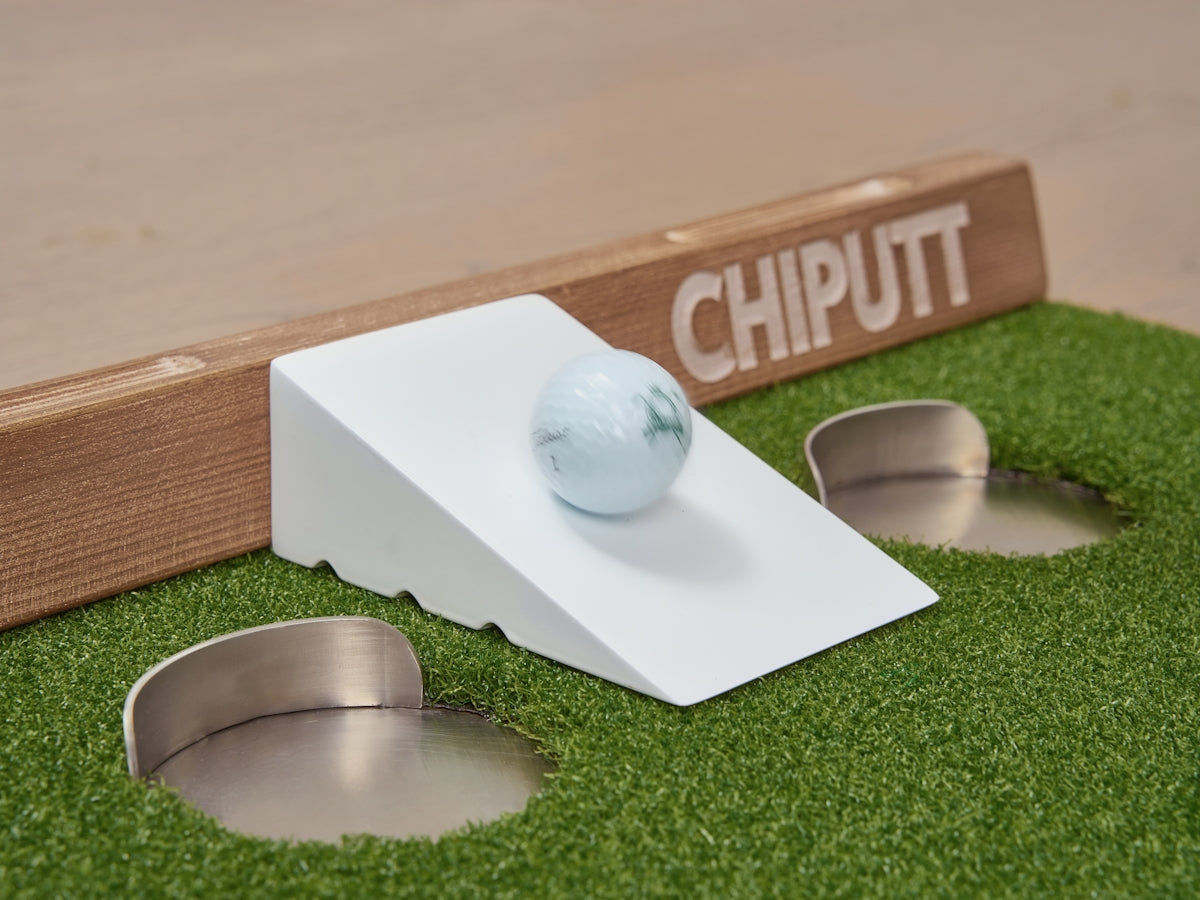
A putting green is essential for practicing those all-important short game skills. The Big Moss Competitor 312 Pro Putting Green 3 Cups is an excellent option. It comes with three different cup sizes, allowing players to focus on building confidence and aiming ability. Pro golfers often practice with progressively smaller holes to maintain focus and improve mental sharpness.
3. Utilize Launch Monitors Effectively
Integrating a launch monitor, such as Rapsodo, into your setup can offer valuable data on your swing, from speed to trajectory and spin rates. This information is crucial for analyzing and improving your game. When setting up your launch monitor, ensure there's adequate light and enough space to capture all necessary data accurately.
4. Harmonize All Components
A cohesive setup requires all elements to work smoothly together. Ensure your launch monitor integrates with your golf simulator software, supports all necessary peripherals, and aligns with your putting green for seamless transitions between tools and practice sessions.
Harmonizing your equipment setup promotes an environment conducive to consistent improvement and makes transitioning from practice to the course much smoother.
Conclusion
By carefully selecting and integrating each piece of equipment, from the golf simulator and launch monitors like Rapsodo to putting greens, you can create a top-notch indoor golf environment. Whether you're a seasoned player aiming for precision or a beginner looking to improve, these components will help you step up your game.
Explore these products and more to enhance your setup at Elevated Golf Simulators.

Leave a comment
This site is protected by hCaptcha and the hCaptcha Privacy Policy and Terms of Service apply.