

SkyTrak+ vs Uneekor EYE Mini Lite: Which Launch Monitor Wins
The Contenders: A Tale of Two Technologies
Welcome back to the 'Starting 5' comparison series. If you've been hunting for the best golf launch monitors to anchor your home setup, you've likely hit a fork in the road. On one side, you have the SkyTrak+, the evolution of the unit that practically invented the consumer launch monitor category. On the other, the Uneekor EYE Mini Lite, the "little brother" with big-league aspirations and professional-grade DNA.
Choosing between these two is like choosing between a reliable luxury SUV and a stripped-down rally car. Both will get you to the finish line, but the experience along the way is fundamentally different. Whether you are building a golf simulator for your garage or a dedicated indoor studio, the "value" play isn't just about the sticker price: it's about how the technology fits your game.
Let's dive into the data, the dirt, and the stickers to see which unit earns the spot in your bag.
How They Work: Technology Under the Hood
Before we talk about spin rates and smash factors, we need to look at what's happening under the hood. These two units represent two very different philosophies in golf tracking technology.
The SkyTrak+ Portable Golf Launch Monitor
The SkyTrak+ Portable Golf Launch Monitor is a hybrid beast. It uses a combination of high-speed photometric (camera) technology and dual Doppler radar. Why both? The cameras handle the ball data (launch angle, spin, speed), while the radar focuses on the club data (club path, face angle).
Priced around $2,995, it is designed to be the ultimate "plug-and-play" solution. It's portable, works wirelessly, and doesn't require you to modify your golf balls or clubs in any way.
The Uneekor EYE Mini Lite Launch Monitor
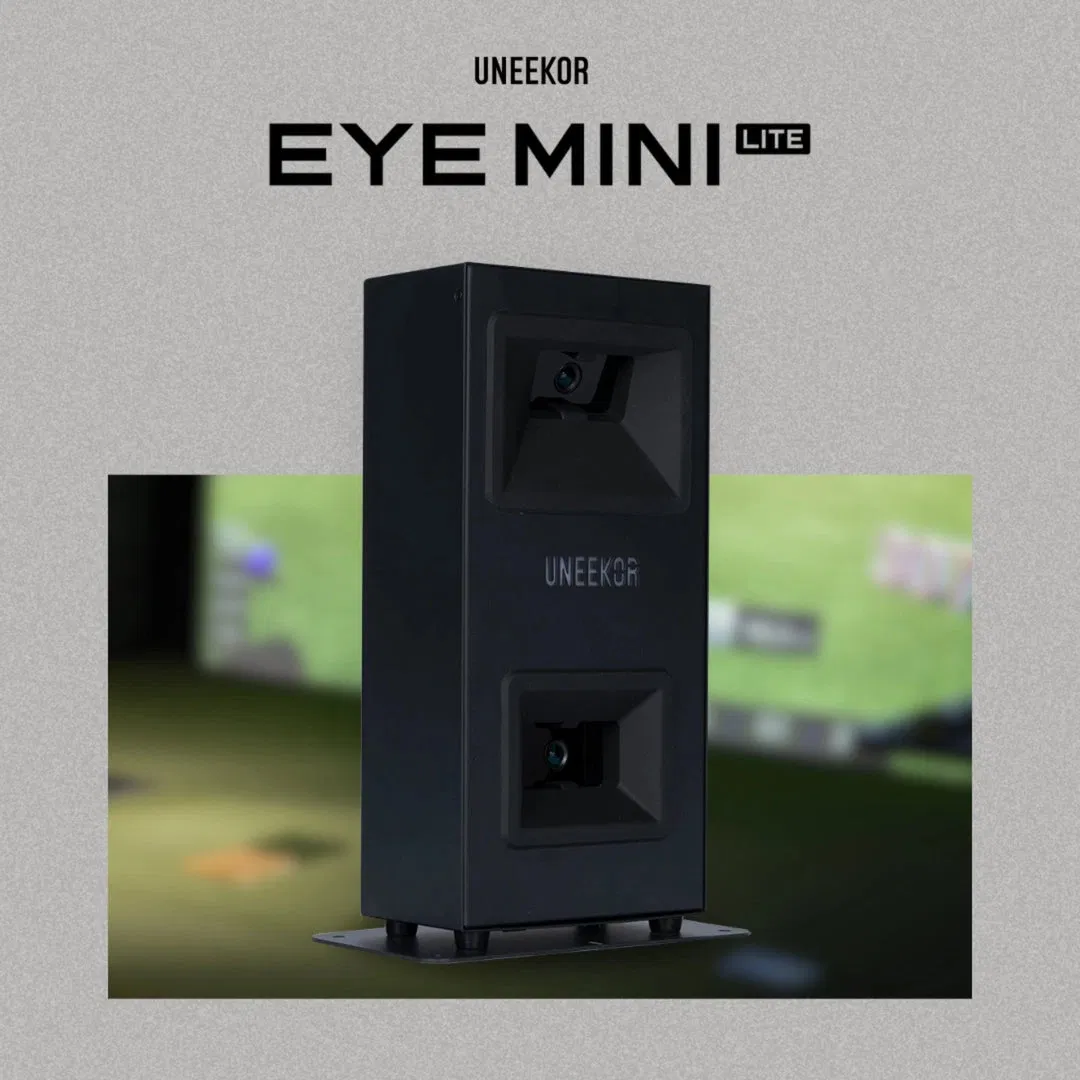
The Uneekor EYE Mini Lite Launch Monitor is the precision instrument of the pair. It relies on Uneekor's proven dual high-speed infrared camera system. Unlike the standard Eye Mini, the "Lite" version is designed specifically for indoor use, meaning it ditches the internal battery and the onboard screen to bring the price down to a very aggressive $2,200 - $2,750 range.
It is a tethered unit: meaning it needs a PC to run. But what it lacks in portability, it makes up for in raw processing speed and accuracy.
Accuracy and Data: The Sticker Question
When we talk about the best indoor golf simulators, data is king. If the machine is guessing, you aren't improving.
SkyTrak+: No Stickers, More Estimation
The SkyTrak+ offers a "no-fuss" experience. You set it down, align it, and swing. Because it uses radar to supplement its cameras, it can estimate club data without any markers. For the casual golfer who wants to jump in and play a quick 9 holes, this is a massive win. However, it's worth noting that "no stickers" usually means more "algorithmic estimation."
Uneekor EYE Mini Lite: Stickers for Precision
The Uneekor EYE Mini Lite, conversely, is all about direct measurement. To get club data (like club path and face-to-path), you have to apply small reflective stickers to your clubface.
Is it a pain? A little bit. Is it worth it? Absolutely. By using stickers, the EML isn't guessing where your clubface is; it is seeing it move at thousands of frames per second. This results in some of the most consistent club data in the sub-$5,000 category. If you are a serious student of the game, those stickers are a badge of honor, not a chore.
Quick Comparison
| Feature | SkyTrak+ | Uneekor EYE Mini Lite |
|---|---|---|
| Technology | Photometric + Radar | Dual High-Speed IR Cameras |
| Club Data | Estimated (No stickers) | Measured (Requires stickers) |
| Putting | Improved, but sensitive | Excellent/Professional Grade |
| Shot Delay | 1-2 Seconds | Near Instant (<0.5s) |
The "Shot-to-Show" Experience
This is where the rubber meets the road: or rather, the ball meets the screen.
The original SkyTrak was famous (or infamous) for its "SkyTrak Delay." You'd hit the ball, look at the screen, wait for a beat, and then see the flight. The SkyTrak+ has significantly improved this, but there is still a noticeable pause.
The Uneekor EYE Mini Lite is, quite frankly, lightning fast. Because it is hardwired via Ethernet to your PC, the data transfer is instantaneous. The moment your ball hits the impact screen, the digital version is already taking flight. If you find yourself getting annoyed by delays, the Uneekor will keep your rhythm intact.
Connectivity and Software: Choosing Your Setup's Brain
If you're building a golf simulator for your garage, you need to think about your setup's "brain."
SkyTrak+: Flexible and Device-Agnostic
The SkyTrak+ is incredibly flexible. It can connect via its own built-in WiFi hotspot, your home network, or a USB cable. It works seamlessly with iPads and PCs alike. This makes it one of the best golf launch monitors for people who don't want to dedicate a high-end gaming PC to their simulator. You can run the SkyTrak software on a modern iPad and have a blast.
Uneekor EYE Mini Lite: PC-Powered Precision
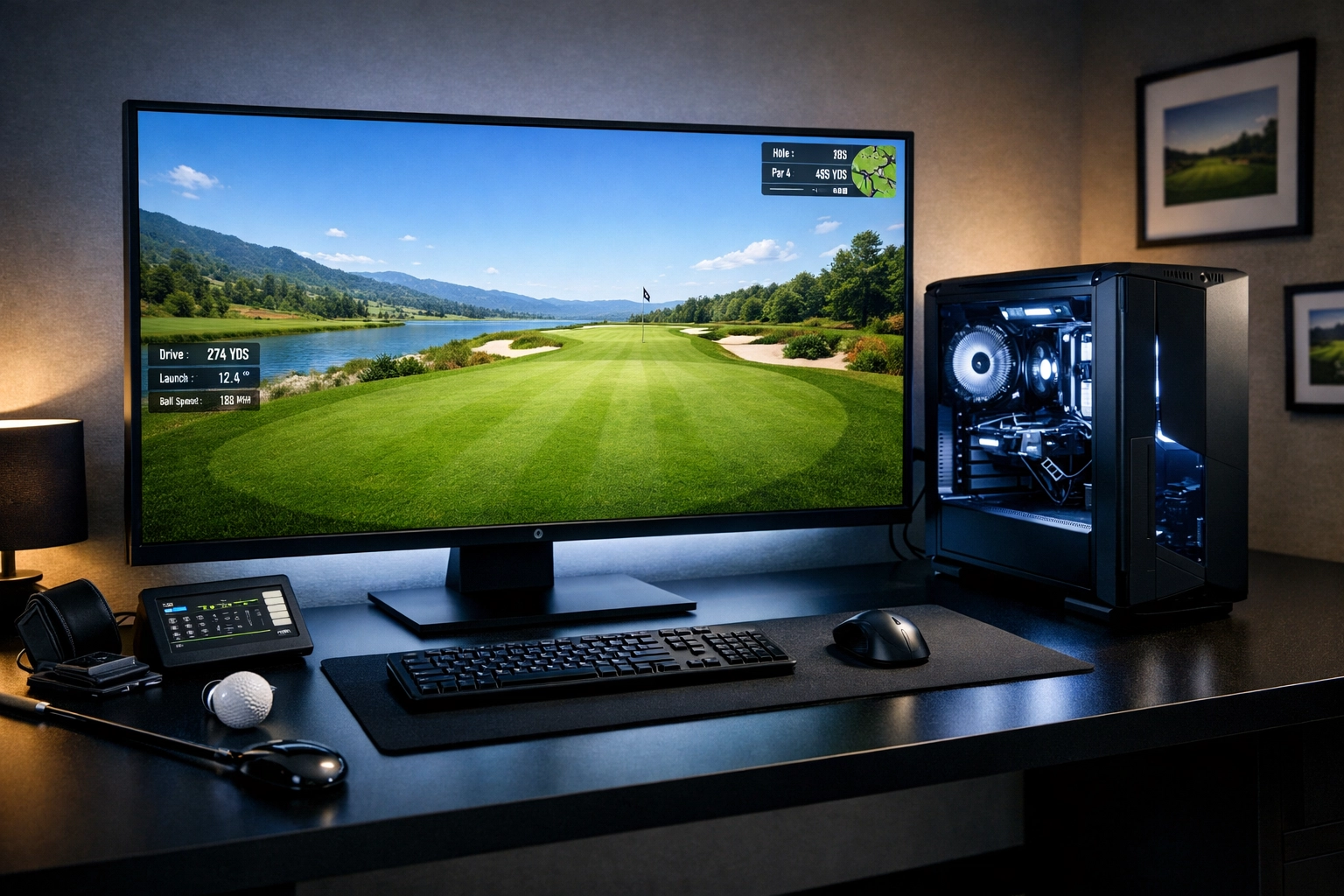
The EYE Mini Lite is an "all-in" PC device. It requires a permanent Ethernet connection to a computer. However, that connection unlocks Uneekor's ecosystem, including the View software, which offers some of the best swing-path visualizations in the industry.
Perhaps more importantly, Uneekor has a very friendly relationship with GSPro, the gold standard of simulation software. While SkyTrak+ supports third-party software, Uneekor's integration feels native and robust. If you want to play 4K rounds on the world's most famous courses, the EML + GSPro combo is hard to beat.
Curious about software costs? Check out our Golf Simulation Software Comparison for a full breakdown.
Indoor vs. Outdoor: Where Will You Play?
This is the easiest deciding factor:
- Do you want to take your launch monitor to the driving range? Buy the SkyTrak+. It has an internal battery and wireless capability. It's designed to move.
- Is your unit never leaving your garage or basement? Buy the Uneekor EYE Mini Lite. Since it doesn't have a battery and requires a PC, it isn't portable. But for a permanent indoor setup, those "limitations" actually lead to a more stable, faster experience.
If you are just starting your journey, we highly recommend reading our Ultimate Guide to Building a Golf Simulator in Your Garage.
Total Cost of Ownership
Price tags can be deceiving. Let's look at the long-term investment.
- SkyTrak+: You're looking at $2,995 upfront. To unlock simulation and advanced features, you'll need the Play & Improve plan, which typically runs around $249/year.
- EYE Mini Lite: With a lower entry price (often starting around $2,200), it looks cheaper. However, you need a solid PC to run it. You'll also want to factor in the Uneekor Pro Package ($199/year) if you want to use third-party software like GSPro.
In the end, the price difference is marginal. You aren't choosing based on $200; you're choosing based on how you want to use the device.
Final Verdict: Which One Should You Buy?
At Elevated Golf Simulators, we believe both of these units are home runs for the right person.
Choose the SkyTrak+ if:
- You want portability and the ability to go from the garage to the range.
- You want to avoid using stickers on your clubheads.
- You prefer using an iPad instead of a heavy-duty PC.
- You want a trusted, established ecosystem that just works.
Choose the Uneekor EYE Mini Lite if:
- You are building a permanent indoor simulator.
- You crave instant feedback with zero shot delay.
- You want professional-grade accuracy and don't mind the "sticker" requirement.
- You plan on running GSPro as your primary simulation software.
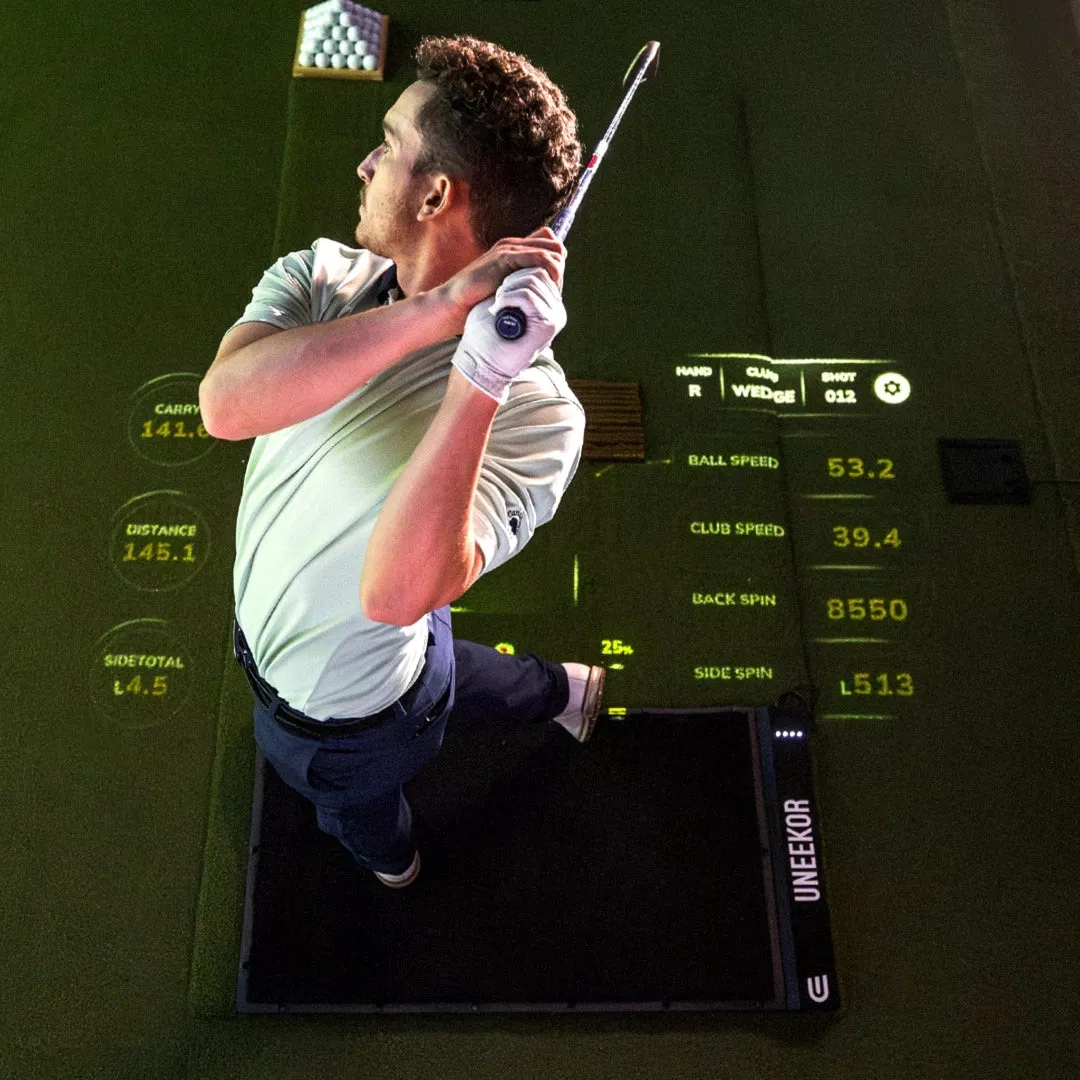
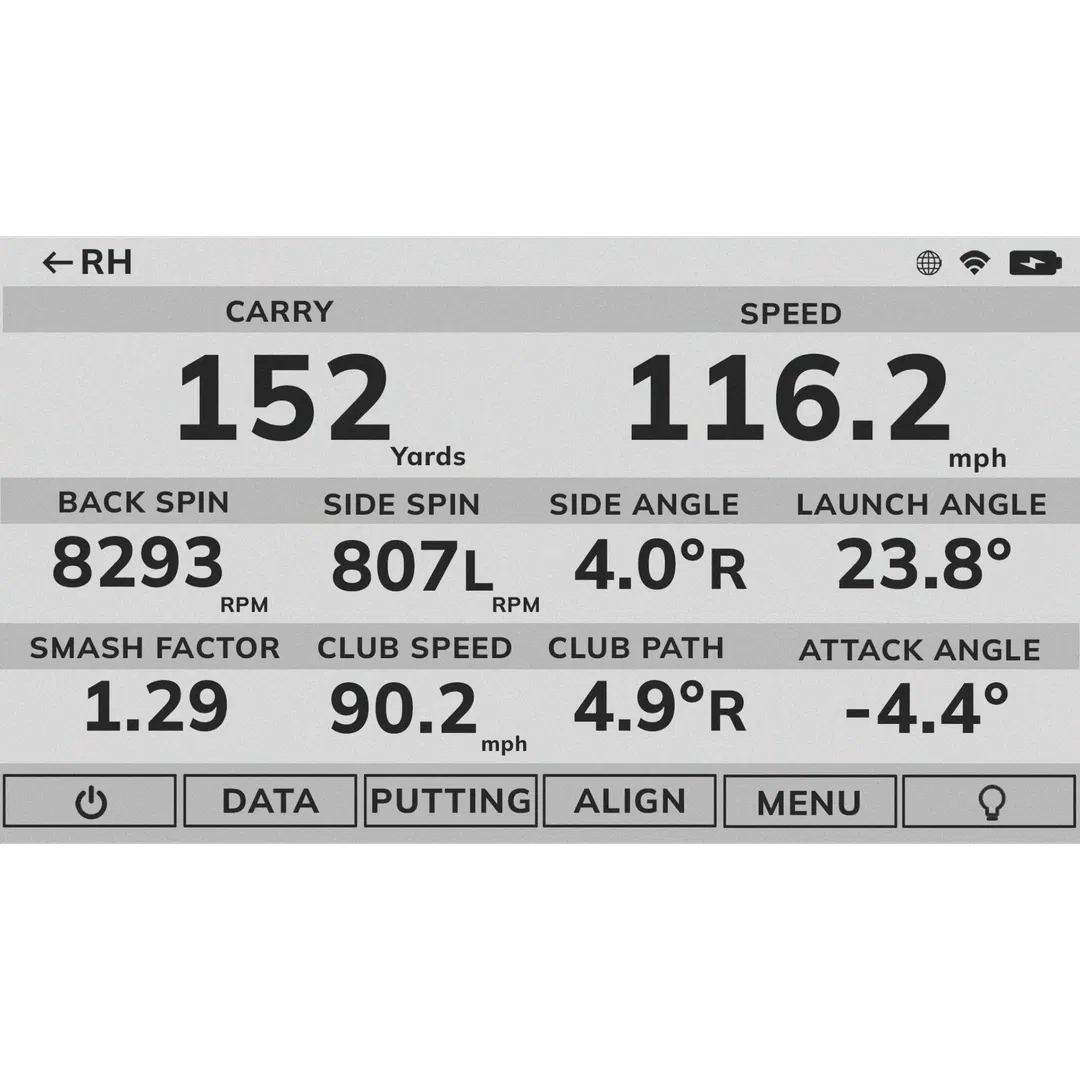
Both units will fundamentally change how you practice. Instead of hitting balls into a net and guessing, you'll be looking at your smash factor, spin axis, and angle of attack.
Still not sure? If you're building a full "turnkey" setup, check out our guide on Why it's Essential to Invest in Quality Products to ensure your mat, screen, and projector are as high-quality as your new launch monitor.
Ready to Level Up?
- Shop the Uneekor EYE Mini Lite
- Shop the SkyTrak+ Portable
Need more help? Reach out to the Elevated Golf Simulators Support Line. We're here to help you build the rig of your dreams.


Leave a comment
This site is protected by hCaptcha and the hCaptcha Privacy Policy and Terms of Service apply.